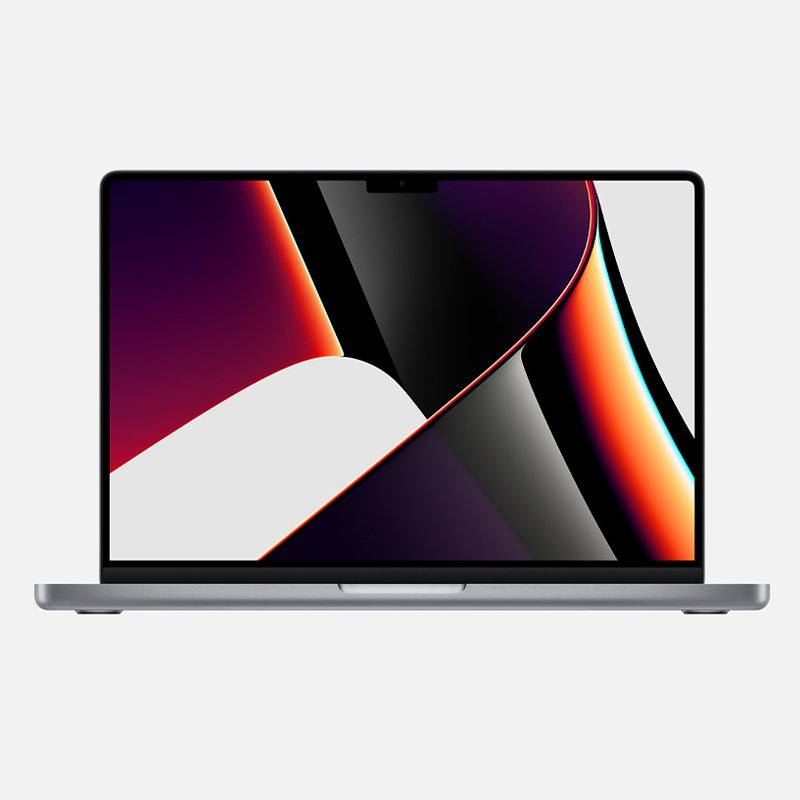
1. **Unboxing and Inspection**: Begin by carefully unboxing the Apple MacBook Pro 16-inch (2021) with the M1 Pro Chip 16GB 512GB 16-core GPU. Inspect the laptop for any physical damage or defects, ensuring that all accessories, including the charging cable and adapter, are present and accounted for.
2. **Initial Setup**: Open the MacBook Pro and press the power button to turn it on. Follow the on-screen prompts to set up your preferred language, region, and keyboard layout. Connect to a Wi-Fi network and sign in with your Apple ID or create a new one if necessary.
3. **Exploring Features**: Take some time to explore the features and capabilities of the MacBook Pro. Familiarize yourself with the Touch Bar, Touch ID, and Force Touch trackpad. Experiment with gestures, such as swiping between desktops and using Mission Control, to navigate the macOS operating system efficiently.
4. **Customization and Optimization**: Customize the settings of the MacBook Pro to suit your preferences and workflow. Adjust display settings, keyboard shortcuts, and trackpad sensitivity as needed. Install any necessary software or applications from the App Store or third-party sources to enhance productivity and entertainment.
5. **Performance Testing**: Test the performance of the MacBook Pro by running demanding tasks or applications, such as video editing or graphic design software, to gauge its speed and efficiency. Monitor the temperature and fan noise to ensure that the laptop remains cool and quiet under heavy workloads, thanks to the power-efficient M1 Pro Chip and 16-core GPU.
Xiaomi M2459B1 Smart Band 10 Mystic Rose
YH 31 PS4 2 in 1 Charging Heat Sink
Max Cm2208 Bt Mixer
Cleo-EL Pocket Action Camera 4k 360 NGB 685
Sony Ps 4 Mdievil CD
Biba Flute Deluxe
OMNIKEY 3121 CARD READER
Boya Larger Diaphragm Condenser Microphone By M1000
SONY PS4 Final Fantasy XII GAME CD
New Arrivals
Offers
Service & Repair


There are no reviews yet.