
 New Arrivals
 Offers
 Service & Repair

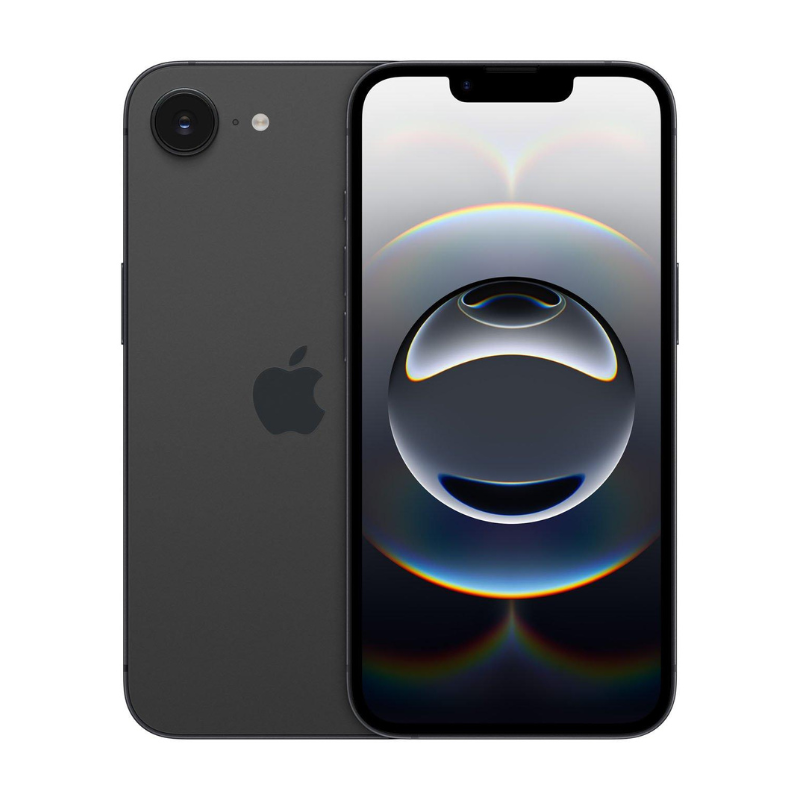
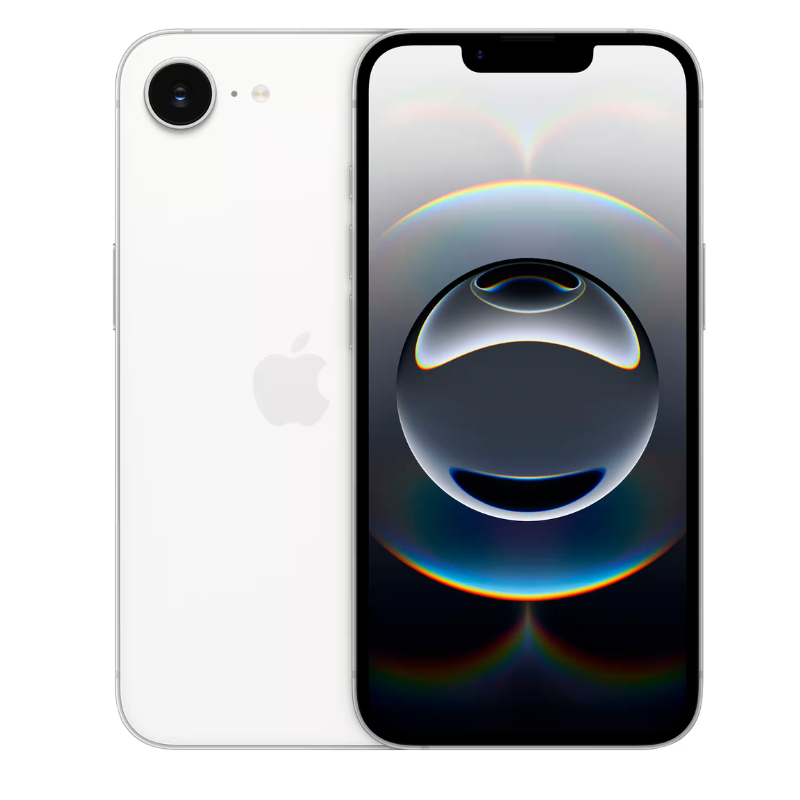
APPLE IPHONE 16E 128GB 5G
SKU:
Out of stock
| Feature | Specification |
|---|---|
| Model | iPhone 16e |
| Storage | 128GB |
| Processor | Apple A18 |
| Camera (Selfie) | 12 MP |
| Camera (Rear) | 48 MP |
| Battery | 4005 mAh |
| Display | 6.1 inches |
| 5G | Yes |
Today, users want a smartphone that can handle everything smoothly. From social media and gaming to work meetings and photography, people expect a phone that feels fast, reliable, and comfortable every day. The iPhone 16E price in Oman interests buyers because it may offer many Apple advantages while staying more affordable than premium Pro Max models.
At Cleopatra Web, customers across Oman can explore smartphones, tablets, gaming products, laptops, and electronics with trusted service, competitive pricing, and fast delivery.
Why the iPhone 16E Price in Oman Attracts Attention
Apple devices remain highly popular because users trust the Apple experience.
Many people searching for the iPhone 16E price in Oman want:
- Smooth performance
- Good cameras
- Reliable battery life
- Long software support
- Premium Apple quality
without paying extremely high flagship prices.
This category appeals strongly to users who want balance instead of maximum specifications.
How the iPhone 16E Fits Daily Smartphone Usage
Modern smartphone users spend many hours daily using their devices.
The iPhone 16E is expected to support:
- Social media
- Photography
- Video streaming
- Online shopping
- Messaging
- Gaming
- Productivity apps
comfortably during everyday usage.
Smooth App Experience
Apple devices are known for software optimization.
Apps usually open quickly and feel responsive because Apple controls both hardware and software.
Comfortable Daily Performance
Many users prefer phones that feel stable during long-term use instead of devices that slow down quickly after a short period.
Design Expectations Behind the iPhone 16E Price in Oman
Design matters greatly for smartphone users today.
The iPhone 16E is expected to focus on:
- Comfortable hand feel
- Elegant appearance
- Lightweight design
- Modern Apple styling
Many users appreciate phones that feel premium without becoming too bulky.
There are no reviews yet.