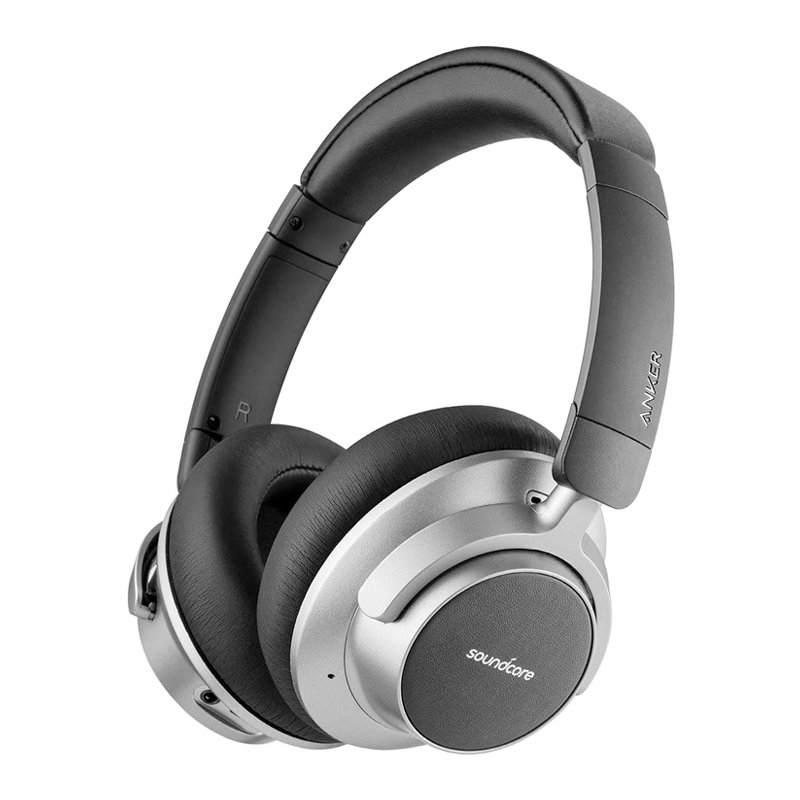
1. **Unboxing**: Carefully open the packaging of the Anker Space NC Wireless Headset A3021 and remove all contents.
2. **Inspect Contents**: Ensure that all components listed in the user manual are included. This typically includes the wireless headset, charging cable, auxiliary cable, carrying pouch, and user manual.
3. **Charging**: If the headset needs to be charged, connect the provided USB charging cable to the headset and a power source such as a computer or USB wall adapter. Allow the headset to charge until the battery is full, as indicated by LED lights or in the user manual.
4. **Power On**: Press and hold the power button on the headset to turn it on. Wait for the LED indicator to confirm that the headset is powered on and in pairing mode.
5. **Pairing**: Activate Bluetooth on your device (phone, tablet, computer, etc.) and search for available Bluetooth devices. Select “Anker Space NC” from the list of available devices to pair the headset with your device.
6. **Adjustment**: Adjust the headband and ear cups for a comfortable fit. The headband should rest securely on your head, and the ear cups should cover your ears fully.
7. **Playback Control**: Utilize the onboard controls on the headset to manage audio playback. These controls typically include buttons for adjusting volume, playing/pausing music, skipping tracks, and answering/ending calls, depending on the device’s features.
8. **Active Noise Cancellation (ANC)**: If your Anker Space NC headset features active noise cancellation, toggle the ANC switch to activate or deactivate this feature. ANC helps reduce external noise for a more immersive listening experience.
9. **Wired Connection (Optional)**: If you prefer a wired connection, use the provided auxiliary cable to connect the headset to your device’s audio output jack.
10. **Adjust Settings (Optional)**: Explore any additional features or settings available on the headset, such as EQ presets or ANC modes, to customize your listening experience.
11. **Maintenance**: Keep your Anker Space NC Wireless Headset clean by wiping it with a soft, dry cloth as needed. Avoid exposing it to moisture or extreme temperatures to prolong its lifespan.
By following these steps, you can effectively set up and use the Anker Space NC Wireless Headset A3021 for an enjoyable audio experience.
Boya By Wm8 Pro K2 Uhf Dual Channel Wireless Microphone
Saachi 7 In 1 Multi Snack Maker NL 7M1542
Sony PS4 Spider Man Game CD
YH 25 PS4 Multifunctional Heat Dissipation Charging Bracket
USAMS Iphone 11 Pro Metal Camera Lens Glass Film
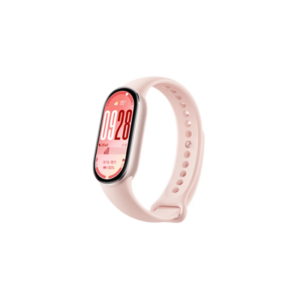
Xiaomi M2459B1 Smart Band 10 Mystic Rose
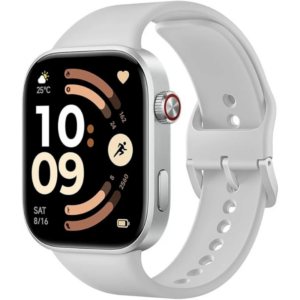
Redmi M2523 Smart Watch 6 Silver Gray
OMNIKEY 3121 CARD READER
Mega Cs 40T 10W Celiling Speaker
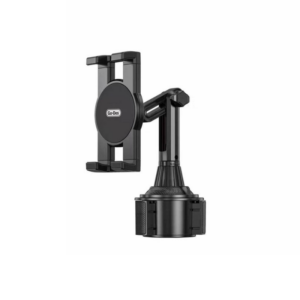
Go-des GD HD313 Car Cup Tablet Holder
Welly Metal Car Chevrolet Corvette Z06 Size 1.24 WL-24120W
Used Nokia E61i
Blue Fire Hydroclean Oral Irrigator And Toothbrush BF-10
XBOX ONE TOM CLANCY'S THE DIVISON 2 GAME CD
Go-des Gd Hd-704 Magnetic Car Holder
SANDISK ULTRA 64GB 150MB/s USB TYPE-C FLASH DRIVE
Dadd 50ai02 50mm Guitar Strap
Bm 13k Bee Melodica
New Arrivals
Offers
Service & Repair


There are no reviews yet.