
-
×
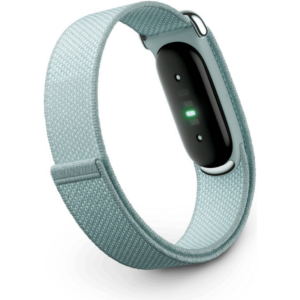 Google Fitbit Air Screen less Fitness & Health Tracking Band Fog
1 × 51.900 OMR
-
×
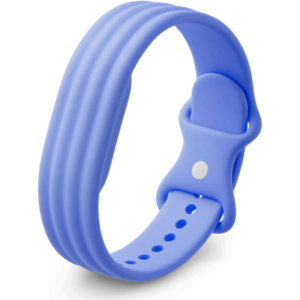 Google Fitbit Air Active Band Lavender Silicon Strap
1 × 20.900 OMR
-
×
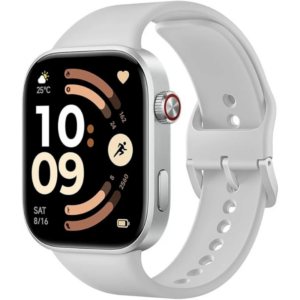 Redmi M2523 Smart Watch 6 Silver Gray
1 × 34.900 OMR
-
×
 SONY PS4 Rocket Arena Game CD
1 × 16.800 OMR
-
×
 Boya Larger Diaphragm Condenser Microphone By M1000
1 × 38.800 OMR
-
×
 Welly Metal Car Jeep Jeepster Commando Station Wagon Size 1.24 WL-24117H-W
1 × 12.900 OMR
-
×
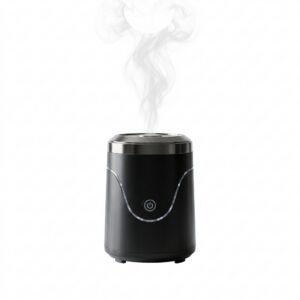 Cleo-EL Portable Electronic Bakhoor BQ-19
1 × 3.900 OMR
-
×
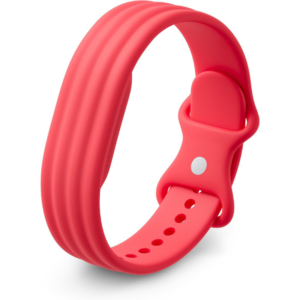 Google Fitbit Air Active Band Berry Silicon Strap
1 × 20.900 OMR
-
×
 NECK AND BACK 3D FOAM CAR PILLOW
1 × 3.800 OMR
-
×
 Lavalier Microphone Lj02
1 × 1.800 OMR
-
×
 Candc DC C9 Cardioid Microphone
1 × 3.500 OMR
-
×
 WRIST WATCH CK 102S BLOOD PRESSURE MONITOR
1 × 12.800 OMR
Subtotal: 222.900 OMR
 New Arrivals
 Offers
 Service & Repair


There are no reviews yet.