
 New Arrivals
 Offers
 Service & Repair

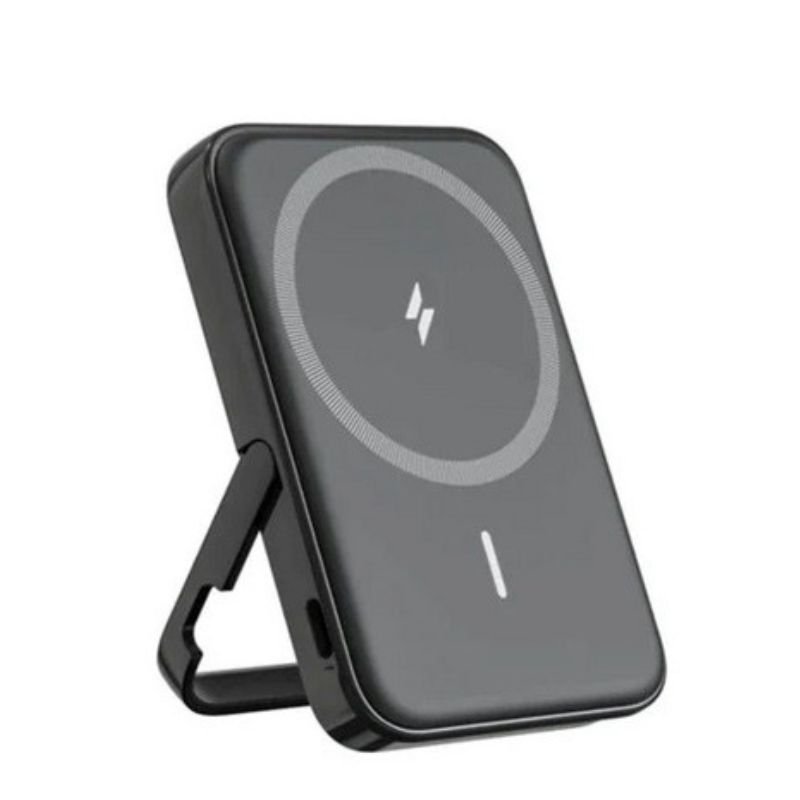
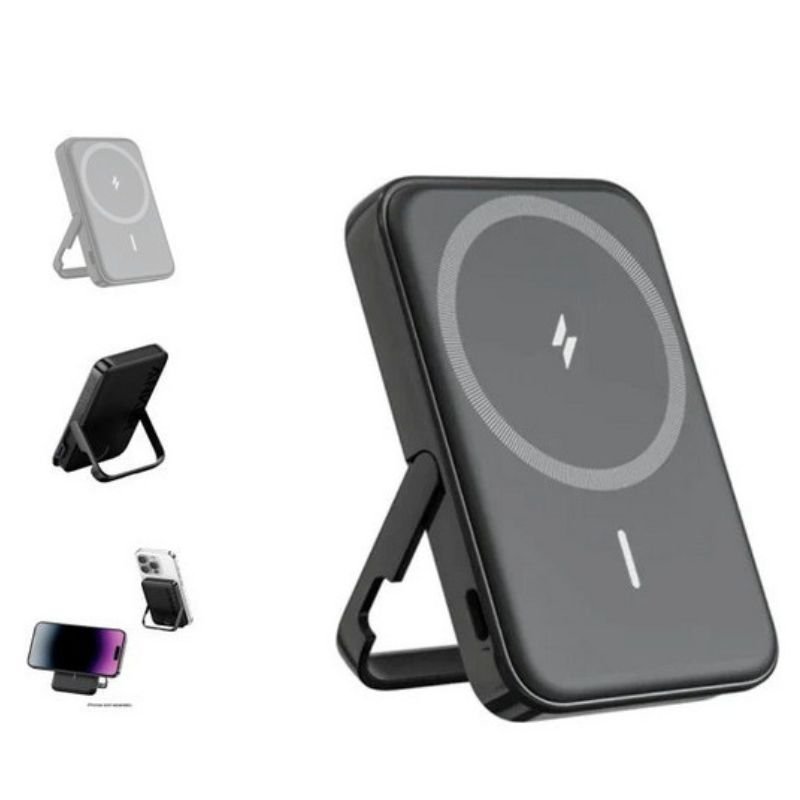
ANKER A1618H11 MagGO 5000mah 7.5W Stand Powerbank
SKU: ANKER A1618H11 MagGO 5000mah 7.5W Stand Powerbank
In stock
The ANKER A1618H11 MagGO 5000mAh 7.5W Stand Powerbank combines the convenience of a portable charger with the functionality of a stand. With its 5000mAh capacity, it offers reliable power on the go. The built-in stand feature allows you to prop up your device while charging, making it ideal for watching videos or video calling. Plus, it supports 7.5W fast wireless charging for compatible devices, ensuring quick and efficient power delivery. Compact and versatile, it’s the perfect accessory for staying powered up wherever you are.
10.900 OMR
In stock
1. **Charging the Powerbank**: Start by charging the powerbank using a compatible USB-C cable and power source. Connect one end of the USB-C cable to the powerbank’s USB-C input port and the other end to a USB power source such as a wall adapter or a computer.
2. **Activating the Stand Feature**: Once the powerbank is charged, locate the stand feature on the back of the device. Depending on the design, there might be a switch or a button to activate the stand. Follow the instructions provided in the user manual to extend or activate the stand.
3. **Placing Your Device**: With the stand activated, position your smartphone or device on the powerbank’s stand. The stand provides a stable base for your device, allowing you to prop it up vertically or horizontally for hands-free use.
4. **Connecting Your Device**: If your device supports wireless charging, simply place it on the powerbank’s stand, ensuring that the device’s charging coil aligns with the powerbank’s charging pad. If your device doesn’t support wireless charging, you can connect it to the powerbank using a USB cable.
5. **Monitoring Charging**: Once your device is placed on the stand and connected to the powerbank, you can monitor the charging progress through the LED indicators on the powerbank. The LEDs typically indicate the remaining battery level and charging status, allowing you to keep track of the charging process.

There are no reviews yet.