
-
×
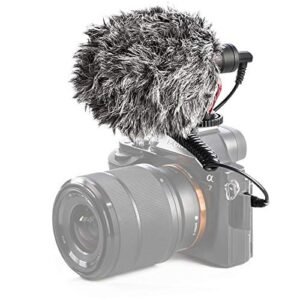 Candc DC C9 Cardioid Microphone
1 × 3.500 OMR
Candc DC C9 Cardioid Microphone
1 × 3.500 OMR
Subtotal: 3.500 OMR
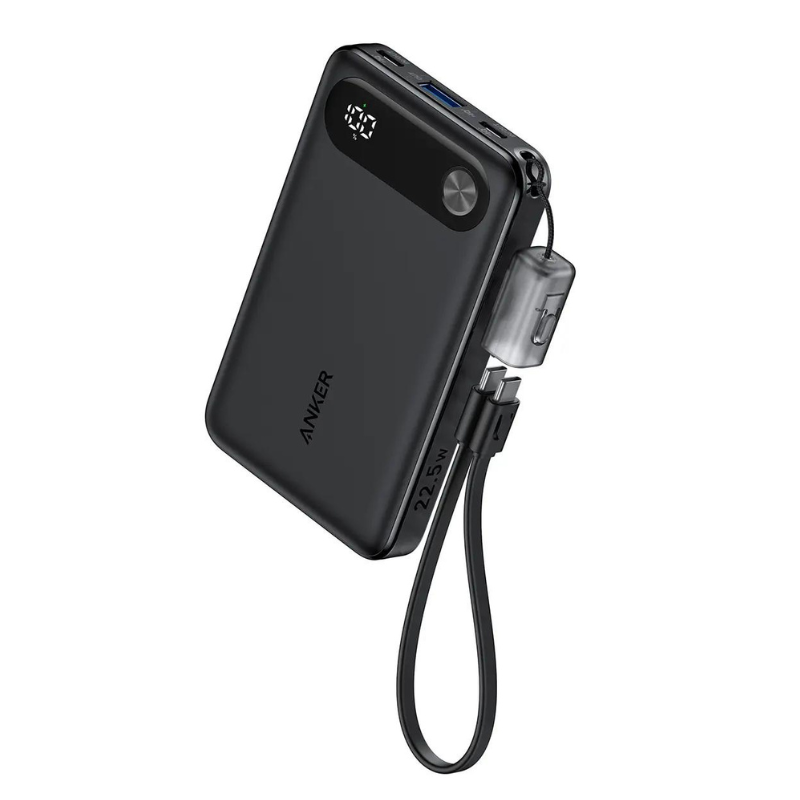
SKU: ANKER A1257 Digital Display 10K, 22.5W Travel Powerbank
Out of stock
The ANKER A1257 Digital Display 10K, 22.5W Travel Powerbank is a compact and efficient portable charger equipped with a digital display for accurate power monitoring. With a capacity of 10,000mAh and 22.5W power output, it offers rapid charging for smartphones, tablets, and other USB devices while on the go. Ideal for travelers and commuters, it ensures reliable power supply with the convenience of knowing remaining battery life at a glance.
Out of stock
1. **Charge the Powerbank**: Use the included USB-C cable to charge the ANKER A1257 Powerbank. Plug the USB-C end into the powerbank and the other end into a USB power source such as a wall adapter or a computer.
2. **Check Battery Level**: Press the power button on the powerbank to check the remaining battery level displayed on the digital screen. Ensure the powerbank has sufficient charge before use.
3. **Connect Your Device**: Use the appropriate charging cable for your device (USB-C or USB-A). Plug one end into the powerbank’s output port and the other end into your device (e.g., smartphone, tablet).
4. **Start Charging**: Once connected, the powerbank should automatically start charging your device. The digital display may show the output current or charging status, providing real-time information.
5. **Monitor Charging**: Monitor the charging progress on both your device and the powerbank’s digital display. Once your device is fully charged, disconnect it from the powerbank to conserve battery life.
 New Arrivals
 Offers
 Service & Repair

There are no reviews yet.