1. **Charge the Power Bank**: Before using the ANKER A1249 PowerCore, ensure it’s fully charged. Plug the included USB-C cable into the input port of the power bank, and connect the other end to a wall charger or a USB power source with sufficient output. The LED indicator lights will show the charging progress, and once fully charged, all lights will remain solid.
2. **Connect Your Device**: Once the power bank is fully charged, you can connect your device for charging. If your device supports USB-C charging, simply plug one end of the charging cable into the USB-C output port of the power bank and the other end into your device.
3. **Power On the Power Bank**: Some power banks require manual activation before they start charging your device. Check if there’s a power button on the power bank. Press it to turn on the power bank.
4. **Monitor Charging Progress**: Once connected, the power bank will start charging your device automatically. You can monitor the charging progress either on your device’s screen or by checking the LED indicators on the power bank. The LED lights will indicate the remaining battery capacity of the power bank.
5. **Disconnect and Power Off**: When your device is fully charged or you no longer need to charge it, safely disconnect it from the power bank. If the power bank has a power button, press it to turn off the power bank. Store the power bank in a safe place for future use.
USB 3.0 GAME CAPTURE LIVE STREAMING EZCAP287P
DOBE PS4 TP4 016 Mobile Phone CLAMP
OMNIKEY 3121 CARD READER
Sony PS5 The Pathless Game CD
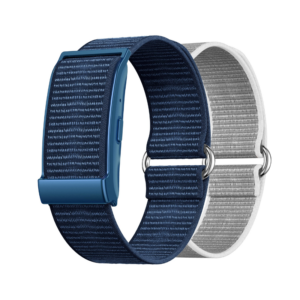
Cleo-MA Smart Bracelet X6 NGB
Sony PS4 Spider Man Game CD
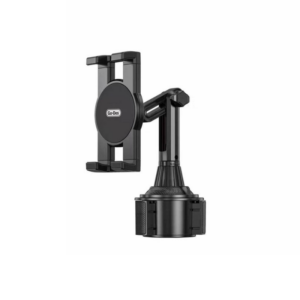
Go-des GD HD313 Car Cup Tablet Holder
Apple Ipad Pro 12.9" 4th Gen Smart Keyboard Folio
New Arrivals
Offers
Service & Repair


There are no reviews yet.