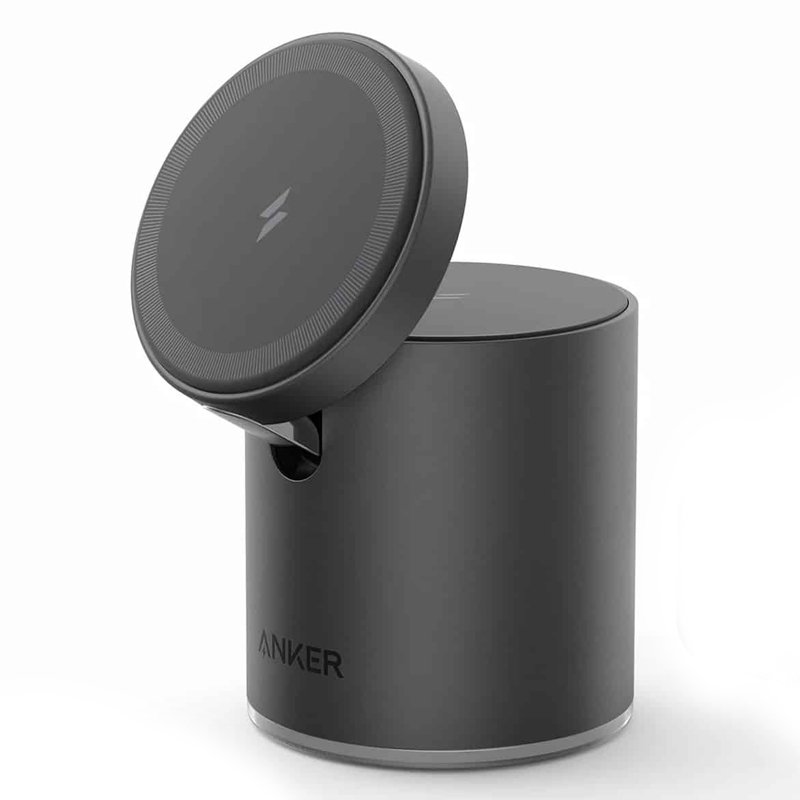
1. **Unboxing and Inspection**:
– Carefully unbox the ANKER 623 Mag Go2 Magnetic 2-in-1 Wireless Charger and inspect its components for any visible damage or missing parts.
– Ensure that all components, including the charger base, charging cable, and any documentation, are present and undamaged.
2. **Power Connection**:
– Connect the charging cable to the ANKER 623 Mag Go2 Magnetic charger base.
– Plug the other end of the charging cable into a power source such as a USB port on your computer, a USB wall adapter, or a power bank.
3. **Positioning Devices**:
– Place your Qi-compatible devices, such as smartphones or wireless earbuds, on the designated charging area of the ANKER 623 Mag Go2 Magnetic charger base.
– Ensure that the devices are positioned correctly for wireless charging to initiate.
4. **Charging**:
– Once the devices are properly positioned on the charger base, wireless charging will automatically begin.
– Monitor the charging status on your devices’ screens to ensure that they are charging properly.
5. **Magnetic Attachment**:
– If your device supports magnetic attachment, take advantage of the magnetic feature by aligning the magnetic connectors on the charger base with the corresponding connectors on your device.
– The magnetic connection provides a secure and stable attachment for your device while charging.
6. **Adjustment**:
– If necessary, adjust the position of your devices on the charger base to ensure optimal charging efficiency.
– Some devices may require specific positioning for wireless charging to work effectively.
7. **Charging Indicators**:
– Pay attention to the charging indicators on the ANKER 623 Mag Go2 Magnetic charger base to monitor the charging status of your devices.
– Typically, there will be LED lights or indicators that illuminate to indicate when charging is in progress and when it is complete.
8. **Device Removal**:
– Once your devices are fully charged or when you’re finished using the charger, simply lift them off the charger base.
– Ensure that you disconnect the charging cable from the power source when not in use to conserve energy.
9. **Storage**:
– When not in use, store the ANKER 623 Mag Go2 Magnetic charger and its components in a safe and dry place to prevent damage.
– Keep the charger base and charging cable neatly organized to avoid tangling.
10. **Maintenance**:
– Clean the charging surface of the ANKER 623 Mag Go2 Magnetic charger base regularly with a soft, dry cloth to remove any dust or debris.
– Avoid using harsh chemicals or abrasive cleaners that may damage the charger base.
By following these steps, you can effectively use the ANKER 623 Mag Go2 Magnetic 2-in-1 Wireless Charger to charge your Qi-compatible devices wirelessly with ease and convenience.
TP Link HD 720P CLOUD CAMERA 300 Mbps WiFi NC 250
Dji Mini Wireless Microphone DMMR01
Dobe Keyboard Tp4 822
Nintendo Switch 2 Pokemon Pokopia Limited Edition Console
SONY PS4 Toukiden2 GAME CD
Dji Mini 2 Wireless Microphone DMMR02
GH1001 RED MAGIC Game Handle
Cleo-TY Metal Car Russian Sherp All Terrain Size 1.24
SONY PS4 UFC 4 GAME CD
Sony PS5 Dual Sense Wireless Controller - Starlight Blue
YH 25 PS4 Multifunctional Heat Dissipation Charging Bracket
Yesido Phone Holder C81 Magnetic
WAHL 8467 SUPER TAPER
Samsung Charger Galaxy Ep-T2510 Type C 25w With Cable 1mtr
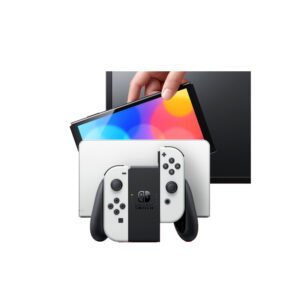
Nintendo Switch Oled 64GB Console White
ENGENIUS EDS 1130 Smart Camera
Mebashi Espresso Coffee Machine With Grinder ME-CCM2069
Hot Wheels Deutschland Design
OCULUS QUEST2 ELITE STRAP with BATTERY and CARRYING CASE
Google Fitbit Edge Fitness & Health Tracking Smart Band Green
OTVO P4 USB DATA CABLE (For P4 Host & Handle)
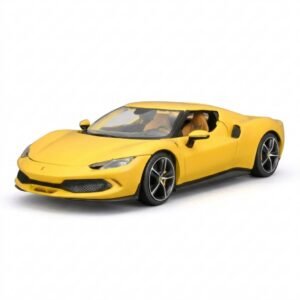
BBurago Metal Car Ferrari 296 GTB Size 1.18 18-16018
Yasmina Mini Smart Portable Bluetooth Speaker Black
Bm 13k Bee Melodica
USAMS Iphone 11 Pro Metal Camera Lens Glass Film
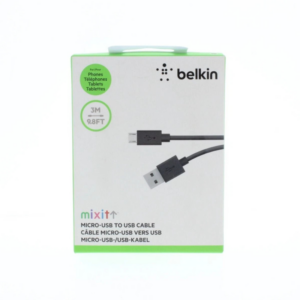
Belkin F2CU012bt Mixit Cable Usb A to Micro 3mtr
WAHL HOME PRO 300 SERIES HAIRCUT KIT
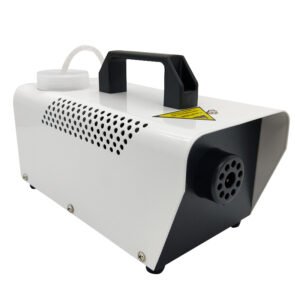
400W Disinfection Mini Fogger Machine
New Arrivals
Offers
Service & Repair

There are no reviews yet.