
-
×
 Max Dh 302 Microphone
1 × 25.000 OMR
Max Dh 302 Microphone
1 × 25.000 OMR
Subtotal: 25.000 OMR
SKU: 141005000076
In stock
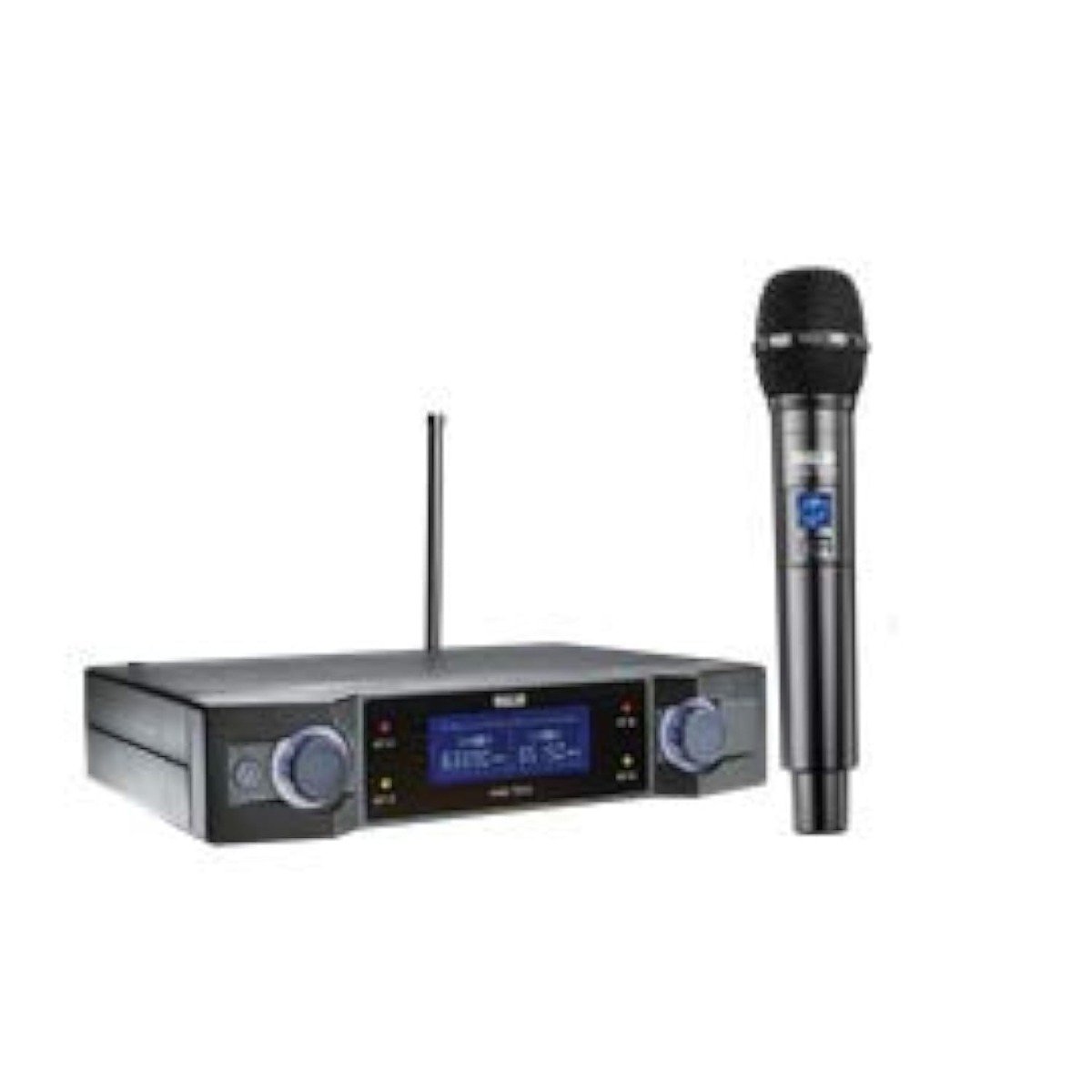
The Ahuja AWM700UH Wireless Microphone offers freedom of movement and professional-grade audio performance. With its UHF frequency band operation, it ensures clear and reliable signal transmission over long distances. Featuring a robust build and user-friendly design, this microphone system is ideal for a wide range of applications including live performances, public speaking, conferences, and more. The AWM700UH provides crystal-clear sound reproduction and versatile functionality, making it a trusted choice for performers, presenters, and audio professionals alike.
45.000 OMR
In stock
Step 1: Receiver Setup – Connect the receiver unit of the Ahuja AWM700UH to a power source using the provided power adapter. Ensure the receiver is placed on a stable surface within the range of the transmitter.
Step 2: Antenna Adjustment – Extend the receiver’s antennas fully and position them vertically for optimal signal reception. This helps in maximizing the wireless range and minimizing signal interference.
Step 3: Transmitter Preparation – Install fresh batteries (if required) in the microphone transmitter. Turn on both the transmitter and the receiver unit. Ensure they are set to the same frequency channel to establish a reliable wireless connection.
Step 4: Pairing Process – Initiate the pairing process between the microphone transmitter and the receiver unit by pressing the designated sync or pairing button on both devices. Follow any on-screen instructions or LED indicators to confirm successful pairing.
Step 5: Sound Check – Test the wireless microphone system by speaking into the microphone and monitoring the audio output through your sound system or recording device. Adjust the microphone’s volume levels and any equalization settings as needed to achieve the desired sound quality.
Following these steps will ensure that your Ahuja AWM700UH Wireless Microphone is correctly set up and ready to deliver clear and reliable wireless audio for your performances, presentations, or any other application where wireless microphone functionality is required.
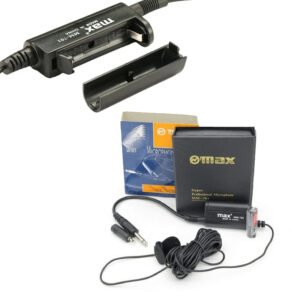
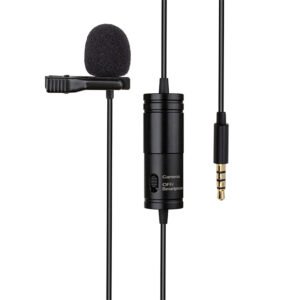
– New style 6 meters long lavalier microphone products, the new microphone sound quality is good, pickup, good anti-whistle effect, price, relatively high cost, can be used in various occasions, portable, multi-functional!
– Designed for use on stage, lecturer, vocal, speech, and other applications
– Lightweight, comfortable and durable.
– Product selection of high quality materials, practical and durable
– 100% Original, Brand New and high quality
– High level of acoustic fidelity and durability.
*Ideal for youtube,vloggings,podcasts,mobile journalism and more *digital 2.4GHZwirleless system *apple MFI certified lightning connector *compatible with iOS device:ipad,iphone,ipod touch *master volume control *omnidirectional lavalier microphone included
 New Arrivals
 Offers
 Service & Repair



There are no reviews yet.