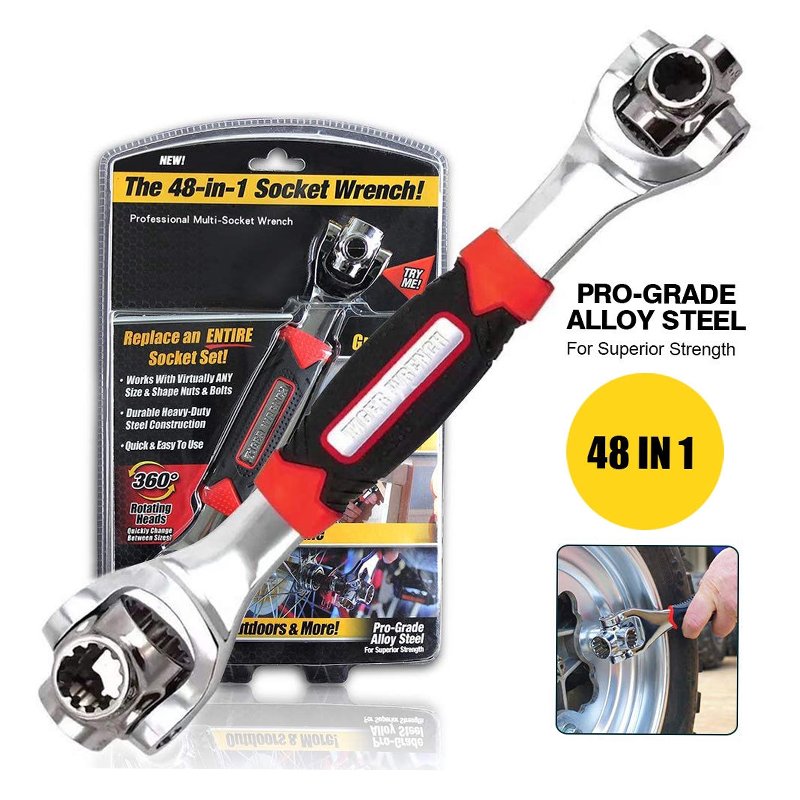
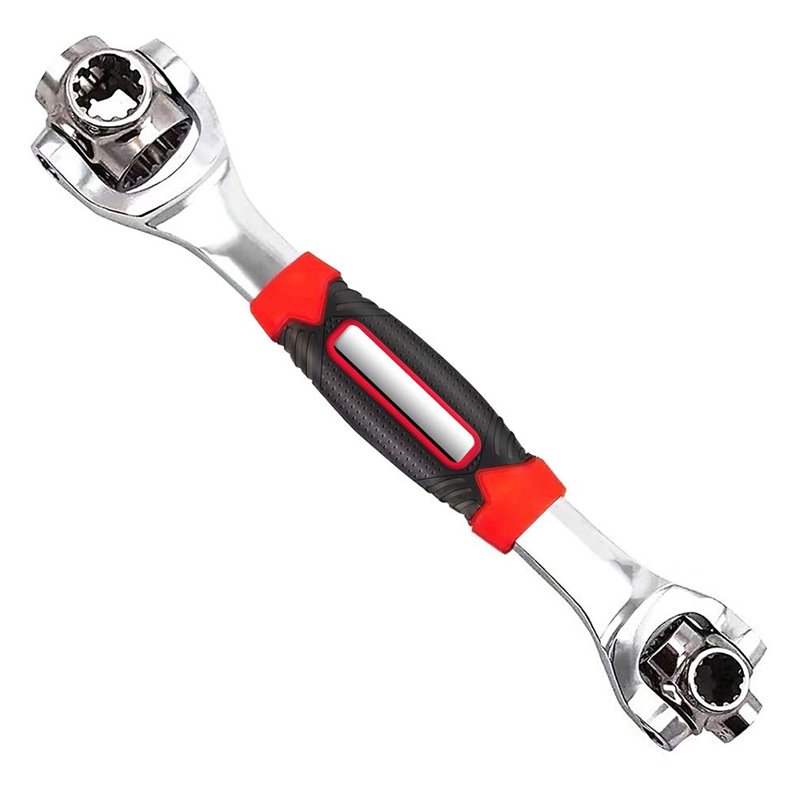
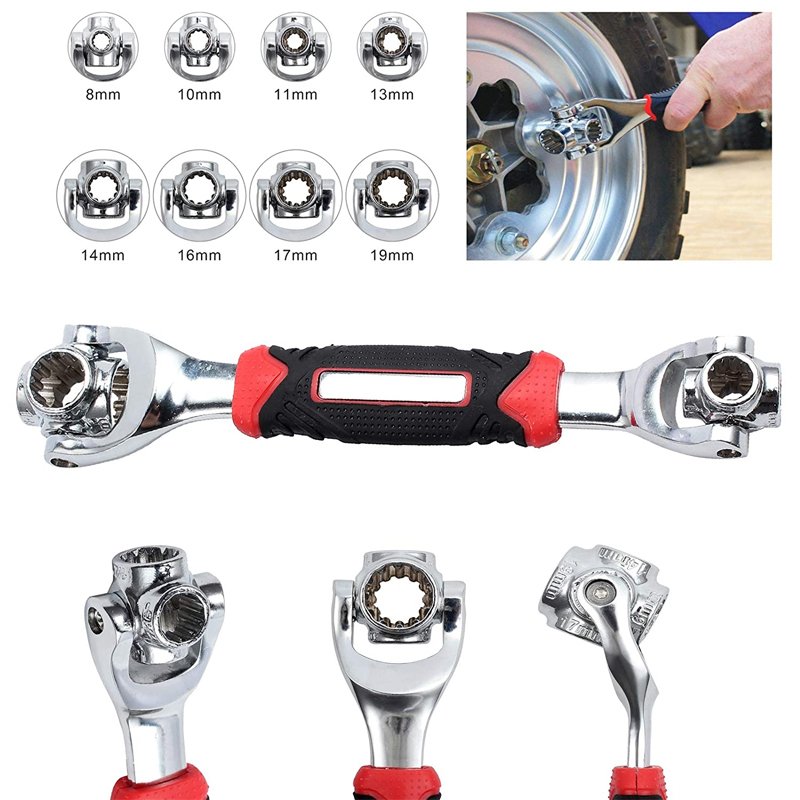
1. **Select Socket Head**: Identify the specific socket head size needed for your task. The 48 in 1 socket wrench typically comes with a variety of interchangeable socket heads in different sizes. Choose the appropriate socket head that matches the size of the nut or bolt you intend to tighten or loosen.
2. **Attach Socket Head**: Insert the selected socket head into the socket wrench’s drive mechanism. Ensure it fits securely and engages properly with the wrench. Most socket wrenches have a quick-release mechanism for easy attachment and removal of socket heads.
3. **Adjust Handle* Position*: Adjust the handle position of the socket wrench to either tighten or loosen the nut or bolt. For tightening, position the handle so that you can apply clockwise torque. For loosening, position the handle to allow counterclockwise torque.
4. **Apply Torque**: Hold the socket wrench firmly with one hand on the handle and align the socket head with the nut or bolt. Apply steady pressure in the appropriate direction (clockwise for tightening, counterclockwise for loosening) to turn the nut or bolt. Use the leverage provided by the handle to apply torque effectively.
5. **Inspect and Repeat**: After tightening or loosening the nut or bolt, inspect the connection to ensure it is secure or removed as needed. If necessary, repeat the process with different socket heads until the task is completed satisfactorily.
Max Bms 135 Boom Mic Stand
Bm 13k Bee Melodica
DOBE PS4 TP4 016 Mobile Phone CLAMP
NOKIA Used 3310 (Old Model)
Candc DC C9 Cardioid Microphone
Used Nokia 6124
YH 31 PS4 2 in 1 Charging Heat Sink
OMNIKEY 3121 CARD READER
Boya Lavalier Microphone By M40d
Bbt Hair Clipper Rfcd 9008
Used NOKIA 9300
Biba Flute Deluxe
HP SOLID STATE DRIVE SSD EX950 PRO M.2 HARDRIVE 2 TB
SSD EX950 M.2 2TB
DOBE-1751 PS4 SUPER GAME KIT
DOBE TYX-532 Dual Charging Dock
ROCK W24 Double side Quick CHARGER
New Arrivals
Offers
Service & Repair


There are no reviews yet.