
 New Arrivals
 Offers
 Service & Repair

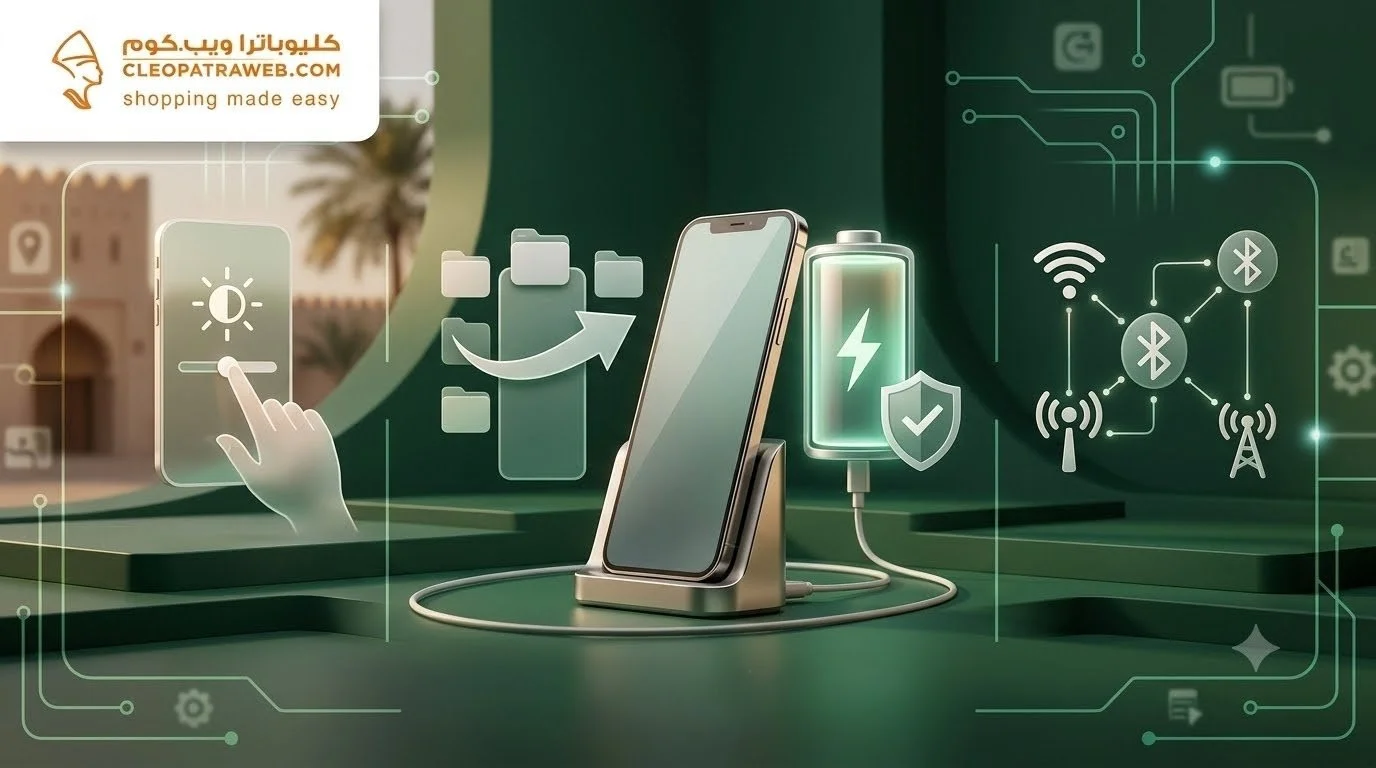
Best Phone Settings to Improve Battery Life Leave a comment
Does your phone run out of battery halfway through the day even when you haven’t used it much? In many cases, the problem isn’t the battery itself. Instead, it’s caused by power-hungry settings running quietly in the background, inconsistent charging habits, and everyday practices that gradually reduce battery efficiency.
Improving your phone’s battery life starts with simple adjustments, such as optimizing your display settings, limiting background apps, enabling Battery Saver Mode when needed, and using a reliable charger and charging cable that support safe, efficient charging.
In this guide, you’ll discover the best ways to extend your phone’s battery life and enjoy a more stable experience throughout the day.
Effective Settings to Improve Battery Life Every Day
Improving your battery doesn’t require complicated steps. A few smart settings can significantly reduce power consumption and keep your phone running longer.
Here are some of the most effective ways to extend your phone’s battery life:
- Adjust Screen Brightness
Use automatic brightness or keep the brightness at a moderate level. The display is one of the biggest sources of battery consumption, especially during extended use. - Enable Battery Saver Mode
Battery Saver reduces unnecessary background activity and limits certain features that silently drain power throughout the day. - Manage Background Applications
Review apps running in the background and disable automatic updates for applications you don’t regularly use. - Turn Off Unused Features
Disable Bluetooth, Location Services, and Wi-Fi whenever they’re not needed, as keeping them active continuously reduces battery life.
Protect Your Phone Battery from Fast Drain
Extending your phone’s battery life isn’t only about software settings—it also depends on how you charge your device.
Using a reliable charging cable like the Haino Teko USB to Micro Cable 3m provides a stable charging connection for devices with a Micro USB port.
Its convenient 3-meter length allows you to comfortably use your phone while charging without placing unnecessary stress on the charging port. It also supports both charging and data transfer for everyday use.
If you want to improve battery performance and avoid charging habits that reduce battery health, choosing a practical and reliable charging cable from Cleopatra is a smart addition to your phone settings.
Find out the price of: samsung s24 ultra price
Does Battery Saver Mode Really Improve Battery Life?
Yes. Battery Saver Mode helps improve battery life by limiting unnecessary background processes, reducing screen power consumption, and lowering processor activity.
However, you’ll achieve even better results when you combine these settings with proper charging habits.
For phones equipped with a Micro USB port, the Haino Teko USB to Micro Cable 1.5m provides stable charging and reliable data transfer while offering a comfortable cable length that reduces strain on the charging connector during use.
Protecting your battery isn’t just about changing settings—it also means using dependable charging accessories that help your device charge efficiently every day.
Display Settings That Consume the Most Battery
Your display has one of the biggest impacts on battery life, making screen optimization one of the easiest ways to extend daily usage.
Here are the most important display settings to review:
- High Screen Brightness
Maximum brightness drains battery quickly, especially indoors. Automatic brightness or manually lowering brightness helps reduce power consumption. - High Refresh Rates
Running your display at 90Hz or 120Hz provides smoother animations but consumes more battery. Switch to Standard or Adaptive mode when you want longer battery life. - Screen Timeout
Leaving your display on after you’ve stopped using your phone wastes battery. Set Auto Lock to 30 seconds or one minute whenever possible. - Dark Mode
On smartphones with OLED displays, Dark Mode can reduce power consumption, particularly when using applications with dark interfaces.
find out: samsung mobile price in oman 2026
Manage Background Apps to Reduce Power Consumption
Many apps continue running even after you’ve closed them, silently consuming battery and mobile data.
Managing them properly helps improve battery performance throughout the day.
Here are a few simple steps:
- Open Battery Settings and identify the apps consuming the most power. Restrict or disable background activity for apps you rarely use.
- Prevent unnecessary automatic app updates, especially for news, shopping, and social media applications.
- Limit unnecessary notifications. Every notification wakes your display and briefly activates the app, increasing battery usage.
- Use Battery Optimization or App Restriction features for applications you rarely open, preventing them from running automatically.
How Chargers and Charging Cables Affect Battery Performance
Choosing the right charger is an important part of improving battery life. Unstable charging can negatively affect your daily experience and make you recharge your phone more frequently.
The Xkin Charger XK-HC148 53W Dual Charger is a practical solution for users with multiple devices.
It features a 35W USB-C Power Delivery port and an 18W USB-A Quick Charge port, allowing you to charge two devices simultaneously while including a charging cable for immediate use.
Using a reliable charger helps maintain healthier charging habits and supports better long-term battery performance.
Find out the price of: iphone 11 pro max price in oman
When Should You Choose Reliable Chargers and Accessories?
Reliable charging accessories become especially important if your daily routine lasts longer than your phone’s battery or if you rely heavily on your smartphone for work and travel.
The Xkin XK-PB423 Super Mini Power Bank helps you stay powered throughout the day with a compact 5,000mAh battery, a lightweight design, and a built-in charging cable that eliminates the need to carry extra cables.
Its fast-charging capability allows you to recharge your phone before the battery reaches critically low levels—one of the best habits for maintaining long-term battery health.
Improving battery life isn’t about one single setting. It’s the result of several smart habits, from optimizing your phone’s settings to using reliable chargers and accessories.
Simple changes—such as lowering screen brightness, managing background applications, and enabling Battery Saver Mode—can significantly extend your phone’s battery life while reducing the need for frequent charging.
Combined with trusted accessories from Cleopatra Oman, you can enjoy a more reliable, efficient, and comfortable smartphone experience every day.
Frequently Asked Questions
Does leaving my phone charging overnight damage the battery?
Modern smartphones automatically stop charging when the battery reaches full capacity, so overnight charging doesn’t usually cause immediate damage. However, keeping your phone plugged in for many additional hours may increase heat over time. Using a high-quality charger with built-in protection is recommended.
What is the ideal battery percentage for longer battery life?
For the best long-term battery health, try to keep your battery between 20% and 80% whenever possible. Frequently allowing it to drain completely or charging to 100% every day may gradually reduce battery efficiency.
Do software updates help improve battery life?
Yes. Software updates often include battery optimization improvements, bug fixes, and better power management. Keeping your phone updated can improve both battery performance and overall stability.
Does phone temperature affect battery lifespan?
Yes. Excessive heat is one of the biggest factors that reduces battery lifespan. Avoid using your phone heavily while charging, and never leave it exposed to direct sunlight or inside a hot vehicle to help preserve long-term battery health.
