
-
×
 سي دي لعبة روك أوف ايدجز 3 بلايستيشن 4
1 × 13.800 OMR
-
×
 APPLE IPAD Pro 12.9 Inch 4TH GEN SMART KEYBOARD FOLIO
1 × 94.900 OMR
-
×
 ADJUSTABLE ONE PIECE WAIST BAND TW 32093
1 × 3.900 OMR
-
×
 Beats MUVX3AE Solo Buds - Arctic Purple
1 × 25.900 OMR
-
×
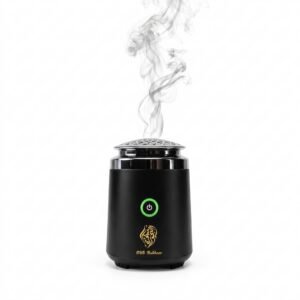 Cleo-EL Portable Electronic Bakhoor BK-27
1 × 3.900 OMR
-
×
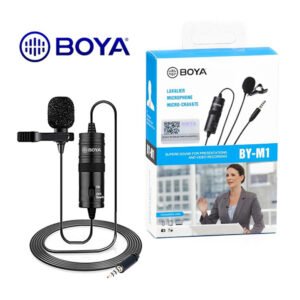 BOYA BY-M1 MICROPHONE
1 × 3.300 OMR
-
×
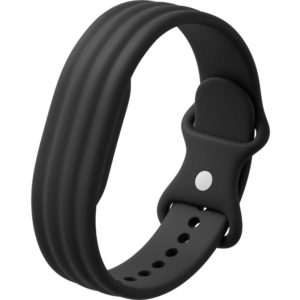 سوار جوجل فيتبيت إير أكتيف باند المصنوع من السيليكون بلون أوبسيديان
1 × 20.900 OMR
-
×
 HUAWEI BAND 6 / BAND 7 FRAME with STRIP
1 × 3.900 OMR
-
×
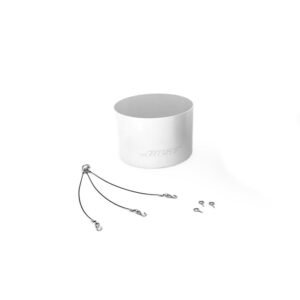 BOSE DS16F PENDENT KIT
1 × 9.000 OMR
-
×
 Philips OneBlade 360 Shaver QP2734/23
1 × 22.900 OMR
-
×
 MEGA MIA 80U USB FM AMPLIFIER
1 × 106.000 OMR
-
×
 Philips 1000 Series Body Groomer BG1025/15
1 × 10.900 OMR
-
×
 Belkin F2CU012bt Mixit Cable Usb A to Micro 3mtr
1 × 1.900 OMR
-
×
 Sandisk Flash Drive i-xpand Dual Luxe 64GB Type-C to Lightning
1 × 11.500 OMR
-
×
 ميلوديكا ميلوديكا النحلة Bm 13k
1 × 5.900 OMR
-
×
 ميلي اي داتا اير فلاش درايف بسعة 32 جيجا بايت
1 × 8.450 OMR
-
×
 MAX BMS 135 BOOM MIC STAND
1 × 9.500 OMR
المجموع: 356.550 OMR
 أقل سعر
 الخدمة والإصلاح


 أحدث


لا توجد مراجعات حتى الآن.