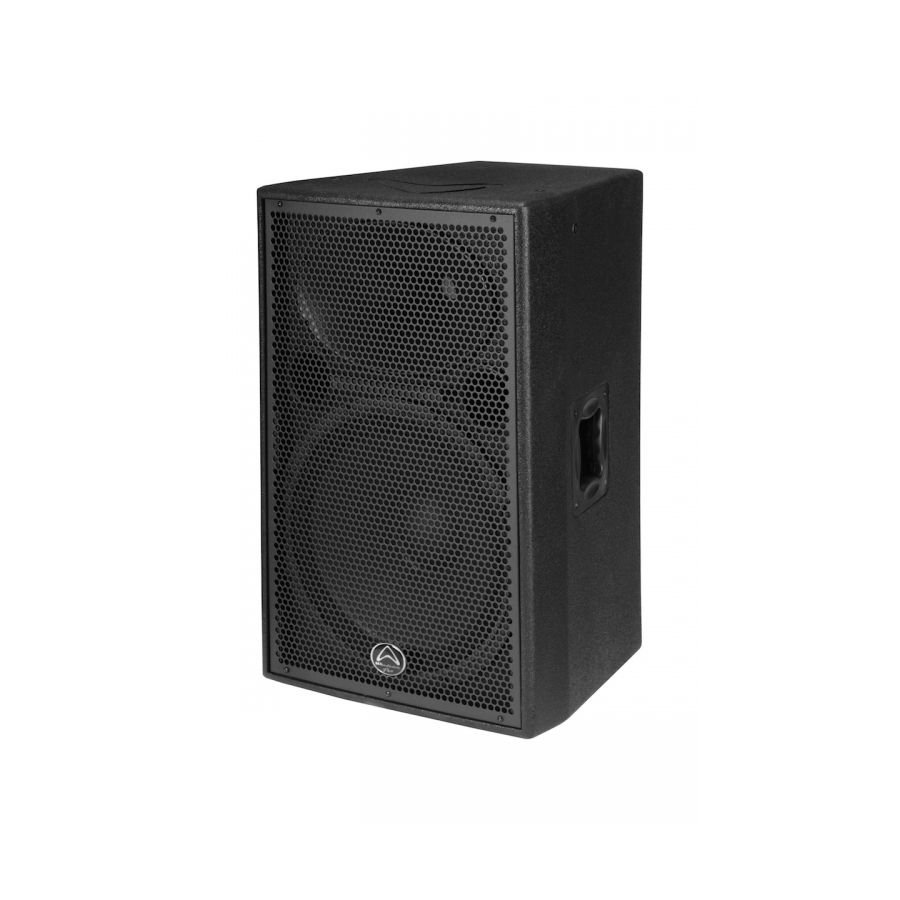
1. **Setup and Placement**: Find a suitable location to place your Wharfedale Delta X15 Speaker. Ensure that it’s on a stable surface and positioned where it can deliver optimal sound coverage for your space. Consider factors such as room acoustics and audience positioning.
2. **Power Connection**: Plug the power cable into the power input on the back of the speaker and connect the other end to a power outlet. Ensure that the power source is stable and compatible with the speaker’s requirements.
3. **Audio Input Connection**: Decide how you’ll be connecting audio to the speaker. The Wharfedale Delta X15 typically offers multiple input options such as XLR, 1/4-inch jack, and RCA inputs. Choose the appropriate cable (XLR, TRS, RCA, etc.) based on your audio source and connect it to the corresponding input on the back of the speaker.
4. **Volume and EQ Adjustment**: Adjust the volume and EQ settings on the speaker to your preference. Most Wharfedale Delta X15 speakers feature dedicated knobs or controls for volume and EQ adjustments. Experiment with these settings to achieve the desired sound quality for your environment and content.
5. **Playback and Performance**: Once the connections and settings are adjusted, you’re ready to play audio through the Wharfedale Delta X15 Speaker. Start your audio source and ensure that the sound is coming through the speaker as expected. Fine-tune the volume and EQ as necessary during playback to optimize the sound for your audience.

 موصل كابل DUDAO AUX مقاس 3.5 مم
1 × 3.900 OMR
موصل كابل DUDAO AUX مقاس 3.5 مم
1 × 3.900 OMR  JACOBS SKBB-413/5 STEREO TO RC CABLE
1 × 8.000 OMR
JACOBS SKBB-413/5 STEREO TO RC CABLE
1 × 8.000 OMR  واشبرن أوس أوس Ou2 أوكوليه
1 × 35.000 OMR
واشبرن أوس أوس Ou2 أوكوليه
1 × 35.000 OMR  أقل سعر
 الخدمة والإصلاح



لا توجد مراجعات حتى الآن.