
-
×
 قارئ بطاقات أومنيكي 3121
1 × 7.900 OMR
قارئ بطاقات أومنيكي 3121
1 × 7.900 OMR
المجموع: 7.900 OMR
SKU:
متوفر في المخزون
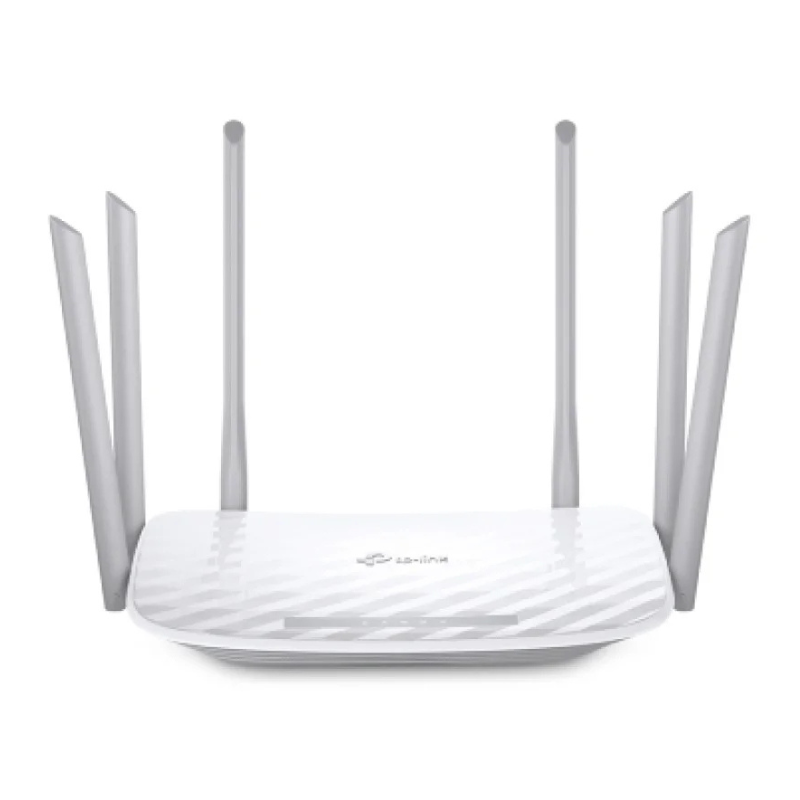
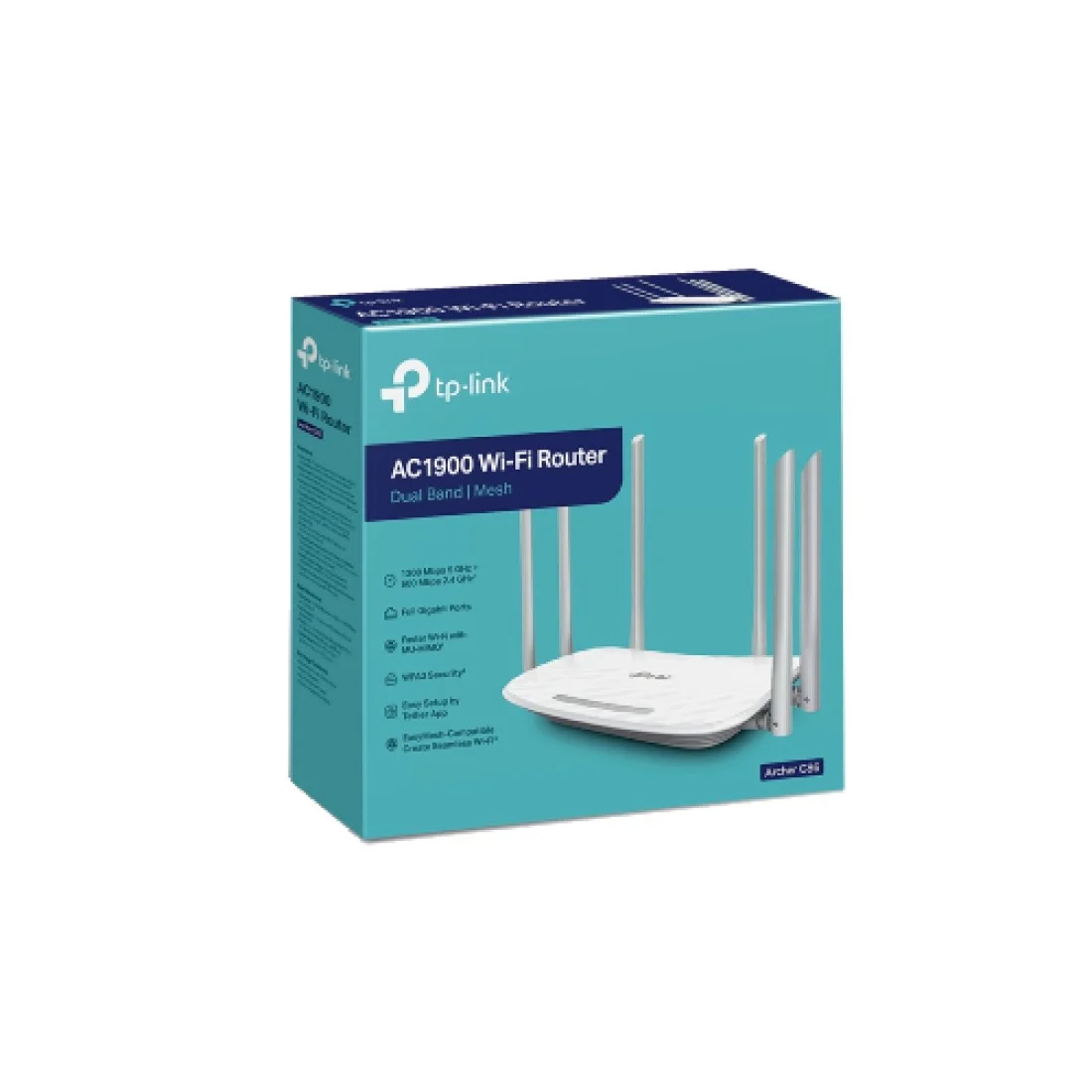
The TP-Link Archer C86 AC1900 Wireless MU-MIMO Wi-Fi Router offers high-speed internet with dual-band support, delivering up to 1.9 Gbps. Equipped with six external antennas, MU-MIMO technology, and Beamforming, it ensures reliable coverage and enhanced protection for your home network
14.900 OMR
متوفر في المخزون
Unbox the Router
Remove the Archer C86 router and all included accessories from the packaging.
Ensure you have the router, power adapter, Ethernet cable, and quick installation guide.
Position the Router
Place the router on a flat, stable surface in a central location within your home for optimal coverage.
Ensure the router is away from obstructions and electronic devices that may cause interference.
Connect to the Internet
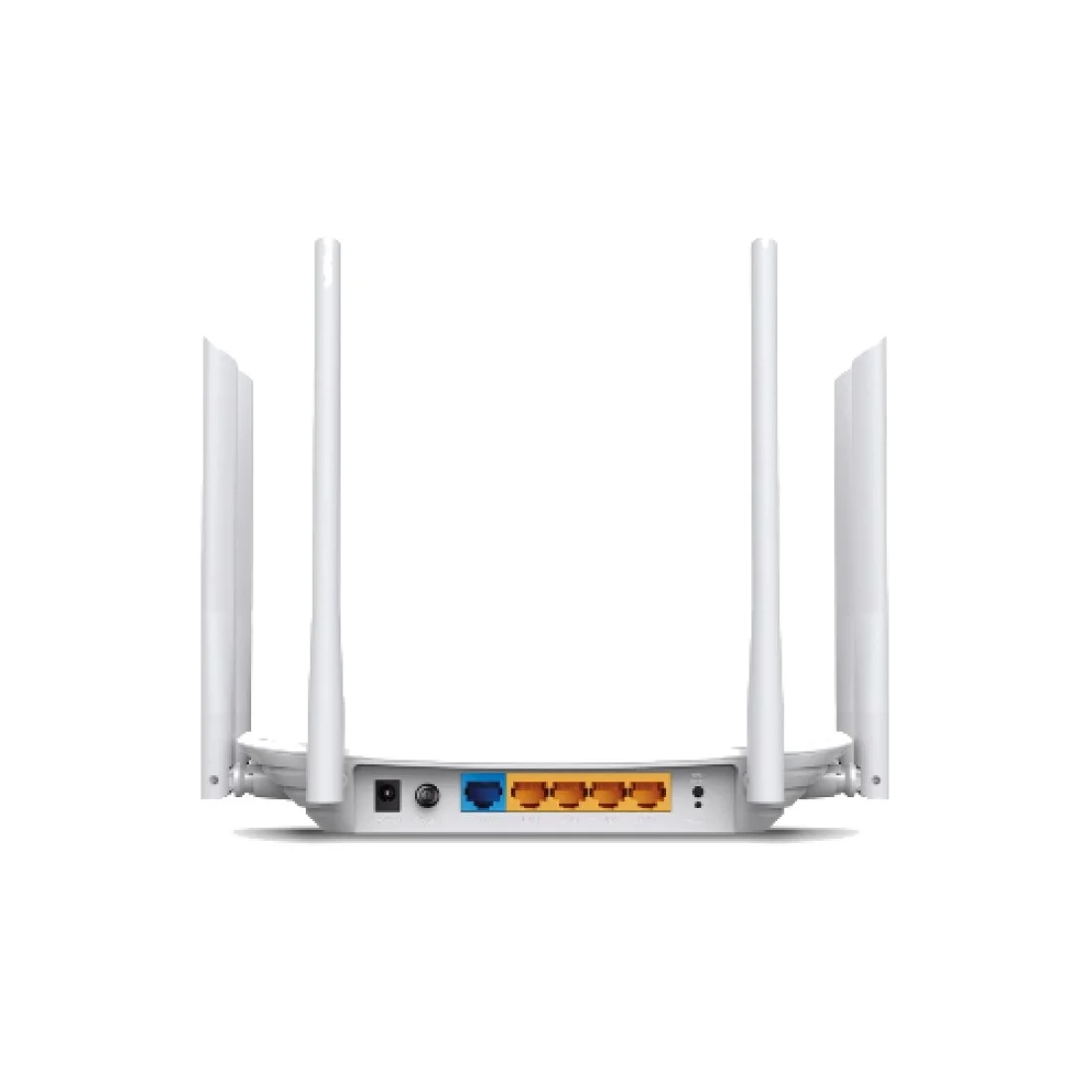
Plug one end of the provided Ethernet cable into the router’s WAN port.
Connect the other end to your modem or internet source.
Power On the Router
Insert the power adapter into the router’s power port.
Plug the adapter into a power outlet. The router should power on automatically.
Connect Devices
Wired Connection: Use additional Ethernet cables to connect devices to the router’s LAN ports.
Wireless Connection: Locate the default Wi-Fi network name (SSID) and password on the router’s label.
On your device, scan for the Wi-Fi network and enter the provided password to connect.
Access Router Settings
Open a web browser and enter the router’s IP address (usually 192.168.0.1 or 192.168.1.1) in the address bar.
Log in using the default username and password (often “admin” for both).
Follow the on-screen instructions to set up your network preferences, including Wi-Fi settings and security options.
Download the TP-Link Tether App (Optional)
For easier management, download the TP-Link Tether app on your smartphone.
Use the app to monitor connected devices, set up parental controls, and update firmware.
Secure Your Network
Change the default router login credentials to something more secure.
Update the Wi-Fi network name (SSID) and password to your preference.
Enable WPA3 encryption for enhanced security.
Update Firmware
Regularly check for firmware updates through the router’s web interface or the Tether app.
Follow the prompts to install any available updates, ensuring your router has the latest features and security patches.
– Brand: CANDC
– Polar Pattern : Cardioid
– Professional Furry Windshield Included
– Compact and Lightweight Directional Mic
– Compatible with Smartphones, Tablets, DSLR Cameras, Consumer Camcorders, Audio Recorders etc
 أقل سعر
 الخدمة والإصلاح

 أحدث
أحدث

لا توجد مراجعات حتى الآن.