
-
×
 حامل الشحن DOBE PS4 TP4 TP4 023B
1 × 6.900 OMR
حامل الشحن DOBE PS4 TP4 TP4 023B
1 × 6.900 OMR -
×
 ثلاجة كلي أوسب
1 × 5.900 OMR
ثلاجة كلي أوسب
1 × 5.900 OMR
المجموع: 12.800 OMR
SKU: 0306000154
متوفر في المخزون
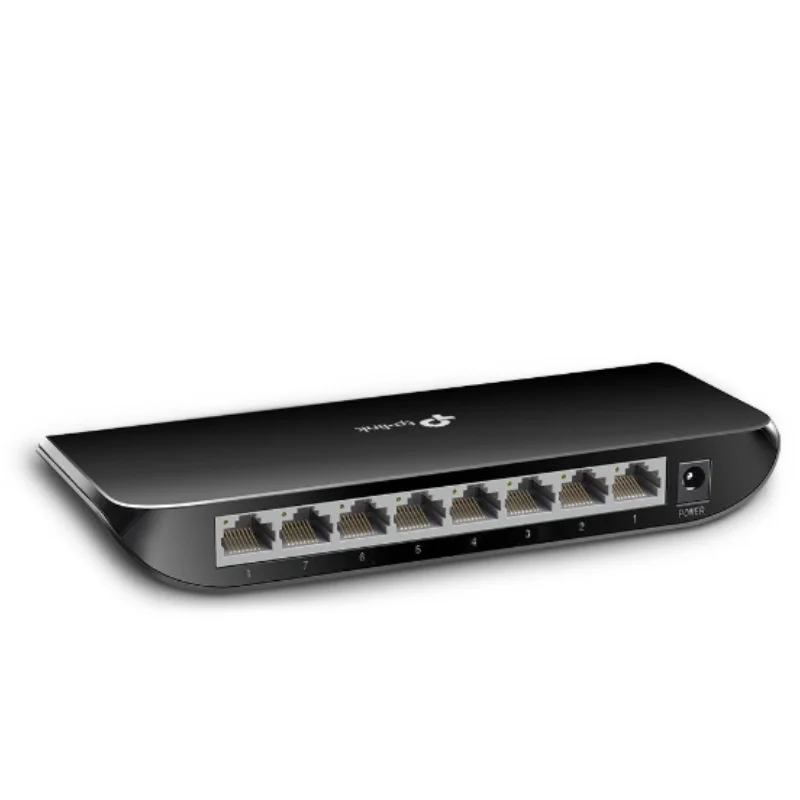
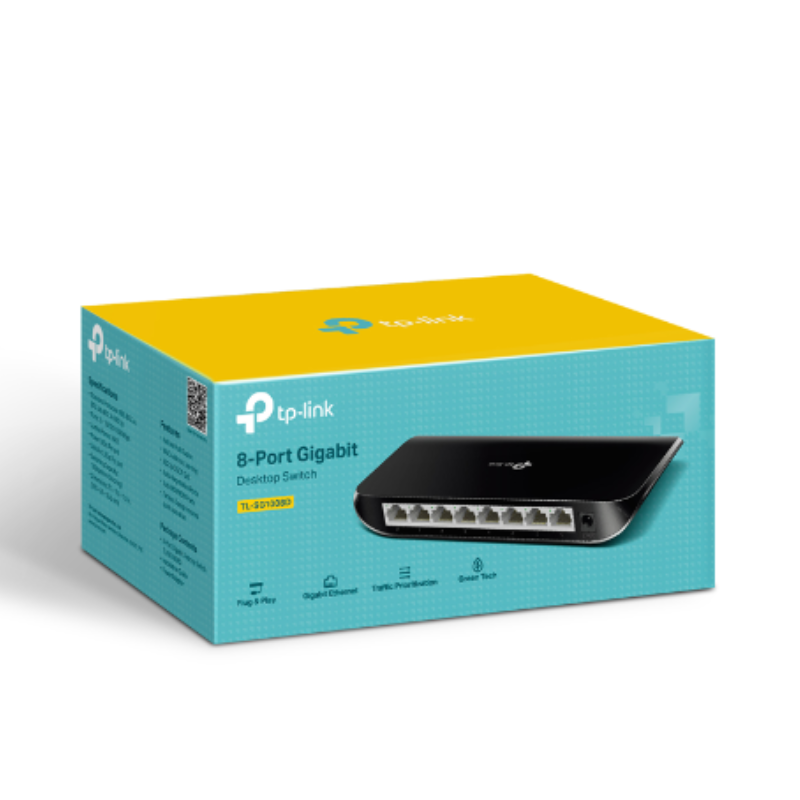
Here’s the short description for the TP-Link 8-Port Gigabit Desktop Switch TL-SG1008D:
The TP-Link TL-SG1008D is an 8-port Gigabit desktop switch that offers high-speed, reliable connectivity for home or office networks. It’s plug-and-play, energy-efficient, and easy to set up with no configuration required.
6.900 OMR
متوفر في المخزون
Unbox the Switch
Open the box and remove the TP-Link TL-SG1008D and all its accessories.
Ensure you have the switch, power adapter, and installation guide.
Position the Switch
Place the switch on a flat, stable surface, such as a desk or shelf.
Optionally, mount it on the wall using the included mounting kit.
Connect Power
Plug the power adapter into the switch and connect it to an electrical outlet.
The switch will power up automatically once plugged in.
Connect Ethernet Devices
Use Ethernet cables to connect your devices (computers, printers, or routers) to the 8 available ports on the switch.
Ensure each Ethernet cable is firmly plugged into the switch and the connected device.
Verify Connection
Check the LED indicators next to each port. A green or amber LED shows an active connection, and blinking lights indicate data transfer.
Maintenance
Keep the switch in a well-ventilated area to prevent overheating.
Regularly check the Ethernet cables and switch for any issues or damage.
– Brand: CANDC
– Polar Pattern : Cardioid
– Professional Furry Windshield Included
– Compact and Lightweight Directional Mic
– Compatible with Smartphones, Tablets, DSLR Cameras, Consumer Camcorders, Audio Recorders etc
 أقل سعر
 الخدمة والإصلاح

 أحدث
أحدث
لا توجد مراجعات حتى الآن.