
-
×
 YH 25 PS4 Multifunctional Heat Dissipation Charging Bracket
1 × 12.900 OMR
YH 25 PS4 Multifunctional Heat Dissipation Charging Bracket
1 × 12.900 OMR
المجموع: 12.900 OMR


SKU:
متوفر في المخزون
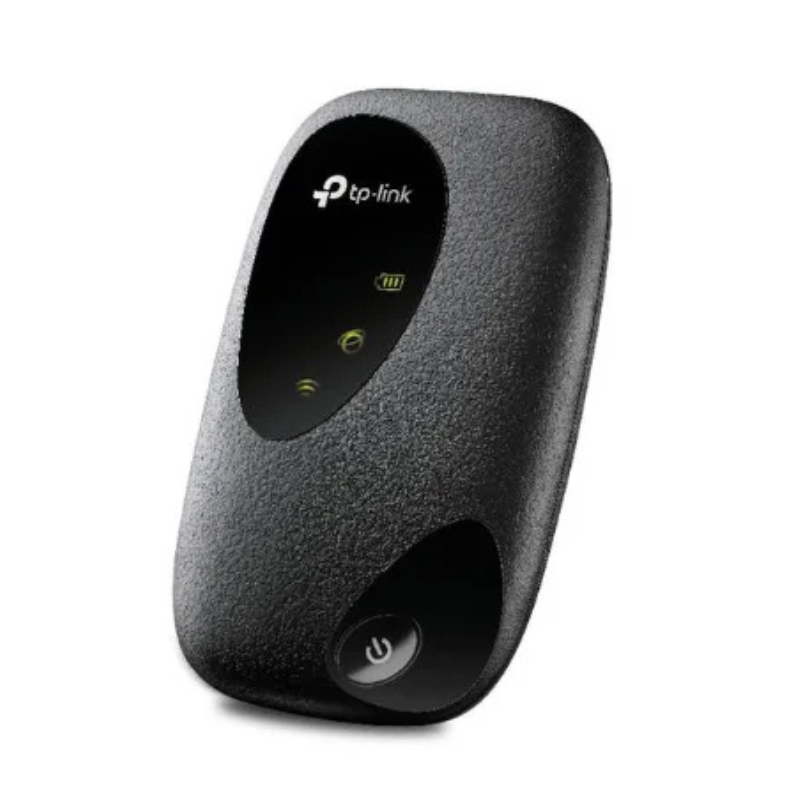
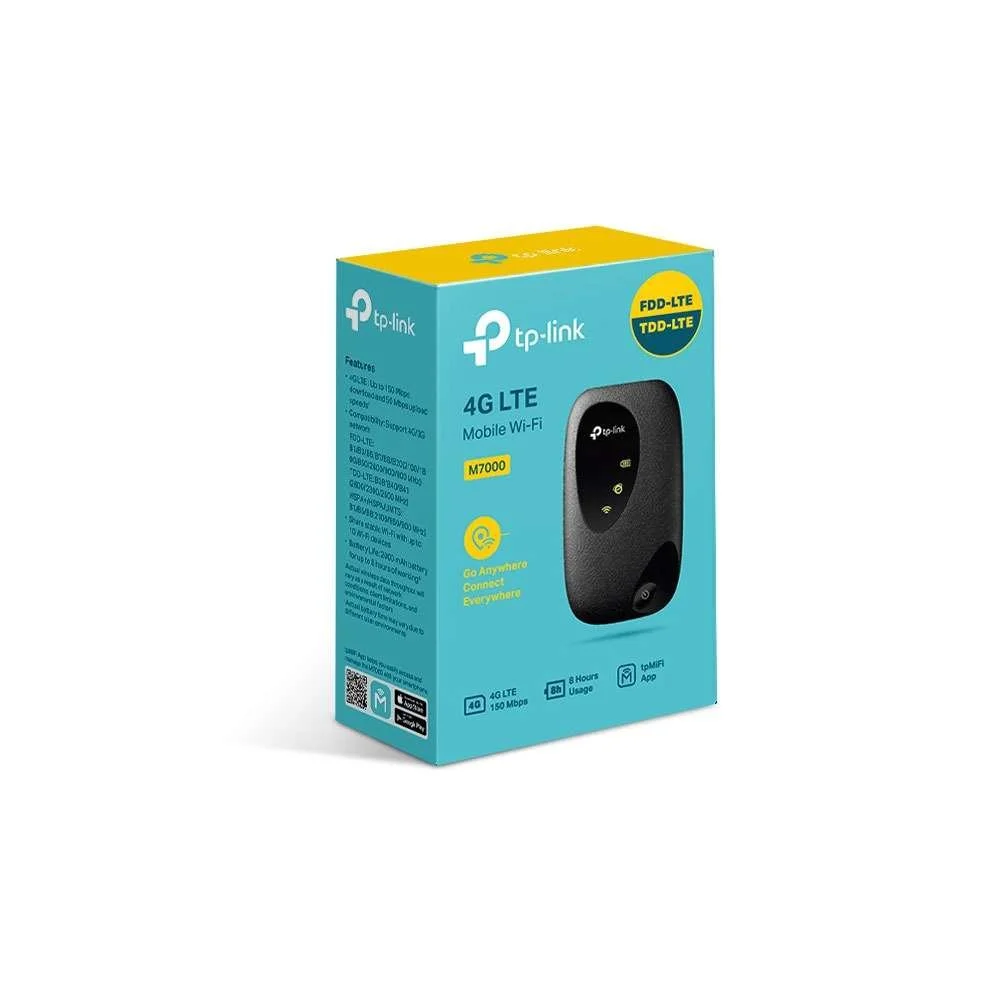
The TP-Link M7000 4G LTE Mobile Wi-Fi Router provides high-speed internet access on the go. With support for up to 10 devices, a 2000 mAh battery offering up to 8 hours of usage, and compatibility with 4G FDD/TDD-LTE networks, it ensures reliable connectivity wherever you are
11.900 OMR
متوفر في المخزون
Unbox the Device
Remove the TP-Link M7000 router and all included accessories from the packaging.
Ensure you have the router, micro USB cable, 2000 mAh battery, and quick installation guide.
Insert the SIM Card
Open the back cover of the router.
Insert your SIM card into the designated SIM card slot.
Replace the back cover securely.
Install the Battery
Place the 2000 mAh battery into the battery compartment.
Ensure the battery is properly seated and the compartment is closed
Press and hold the power button until the LED indicators light up.
Wait for the device to establish a connection to the network.
Connect to Wi-Fi
On your device (laptop, smartphone, tablet), search for the Wi-Fi network named “TP-Link_Mobile.”
Enter the default Wi-Fi password found on the back of the router.
Connect to the network.
Access Router Settings (Optional)
Open a web browser and enter the URL:
Log in using the default username and password (both are “admin”).
Configure your network settings as desired
Manage with tpMiFi App (Optional)
Download and install the tpMiFi app on your iOS or Android device.
Connect to the M7000’s Wi-Fi network.
Use the app to manage connected devices, set data limits, and monitor usage
Charge the Device
Connect the included micro USB cable to the router and a power source.
Charge the device fully before first use or when the battery is low.
– العلامة التجارية: CANDC
– النمط القطبي: Cardioid
– زجاج أمامي احترافي مضمن
– ميكروفون اتجاهي صغير الحجم وخفيف الوزن
– متوافق مع الهواتف الذكية والأجهزة اللوحية وكاميرات DSLR وكاميرات الفيديو الرقمية ذات العدسة الأحادية العاكسة وكاميرات الفيديو الاستهلاكية ومسجلات الصوت وغيرها
 أقل سعر
 الخدمة والإصلاح

 أحدث
أحدث


لا توجد مراجعات حتى الآن.