1. Plug in: Begin by locating a suitable power outlet in your home or office. The THURAYA XT-PRO Home Charger comes with a standard plug that fits most outlets.
2. Connect: Take the charging cable provided with the THURAYA XT-PRO Home Charger and connect one end to the charger itself.
3. Insert: With the other end of the charging cable, carefully insert the connector into the charging port located on the bottom or side of your THURAYA XT-PRO satellite phone.
4. Power on: Once the charger is securely connected to both the power outlet and your satellite phone, switch on the power outlet to begin charging.
5. Monitor: Keep an eye on the indicator lights on both the charger and your THURAYA XT-PRO satellite phone. The charging indicator on the phone will typically illuminate or change color to indicate that charging is in progress. Once fully charged, disconnect the charger from both the power outlet and your device for safe and efficient charging.

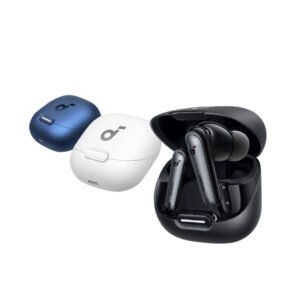 ANKER A3947 Soundcore Liberty 4NC -
1 × 19.900 OMR
ANKER A3947 Soundcore Liberty 4NC -
1 × 19.900 OMR 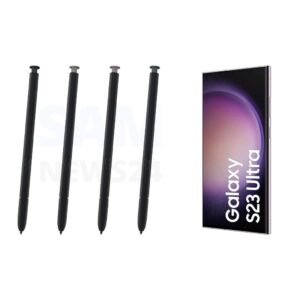 SAMSUNG GALAXY S23ultra S-Pen - Black - Green - Lavender - Cream
1 × 13.900 OMR
SAMSUNG GALAXY S23ultra S-Pen - Black - Green - Lavender - Cream
1 × 13.900 OMR  فيلم زجاجي لعدسة كاميرا آي فون 11 برو المعدني من USAMS
1 × 1.900 OMR
فيلم زجاجي لعدسة كاميرا آي فون 11 برو المعدني من USAMS
1 × 1.900 OMR  أقل سعر
 الخدمة والإصلاح

 أحدث
أحدث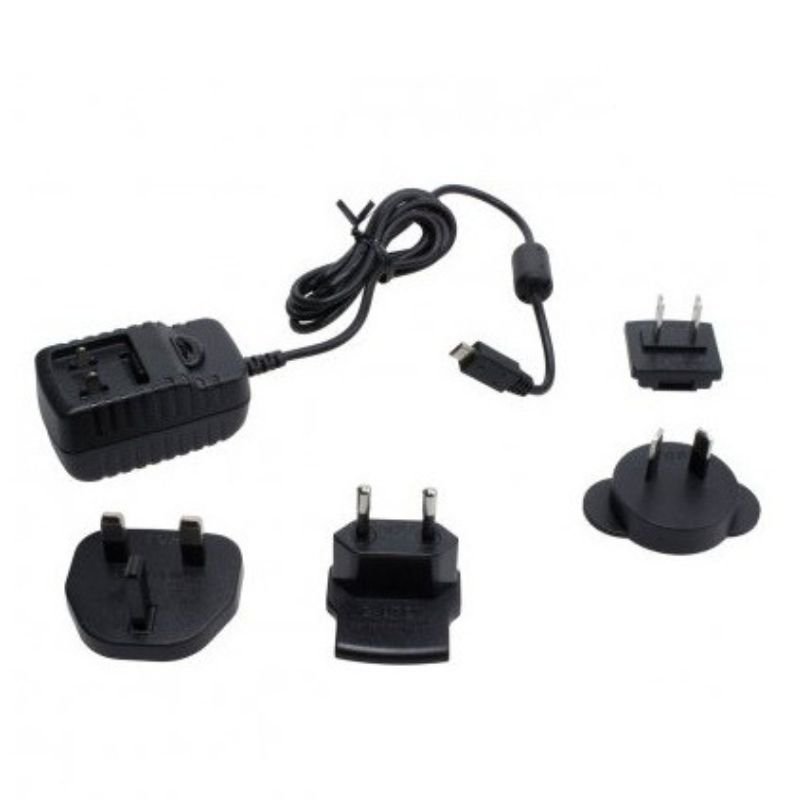

لا توجد مراجعات حتى الآن.