1. **Inspect the Laptop**: Before turning on the laptop, inspect it for any physical damage, such as cracks, dents, or scratches. Check the screen, keyboard, ports, and overall condition of the laptop.
2. **Power On**: Press the power button located on the laptop’s keyboard or near the edge of the laptop to turn it on. Wait for the laptop to boot up, which may take a few moments.
3. **Setup**: If the laptop has been reset to factory settings, you’ll need to go through the initial setup process. Follow the on-screen instructions to select your language, region, time zone, and set up user accounts.
4. **Connect to Wi-Fi**: Once the initial setup is complete, connect the laptop to a Wi-Fi network. Click on the Wi-Fi icon in the system tray (usually located in the bottom-right corner of the screen) and select the network you want to connect to. Enter the Wi-Fi password if prompted.
5. **Explore the Desktop**: Once connected to the internet, take some time to familiarize yourself with the laptop’s desktop interface. This may include the desktop background, icons, taskbar, and start menu.
6. **Update Software**: Check for any available software updates for the operating system and other installed programs. Updates can improve security, stability, and performance. Go to the settings or control panel to access the update options.
7. **Install Antivirus Software**: To protect your laptop from malware and viruses, consider installing antivirus software. You can download and install a trusted antivirus program from the internet or use built-in security features if available.
8. **Customize Settings**: Adjust the laptop’s settings according to your preferences. This may include display settings, power options, keyboard shortcuts, and more. Explore the control panel or settings menu to make changes.
9. **Install Applications**: Install any additional applications or programs you need for work, school, or personal use. You can download and install software from the internet or use pre-installed app stores or marketplaces.
10. **Backup Data**: It’s a good idea to regularly back up your data to prevent loss in case of hardware failure or other issues. Use external hard drives, cloud storage services, or backup software to create backups of important files and documents.
11. **Maintenance**: Regularly maintain your laptop by cleaning the keyboard, screen, and ports with a soft, dry cloth. Keep the laptop’s software updated and perform routine scans for malware and viruses.
12. **Shutdown or Sleep**: When you’re finished using the laptop, properly shut it down or put it to sleep to conserve battery life and prevent data loss. Click on the power icon in the start menu and select the shutdown or sleep option.
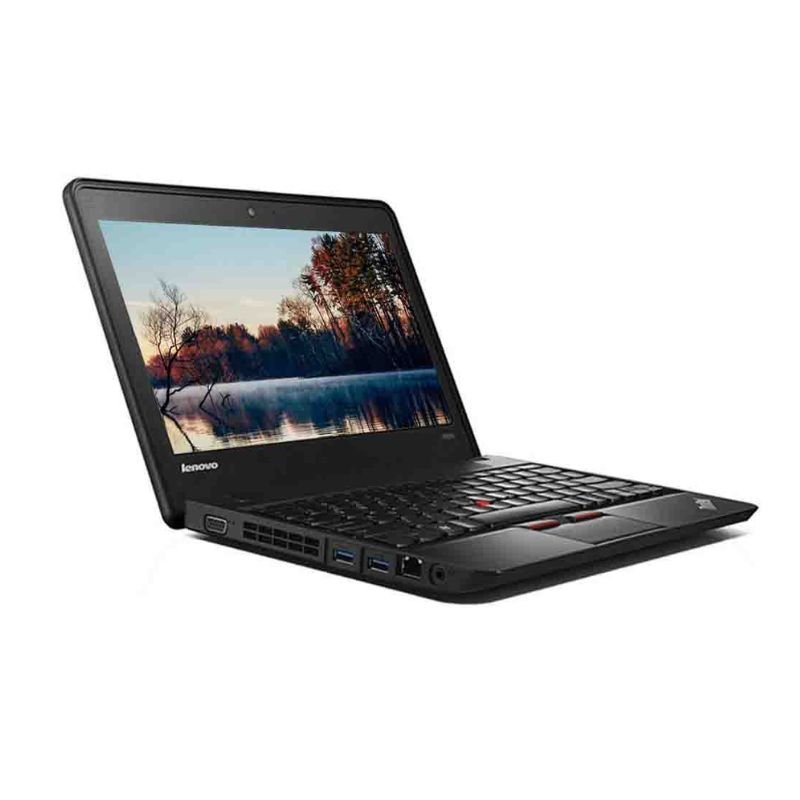
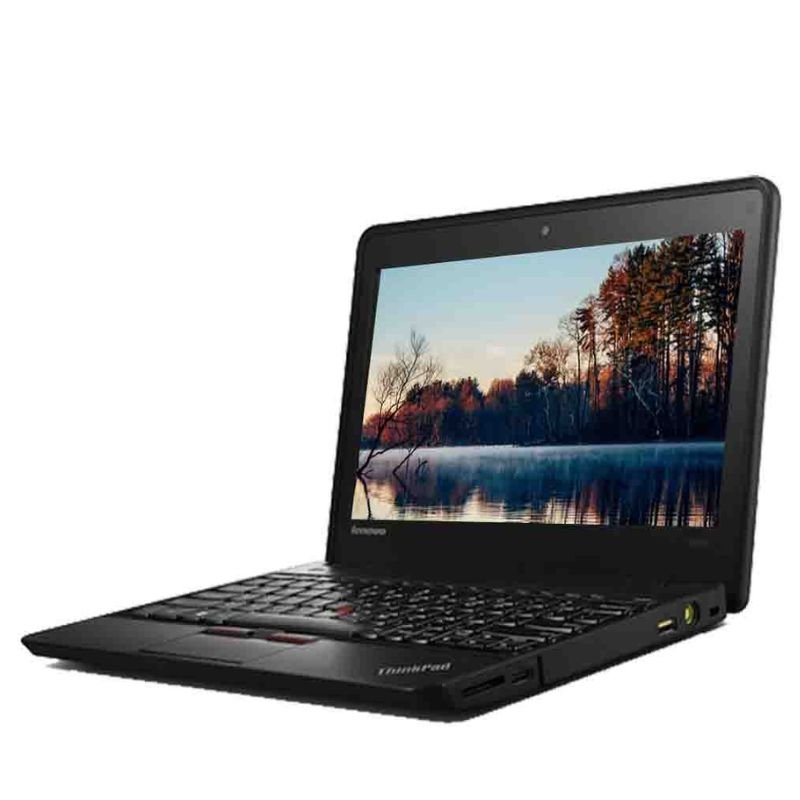
Following these steps will help you effectively use a used ThinkPad X140E laptop and make the most out of its features and capabilities.

 ONTEN USB to HDMI Adapter
1 × 8.900 OMR
ONTEN USB to HDMI Adapter
1 × 8.900 OMR  NOKIA Used 3310 (Old Model)
1 × 12.000 OMR
NOKIA Used 3310 (Old Model)
1 × 12.000 OMR  نوكيا 6124 مستعملة
1 × 24.500 OMR
نوكيا 6124 مستعملة
1 × 24.500 OMR  نوكيا E61i مستعمل
1 × 40.000 OMR
نوكيا E61i مستعمل
1 × 40.000 OMR  نوكيا 5310 إكسبريس موسيقى مستعملة
1 × 25.800 OMR
نوكيا 5310 إكسبريس موسيقى مستعملة
1 × 25.800 OMR  حامل الشحن DOBE PS4 TP4 TP4 023B
1 × 6.900 OMR
حامل الشحن DOBE PS4 TP4 TP4 023B
1 × 6.900 OMR 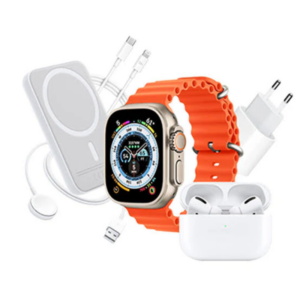 Cleo-MA Smart Watch X8 Unique Combination Smart + Earpods
1 × 6.900 OMR
Cleo-MA Smart Watch X8 Unique Combination Smart + Earpods
1 × 6.900 OMR  NEWSTAR 35 505K UNIVERSAL CAR HOME LAPTOP ADAPTER
1 × 5.000 OMR
NEWSTAR 35 505K UNIVERSAL CAR HOME LAPTOP ADAPTER
1 × 5.000 OMR  أقل سعر
 الخدمة والإصلاح

 أحدث
أحدث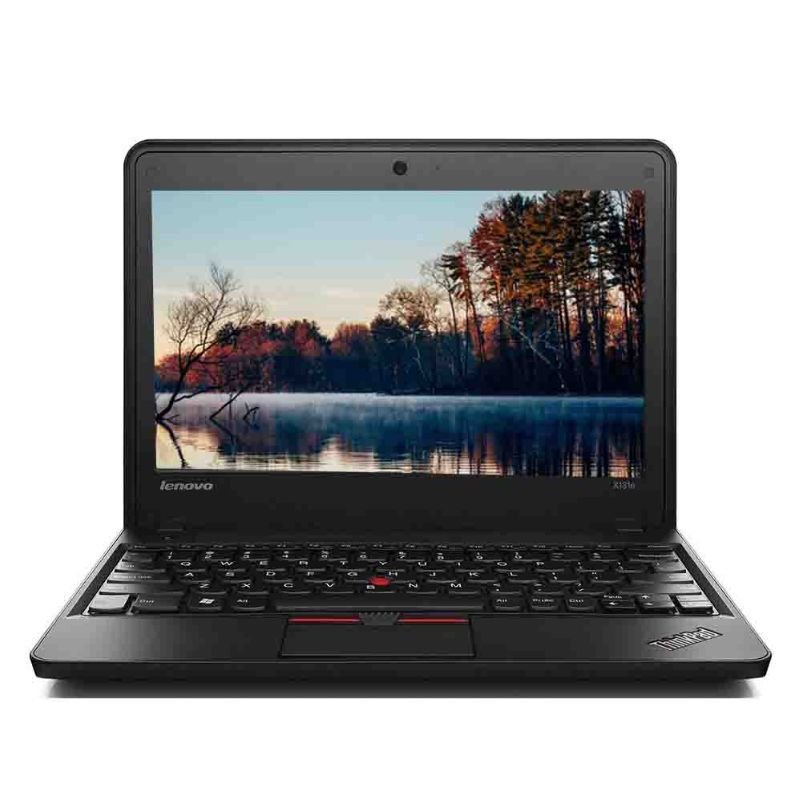


لا توجد مراجعات حتى الآن.