1. **Unboxing**: Carefully remove the PS5 console from its packaging, ensuring not to damage any components or accessories.
2. **Placement**: Choose a suitable location for your PS5 console near a power outlet and your TV or monitor. Ensure there’s enough space around the console for ventilation.
3. **Connections**: Connect the HDMI cable from the PS5 console to your TV or monitor. Plug in the power cable to the console and then into a power outlet. Optionally, connect an Ethernet cable for a wired internet connection or set up a wireless connection.
4. **Power On**: Press the power button on the PS5 console to turn it on. Follow the on-screen prompts to select your language, region, and other settings.
5. **Controller Setup**: Turn on the DualSense controller that comes with the PS5. Press and hold the PS button on the controller until the light bar starts blinking. Follow the on-screen instructions to pair the controller with the console.
6. **System Software Update**: If prompted, connect to the internet to download and install any available system software updates. This ensures your PS5 is up to date with the latest features and improvements.
7. **PlayStation Network Sign-In**: Sign in to your PlayStation Network (PSN) account or create a new one if you don’t have an existing account. This allows you to access online features, purchase games, and connect with friends.
8. **Explore the Interface**: Familiarize yourself with the PS5’s user interface, including the home screen, game library, settings, and PlayStation Store. Navigate using the DualSense controller’s buttons and touchpad.
9. **Game Installation**: Insert any physical game discs you have into the PS5’s disc drive or download games directly from the PlayStation Store. Follow the on-screen prompts to install and launch games.
10. **Enjoy Gaming**: Once everything is set up, start playing games on your PS5! Explore a vast library of titles, experience stunning graphics, and immerse yourself in the world of gaming.
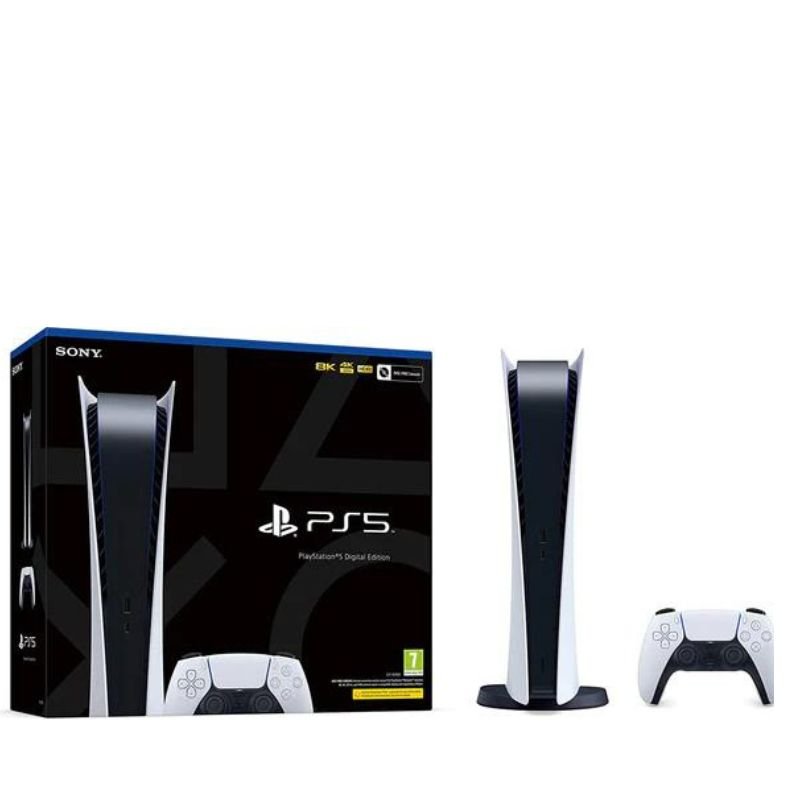
By following these steps, you can set up and start using your Sony PS5 CFI-1216A01Y/B Digital Slim Console for an exceptional gaming experience.
Here’s a step-by-step description of setting up and using the Sony PS5 CFI-1216A01Y/B Digital Slim Console:
1. **Unboxing**: Carefully remove the PS5 console from its packaging, ensuring not to damage any components or accessories.
2. **Placement**: Choose a suitable location for your PS5 console near a power outlet and your TV or monitor. Ensure there’s enough space around the console for ventilation.
3. **Connections**: Connect the HDMI cable from the PS5 console to your TV or monitor. Plug in the power cable to the console and then into a power outlet. Optionally, connect an Ethernet cable for a wired internet connection or set up a wireless connection.
4. **Power On**: Press the power button on the PS5 console to turn it on. Follow the on-screen prompts to select your language, region, and other settings.
5. **Controller Setup**: Turn on the DualSense controller that comes with the PS5. Press and hold the PS button on the controller until the light bar starts blinking. Follow the on-screen instructions to pair the controller with the console.
6. **System Software Update**: If prompted, connect to the internet to download and install any available system software updates. This ensures your PS5 is up to date with the latest features and improvements.
7. **PlayStation Network Sign-In**: Sign in to your PlayStation Network (PSN) account or create a new one if you don’t have an existing account. This allows you to access online features, purchase games, and connect with friends.
8. **Explore the Interface**: Familiarize yourself with the PS5’s user interface, including the home screen, game library, settings, and PlayStation Store. Navigate using the DualSense controller’s buttons and touchpad.
9. **Game Installation**: Insert any physical game discs you have into the PS5’s disc drive or download games directly from the PlayStation Store. Follow the on-screen prompts to install and launch games.
10. **Enjoy Gaming**: Once everything is set up, start playing games on your PS5! Explore a vast library of titles, experience stunning graphics, and immerse yourself in the world of gaming.
By following these steps, you can set up and start using your Sony PS5 CFI-1216A01Y/B Digital Slim Console for an exceptional gaming experience.

 آرييتي MOD 186 صانع الكلاب الساخنة
1 × 3.800 OMR
آرييتي MOD 186 صانع الكلاب الساخنة
1 × 3.800 OMR  APPLE IPAD Pro 12.9 Inch 4TH GEN SMART KEYBOARD FOLIO
1 × 94.900 OMR
APPLE IPAD Pro 12.9 Inch 4TH GEN SMART KEYBOARD FOLIO
1 × 94.900 OMR  PROFESSIONAL STREAMING PLAYER STAND L1
1 × 13.900 OMR
PROFESSIONAL STREAMING PLAYER STAND L1
1 × 13.900 OMR  2.4G Wireless Controller Game Pad
1 × 7.500 OMR
2.4G Wireless Controller Game Pad
1 × 7.500 OMR  أقل سعر
 الخدمة والإصلاح

 أحدث
أحدث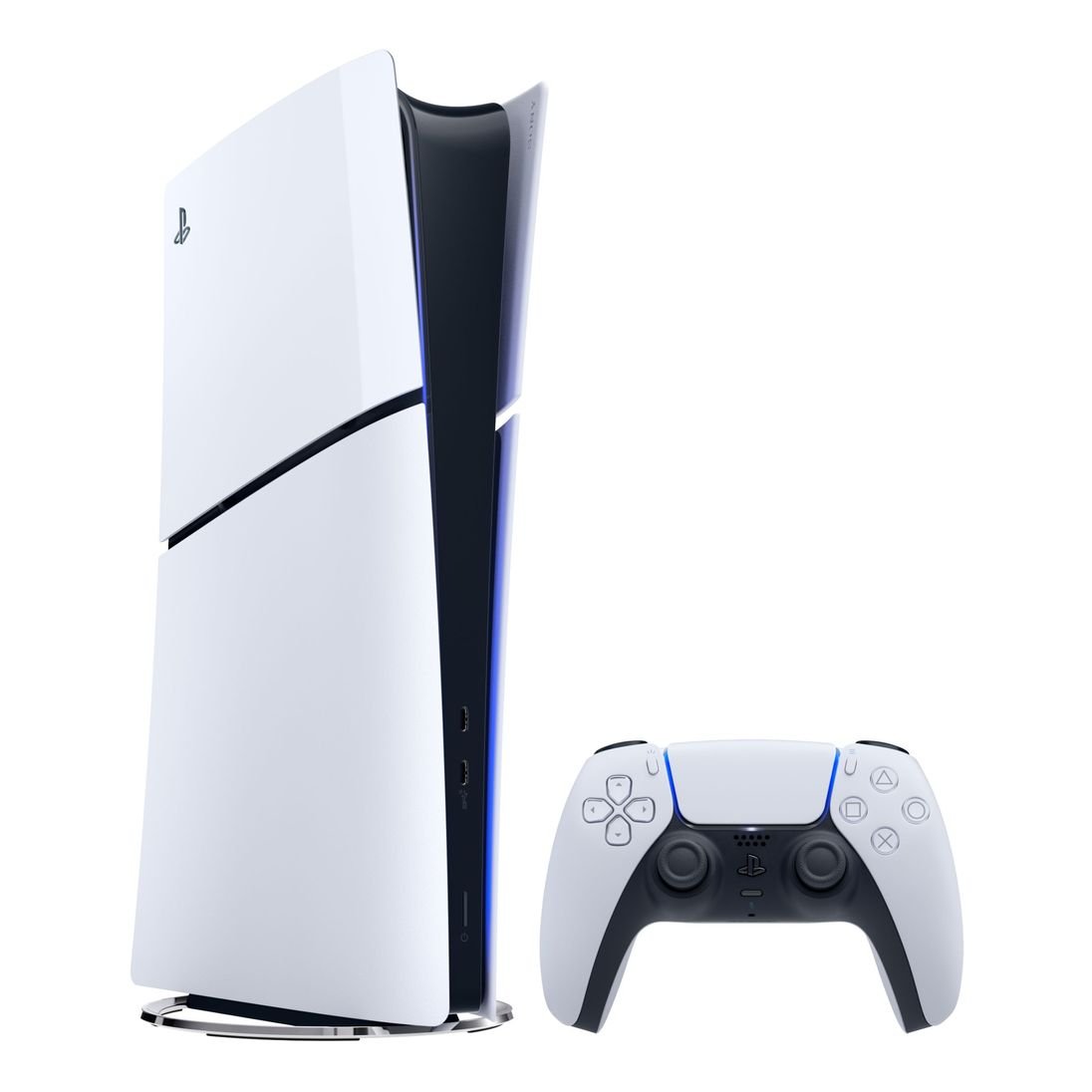


لا توجد مراجعات حتى الآن.