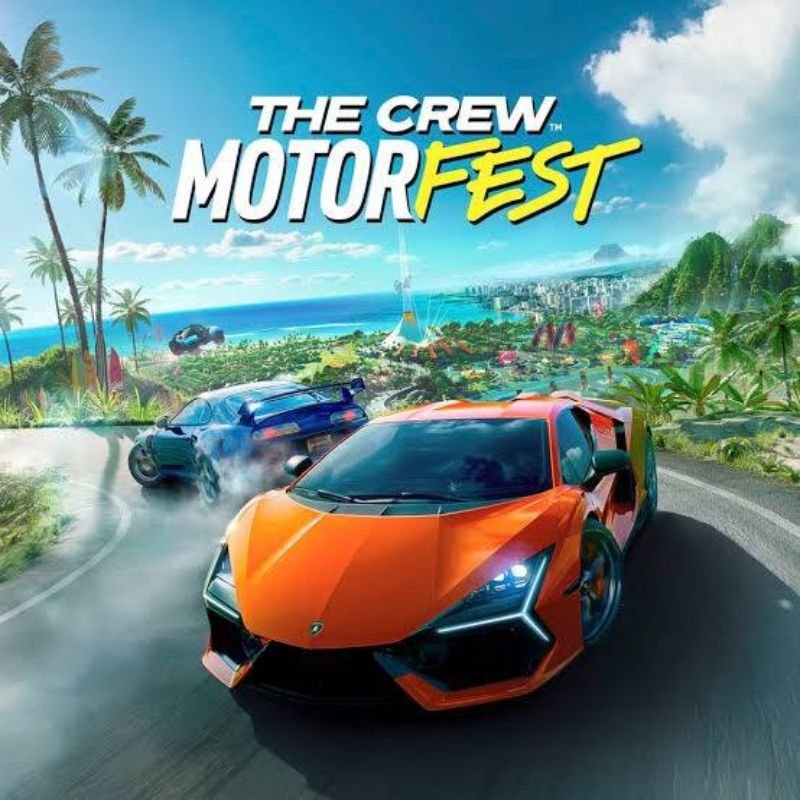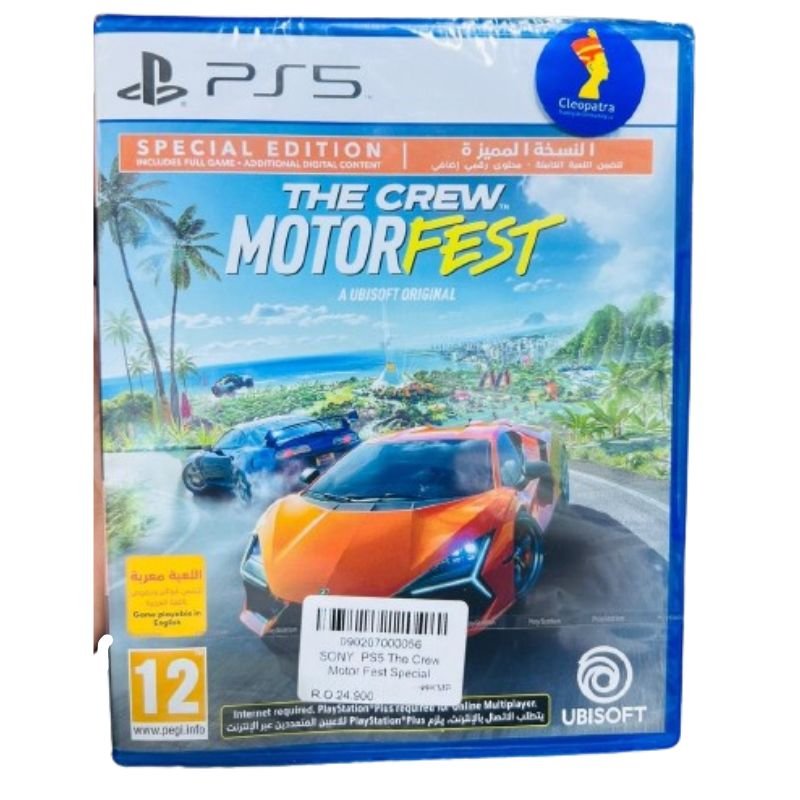
1. **Insert the Game CD**: Locate the disc slot on your PlayStation 5 console. Carefully insert the The Crew Motor Fest Special Edition Game CD into the disc slot with the label facing up.
2. **Wait for Recognition**: Allow the console a moment to recognize the inserted CD. You’ll typically hear the disc spinning as the console reads the data.
3. **Launch the Game**: Once the disc is recognized, navigate to the home screen of your PlayStation 5 by pressing the PlayStation button on your controller. Scroll to the game library or game section using the directional pad on your controller.
4. **Select the Game Icon**: In the game library or game section, locate the The Crew Motor Fest Special Edition game icon. It should be represented by the game’s logo. Highlight the icon using the directional pad.
5. **Start Playing**: Once you’ve selected the game icon, press the “X” button on your controller to start the game. Follow any on-screen prompts or instructions to begin playing The Crew Motor Fest Special Edition on your PlayStation 5 console.
With these steps, you can easily insert and play the Sony PS5 The Crew Motor Fest Special Edition Game CD on your PlayStation 5 console.
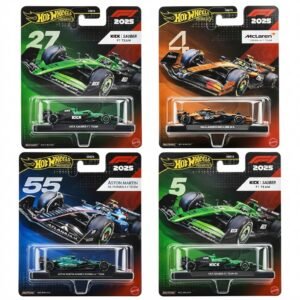
Hot Wheels Formula 1
Mercusys BE3600 Dual Band Wi-Fi 7 Router MR25BE
مشبك الهاتف المحمول DOBE PS4 TP4 TP4 016 CLAMP
BBT HAIR CLIPPER RFCD 9008
ADJUSTABLE ONE PIECE WAIST BAND TW 32093
تابلت جرافيكس اكس بي بين ستار - جي 430 اس
4 IN 1 MOBILE GAME COMBO PACK
Cleo-TY Combat Aircraft Fighter Jet HT-S30
Welly Metal Car Jeep Jeepster Commando Station Wagon Size 1.24 WL-24117H-W
Philips 1000 Series Body Groomer BG1025/15
Mercusys AX3000 Dual-Band Wi-Fi 6 Router MR80X
ميلوديكا ميلوديكا النحلة Bm 13k
أقل سعر
الخدمة والإصلاح
أحدث


لا توجد مراجعات حتى الآن.