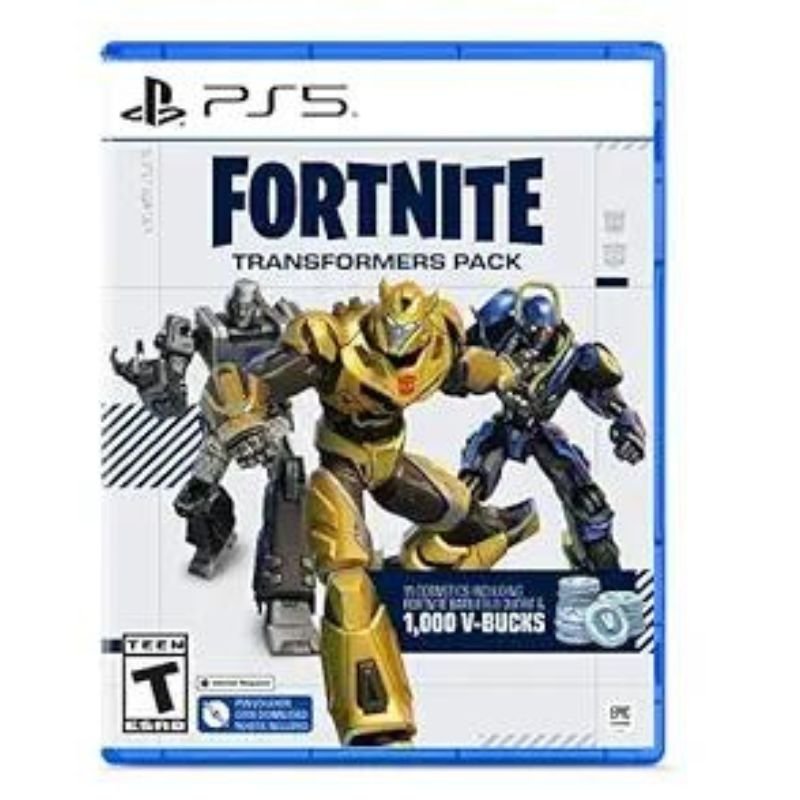
1. **Locate the Voucher Code**: Start by locating the voucher code provided with your Sony PS5 Fortnite Transformers Pack. This code is typically found on a card or inside the packaging of the game.
2. **Access the PlayStation Store**: Turn on your PlayStation 5 console and sign in to your PlayStation Network (PSN) account. From the main menu, navigate to the PlayStation Store using the controller.
3. **Redeem the Voucher Code**: In the PlayStation Store, select the “Redeem Codes” option from the menu. Enter the voucher code exactly as it appears on the card or packaging, using the on-screen keyboard. Once entered, confirm the code to redeem your Fortnite Transformers Pack.
4. **Download the Content**: After successfully redeeming the voucher code, navigate to the “Library” section of the PlayStation Store. Locate Fortnite in your library and select it to access the game’s page. From there, you should see the Transformers Pack content available for download. Select the content and initiate the download to add it to your Fortnite game.
5. **Access the Content in Fortnite**: Once the download is complete, launch Fortnite on your PlayStation 5 console. Navigate to the in-game item shop or customization menu to access the newly redeemed Transformers Pack content. You should now be able to equip and use the Transformers-themed skins, back blings, pickaxes, and other items in the game.
TIAN DU FAST CAR REMOTE CONTROL TOYS
GameSir F5 Falcon Mini Mobile Gaming Controller
ميلي اي داتا اير فلاش درايف بسعة 32 جيجا بايت
XBOX ONE TOM CLANCY'S THE DIVISON 2 GAME CD
Bee T016347T Harmonica 16 Hole
ميلوديكا ميلوديكا النحلة Bm 13k
OCULUS QUEST2 ELITE STRAP with BATTERY and CARRYING CASE
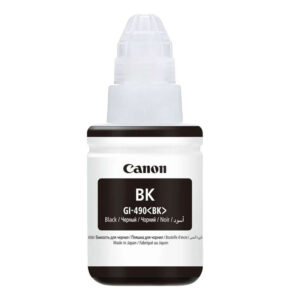
CANON GI-490 BLACK INK
CPT 73355 1-24 CHEVY
سي دي لعبة توكيدن 2 بلاستيشن 4
أقل سعر
الخدمة والإصلاح
أحدث


لا توجد مراجعات حتى الآن.