
-
×
 ميلوديكا ميلوديكا النحلة Bm 13k
1 × 5.900 OMR
-
×
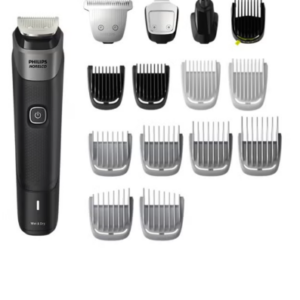 Philips 5000 Series Norelco All In One Trimmer MG5910/49
1 × 24.900 OMR
-
×
 YH 25 PS4 Multifunctional Heat Dissipation Charging Bracket
1 × 12.900 OMR
-
×
 KALIMBA 17 KEYS FINGER PIANO
1 × 13.800 OMR
-
×
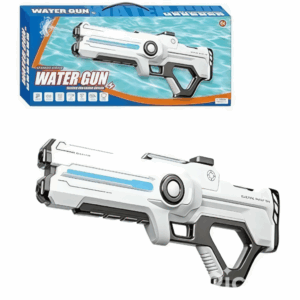 Cleo-TY Kids Water Gun 8899A 3
1 × 7.800 OMR
-
×
 BOYA WIRELESS MICROPHONE BY WM4 PRO
1 × 47.900 OMR
-
×
 BOYA LAVALIER MICROPHONE BY M40D
1 × 20.000 OMR
-
×
 TOLAYE KS06 KEYBOARD STAND
1 × 14.000 OMR
-
×
 ميكروفون كاندك DC C9 كارديويد ميكروفون
1 × 3.500 OMR
-
×
 LAVALIER MICROPHONE LJ02
1 × 1.800 OMR
-
×
 BEHRINGER DEQ 1024 EQUALIZER
1 × 110.000 OMR
-
×
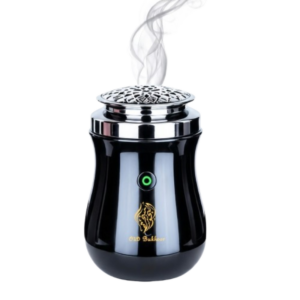 Cleo-EL Portable Electronic Bakhoor BK-52
1 × 4.900 OMR
-
×
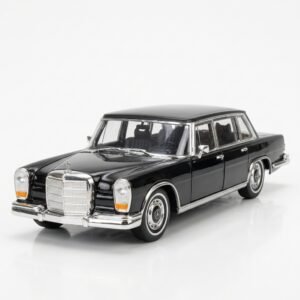 Welly Metal Car Mercedes Benz 600 Size 1.24 WL-24121W
1 × 12.900 OMR
-
×
 BOYA BY WM4 PRO K3 2.4GHz WIRELESS MICROPHONE SYSTEM
1 × 49.900 OMR
المجموع: 330.200 OMR
 أقل سعر
 الخدمة والإصلاح


 أحدث
لا توجد مراجعات حتى الآن.