1. Setup: Position the SHURE SM58SE Wired Mic securely on a microphone stand or hold it comfortably in your hand, ensuring the grille is facing your mouth for optimal sound capture.
2. Cable Connection: Attach one end of the microphone cable (XLR) to the bottom of the SHURE SM58SE Mic. Ensure the connector clicks securely into the microphone’s input port.
3. Mixer Connection: Connect the other end of the microphone cable to an audio mixer or amplifier. Insert the cable into the appropriate input channel on the mixer or amplifier.
4. Check Levels: Prior to use, adjust the microphone input level on the mixer or amplifier to ensure optimal audio quality without clipping or distortion. Test the microphone by speaking or singing into it while monitoring the level meters.
5. Performance: Once levels are set, you’re prepared to utilize the SHURE SM58SE Mic for your speaking or singing needs. Speak or sing directly into the microphone at an appropriate distance to achieve clear and professional sound reproduction. Modify the microphone position or mixer settings as necessary for optimal performance.
نوكيا اي 90
HOCO UPA14 Aux 3.5mm Audio Cable
فيلم زجاجي لعدسة كاميرا آي فون 11 برو المعدني من USAMS
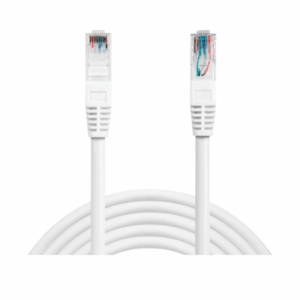
Cable Networking Cat 6 10 Meter
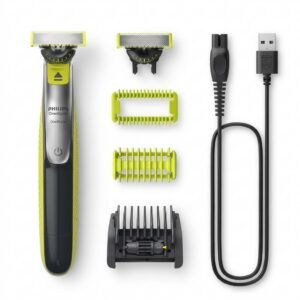
Philips OneBlade 360 Shaver QP2734/23
Cable Networking Cate 6 15 Meter
TOLAYE KS06 KEYBOARD STAND
Philips Norelco Oneblade Shaver QP2834/70
Cleo-EL Portable Power Station 300W ZHY-CN01
BOYA BY WM4 PRO K3 2.4GHz WIRELESS MICROPHONE SYSTEM
أقل سعر
الخدمة والإصلاح
أحدث
لا توجد مراجعات حتى الآن.