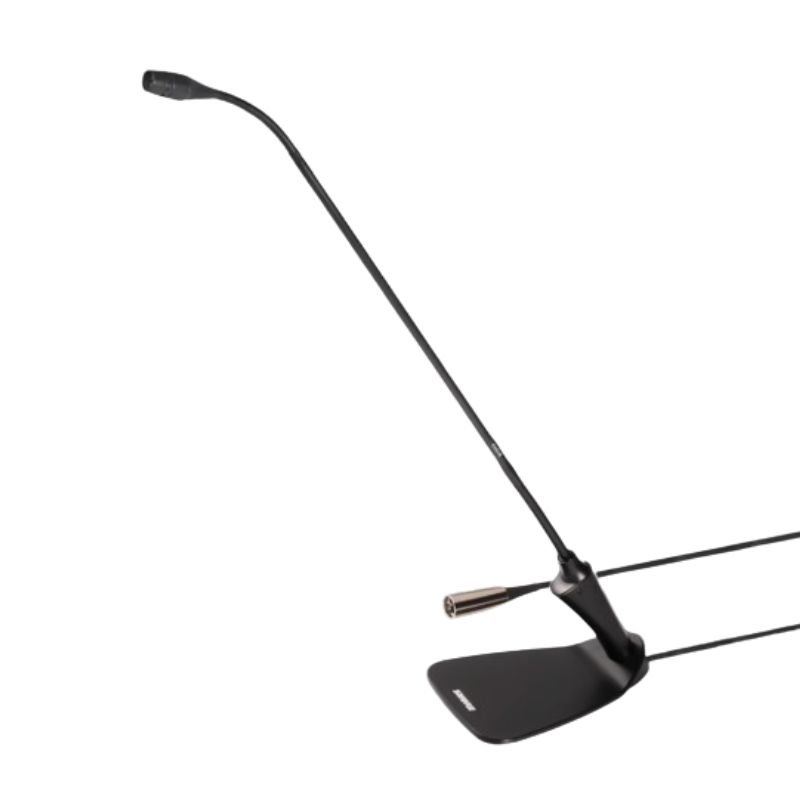
1. **Connect**: Plug the Shure CVG18DS Microphone into your audio interface or mixer using its appropriate connector.
2. **Position**: Adjust the microphone to the desired position, ensuring it’s close enough to capture clear audio while remaining discreet.
3. **Power**: If required, supply power to the microphone through your audio interface or mixer.
4. **Test**: Perform a quick test to ensure the microphone is picking up sound properly and adjust settings as necessary.
5. **Use**: Once configured, the Shure CVG18DS Microphone is ready to capture clear, focused audio for your conferencing or speech needs.
BOYA BY WM4 PRO K3 2.4GHz WIRELESS MICROPHONE SYSTEM
موصل كابل DUDAO AUX مقاس 3.5 مم
BOYA BY WM8 PRO K2 UHF DUAL CHANNEL WIRELESS MICROPHONE
3713 ج موسيقى جيتار 3713 ج
RING SUPPLEMENTARY LAMP 36W + STAND
MAX BMS 135 BOOM MIC STAND
BIBA Flute Deluxe
TOLAYE KS06 KEYBOARD STAND
كبل بيانات OTVO P4 USB (لمضيف ومقبض P4)
واشبرن أوس أوس Ou2 أوكوليه
أقل سعر
الخدمة والإصلاح


لا توجد مراجعات حتى الآن.