
-
×
 Xiaomi HyperCharge Power Bank P03mi 212w 25000mAh GL Single Port PD3.1
1 × 32.900 OMR
Xiaomi HyperCharge Power Bank P03mi 212w 25000mAh GL Single Port PD3.1
1 × 32.900 OMR -
×
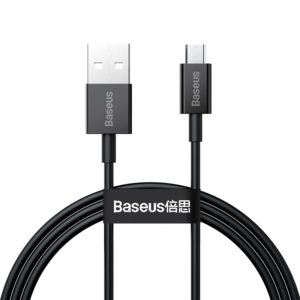 Baseus Data Cable CAMYS-A01 Usb A to Micro 2mtr
1 × 1.100 OMR
Baseus Data Cable CAMYS-A01 Usb A to Micro 2mtr
1 × 1.100 OMR -
×
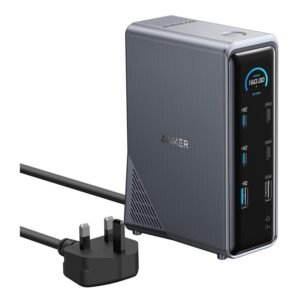 Anker Prime Charging Docking Station 14-IN 1-160W Model A83B62A1
1 × 45.900 OMR
Anker Prime Charging Docking Station 14-IN 1-160W Model A83B62A1
1 × 45.900 OMR -
×
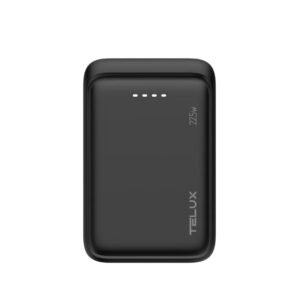 Telux Powerbank PBVX05 Voltx05 20w Pd 5000mah
1 × 2.600 OMR
Telux Powerbank PBVX05 Voltx05 20w Pd 5000mah
1 × 2.600 OMR -
×
 Xiaomi PowerBank PB1033 10000mAh 33w
1 × 7.500 OMR
Xiaomi PowerBank PB1033 10000mAh 33w
1 × 7.500 OMR -
×
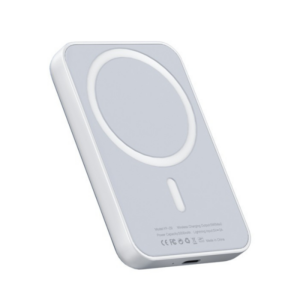 Yesido Wireless Power Bank YP29 5000mAh Magsafe Magnetic
1 × 6.000 OMR
Yesido Wireless Power Bank YP29 5000mAh Magsafe Magnetic
1 × 6.000 OMR -
×
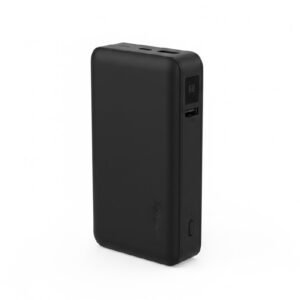 Telux Powerbank PBVX20 Voltx20 20w Pd 20000mah
1 × 4.700 OMR
Telux Powerbank PBVX20 Voltx20 20w Pd 20000mah
1 × 4.700 OMR -
×
 D Plus Powerbank D-P04 Pd 10000Mah 30w
1 × 4.500 OMR
D Plus Powerbank D-P04 Pd 10000Mah 30w
1 × 4.500 OMR -
×
 BOYA WIRELESS MICROPHONE BY WM4 PRO
1 × 47.900 OMR
BOYA WIRELESS MICROPHONE BY WM4 PRO
1 × 47.900 OMR -
×
 Anker Powerbank A1688 Zolo Powercore With Cable 10000Mah
1 × 9.500 OMR
Anker Powerbank A1688 Zolo Powercore With Cable 10000Mah
1 × 9.500 OMR -
×
 Anker Powerbank A1616 MagGo 5000mah 7.5w
1 × 8.500 OMR
Anker Powerbank A1616 MagGo 5000mah 7.5w
1 × 8.500 OMR -
×
 D Plus Powerbank D-P05 Pd 20000Mah 30w
1 × 5.500 OMR
D Plus Powerbank D-P05 Pd 20000Mah 30w
1 × 5.500 OMR -
×
 DigitPlus PowerBank DP-PB11 Super Fast 10000Mah 22.5w
1 × 3.500 OMR
DigitPlus PowerBank DP-PB11 Super Fast 10000Mah 22.5w
1 × 3.500 OMR -
×
 Yesido Power Bank YP70 10000mAh 22.5w Built Type C Cable
1 × 7.300 OMR
Yesido Power Bank YP70 10000mAh 22.5w Built Type C Cable
1 × 7.300 OMR -
×
 BOYA BY WM4 PRO K3 2.4GHz WIRELESS MICROPHONE SYSTEM
1 × 49.900 OMR
BOYA BY WM4 PRO K3 2.4GHz WIRELESS MICROPHONE SYSTEM
1 × 49.900 OMR
المجموع: 237.300 OMR
 أقل سعر
 الخدمة والإصلاح

 أحدث
أحدث

لا توجد مراجعات حتى الآن.