1. **Power On**: Insert fresh batteries into both the microphone transmitter and the receiver. Power on both devices using their respective power buttons or switches.
2. **Frequency Selection**: Use the frequency selection feature on the receiver to choose a clear and interference-free frequency. Ensure that the transmitter is set to the same frequency for proper communication.
3. **Syncing Transmitter and Receiver**: Press the sync button on the receiver unit and hold it down until the sync LED starts blinking. Then, press the sync button on the microphone transmitter. This establishes a secure connection between the two devices.
4. **Microphone Setup**: Attach the SM58 microphone capsule to the transmitter by securely screwing it onto the top of the unit. Position the microphone according to your preference for optimal sound pickup.
5. **Sound Check**: Perform a sound check to adjust volume levels and equalization settings as needed. Monitor the audio output from the receiver unit to confirm that the microphone is functioning correctly and delivering clear sound.

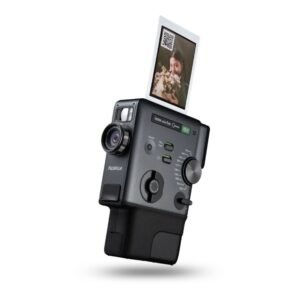 Fujifilm Instax Mini Evo Cinema Hybrid Instant Camera
1 × 154.900 OMR
Fujifilm Instax Mini Evo Cinema Hybrid Instant Camera
1 × 154.900 OMR  Insta 360 Action Camera GO 3S Black
1 × 142.900 OMR
Insta 360 Action Camera GO 3S Black
1 × 142.900 OMR 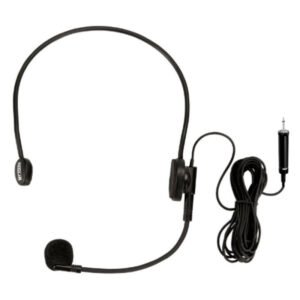 AHUJA HBM60CC Condenser Headband Microphone
1 × 13.000 OMR
AHUJA HBM60CC Condenser Headband Microphone
1 × 13.000 OMR  أقل سعر
 الخدمة والإصلاح

 أحدث
أحدث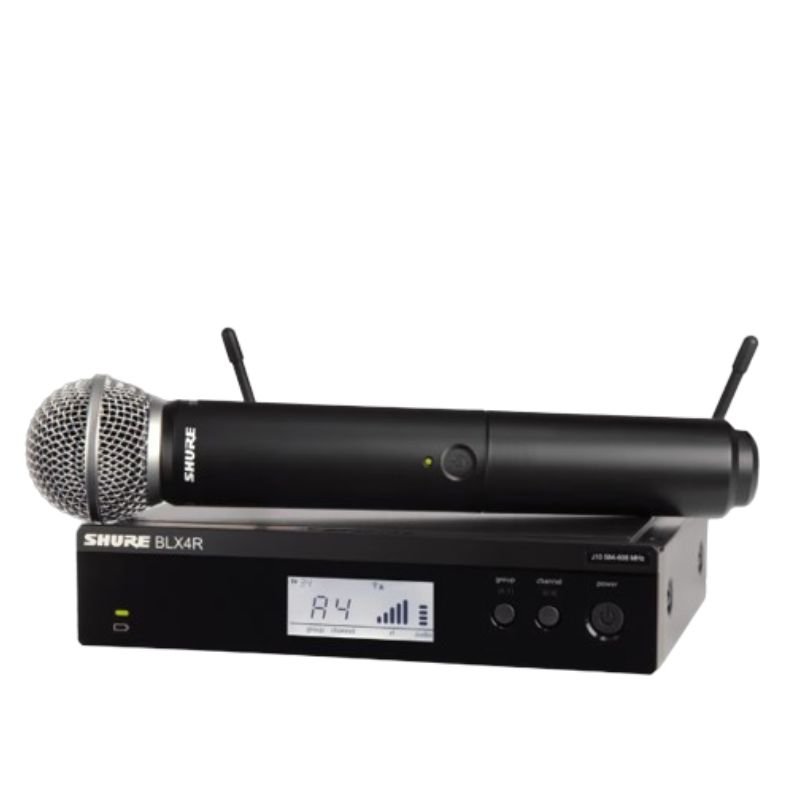


لا توجد مراجعات حتى الآن.