
-
×
 GameSir F5 Falcon Mini Mobile Gaming Controller
1 × 3.900 OMR
-
×
 Nintendo Switch Lite Console turquoise
1 × 72.900 OMR
-
×
 SONY PS5 Spider Man Marvel Miles Morales Eng. Game CD
1 × 9.900 OMR
-
×
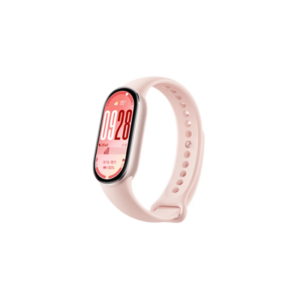 سوار شاومي الذكي M2459B1، لون وردي غامض، إصدار 10
1 × 14.900 OMR
-
×
 TOLAYE KS06 KEYBOARD STAND
1 × 14.000 OMR
-
×
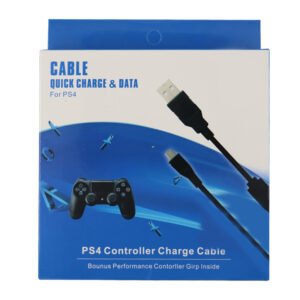 USB DATA CABLE PS4
1 × 1.900 OMR
-
×
 Sony PS4 Shin Megami Tensei III Game CD
1 × 19.800 OMR
-
×
 BOYA WIRELESS MICROPHONE BY WM4 PRO
1 × 47.900 OMR
-
×
 ميلوديكا ميلوديكا النحلة Bm 13k
1 × 5.900 OMR
-
×
 3713 ج موسيقى جيتار 3713 ج
1 × 3.800 OMR
-
×
 كبل بيانات OTVO P4 USB (لمضيف ومقبض P4)
1 × 1.900 OMR
-
×
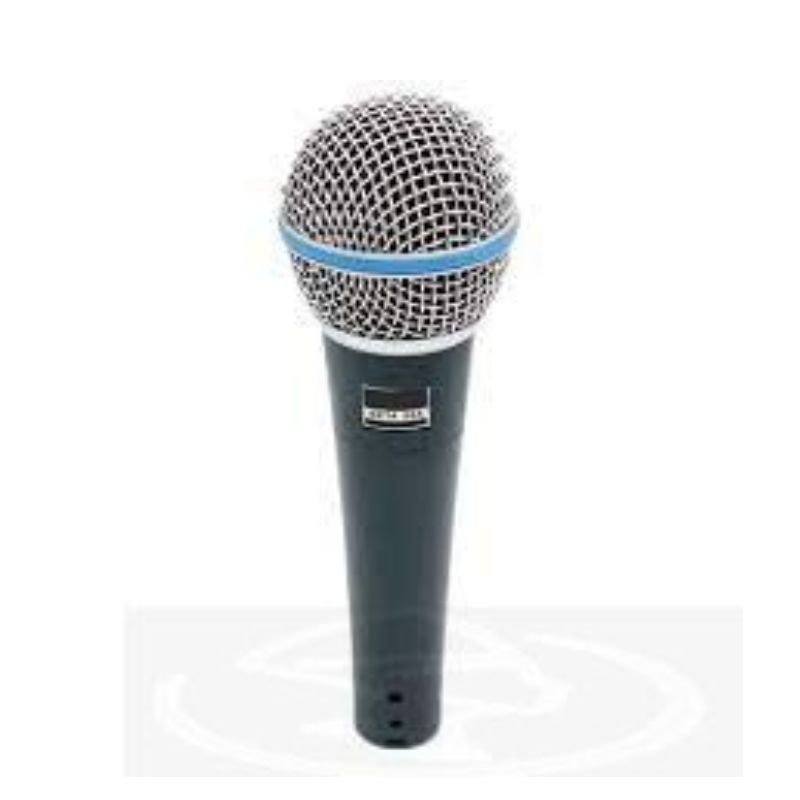
 ميكروفون كاندك DC C9 كارديويد ميكروفون
1 × 3.500 OMR
-
×
 BOYA BY WM4 PRO K3 2.4GHz WIRELESS MICROPHONE SYSTEM
1 × 49.900 OMR
المجموع: 250.200 OMR
 أقل سعر
 الخدمة والإصلاح


 أحدث


لا توجد مراجعات حتى الآن.