
-
×
 فيلم زجاجي لعدسة كاميرا آي فون 11 برو المعدني من USAMS
1 × 1.900 OMR
فيلم زجاجي لعدسة كاميرا آي فون 11 برو المعدني من USAMS
1 × 1.900 OMR
المجموع: 1.900 OMR
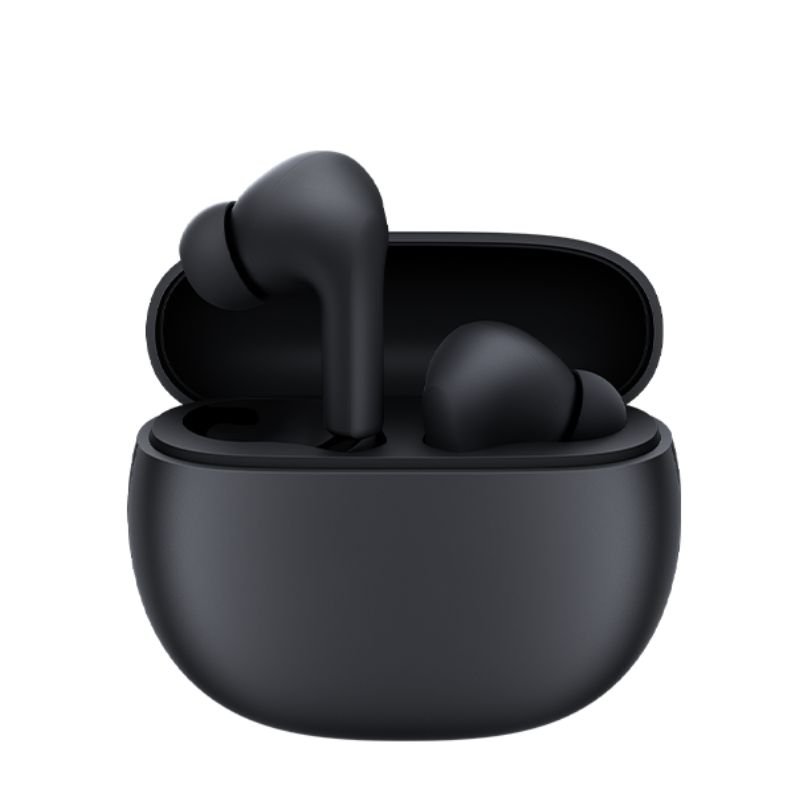
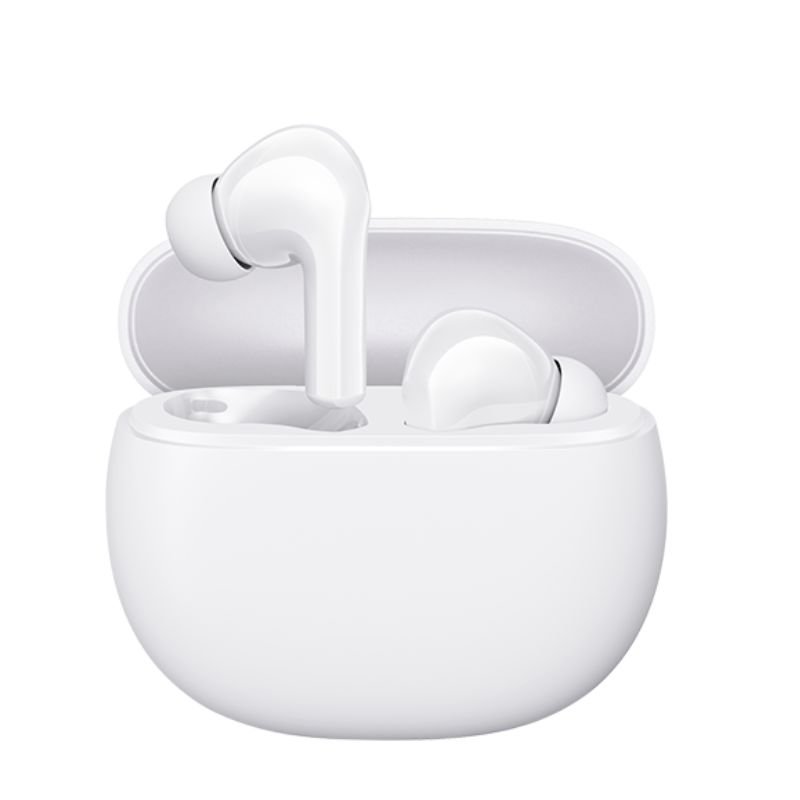
SKU: Redmi MI Buds 4 Active - Black / White
متوفر في المخزون
The Redmi MI Buds 4 Active are wireless earbuds designed to deliver an immersive audio experience with active lifestyles in mind. Offering a snug fit and water-resistant design, they are perfect for workouts, commutes, or everyday use. With advanced Bluetooth connectivity, they seamlessly pair with your device for uninterrupted listening. Enjoy crisp sound quality and long-lasting battery life, making these earbuds an ideal companion for music enthusiasts on the move.
6.500 OMR
1. **Pairing:** Begin by activating the Bluetooth function on your device. Then, open the charging case of the Redmi MI Buds 4 Active to initiate pairing mode. Follow the instructions on your device’s screen to select the earbuds from the list of available Bluetooth devices and complete the pairing process.
2. **Fit and Comfort:** Select the ear tips and ear wings that provide the best fit for your ears. Ensure a secure and comfortable fit to maximize noise isolation and audio quality during use.
3. **Playback Control:** Once paired, use the touch-sensitive controls on the earbuds to manage playback. Tap once to play or pause music, double-tap to skip to the next track, and triple-tap to skip to the previous track. Adjust the volume by tapping and holding on the left or right earbud.
4. **Voice Assistant Integration:** Take advantage of voice assistant integration for hands-free control of your device. Activate your device’s voice assistant (e.g., Siri or Google Assistant) by pressing and holding the touch-sensitive area on either earbud.
5. **Charging and Storage:** After use, place the Redmi MI Buds 4 Active back into their charging case to recharge. Ensure the earbuds are properly aligned with the charging pins in the case. The case also serves as a convenient storage solution, protecting the earbuds when not in use and ensuring they’re always ready for your next listening session.
 أقل سعر
 الخدمة والإصلاح

 أحدث
أحدث
لا توجد مراجعات حتى الآن.