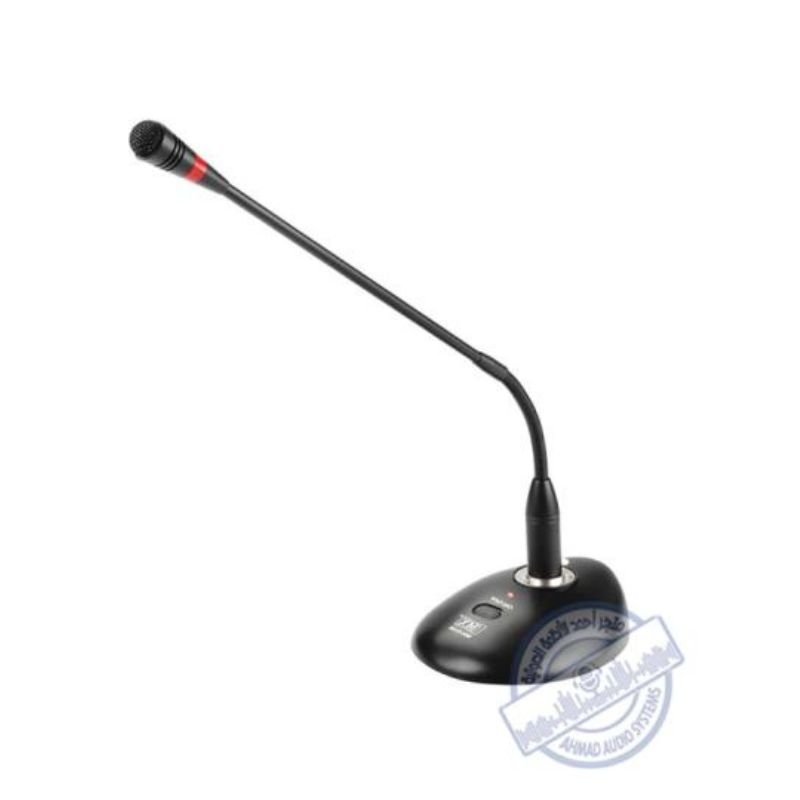
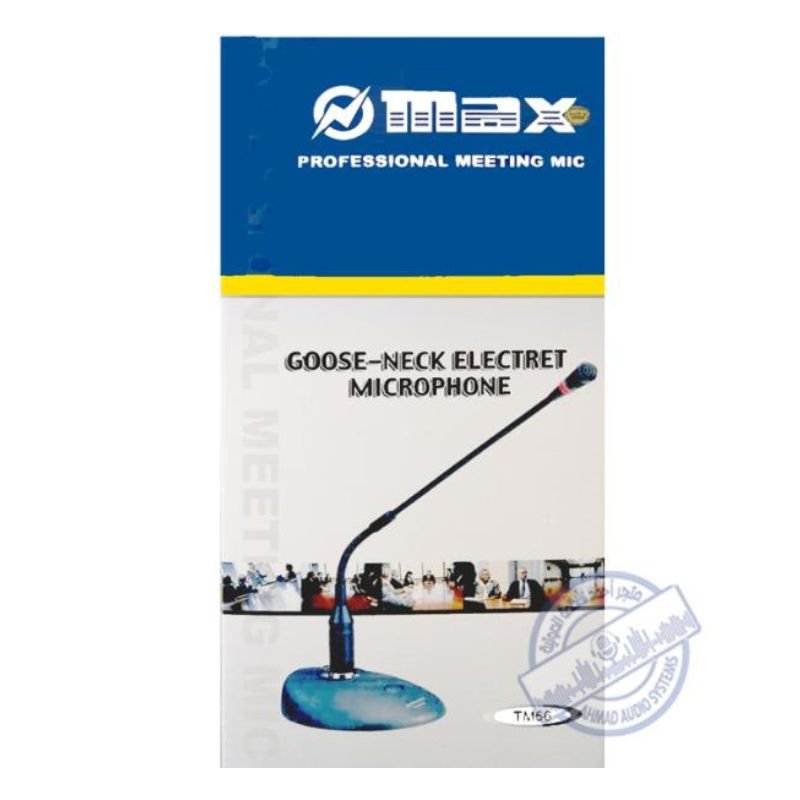
1. **Unboxing**: Open the packaging of the MAX TM66 Microphone. Inside, you’ll find the microphone unit, any accompanying accessories such as cables or microphone stands, and the user manual.
2. **Assembly (if needed)**: If the microphone requires assembly, follow the instructions provided in the user manual to assemble it properly. This may involve attaching the microphone to a microphone stand or connecting cables to the microphone and other audio equipment.
3. **Connecting to Audio Equipment**: Identify the type of audio equipment you’ll be using with the microphone, such as a mixer, amplifier, or audio interface. Connect one end of the microphone cable to the microphone and the other end to the appropriate input on your audio equipment.
4. **Powering On (if applicable)**: Some microphones require power to operate, especially condenser microphones. If your microphone requires power, ensure that it’s properly powered using batteries, phantom power from a mixer or audio interface, or an external power source as specified in the user manual.
5. **Adjusting Settings (if applicable)**: Depending on the microphone model, there may be settings or controls that you can adjust to optimize performance. This may include adjusting gain levels, polar patterns, or frequency response settings. Refer to the user manual for instructions on adjusting these settings.
6. **Testing**: Test the microphone to ensure that it’s working properly. Speak or sing into the microphone and monitor the audio output through your audio equipment. Adjust the microphone position, gain levels, or other settings as needed to achieve the desired sound quality.
7. **Performance**: Once the microphone is set up and tested, you’re ready to use it for your recording, performance, or presentation. Speak or sing into the microphone with confidence, knowing that it’s capturing your voice accurately and clearly.
8. **Monitoring**: Throughout your use of the microphone, monitor the audio levels and quality to ensure optimal performance. Make any necessary adjustments to the microphone or audio equipment to address any issues that may arise.
9. **Powering Off**: When you’re finished using the microphone, power it off and disconnect it from your audio equipment. Store the microphone and any accompanying accessories in a safe place to protect them from damage.
By following these steps, you can effectively set up and use the MAX TM66 Microphone for a variety of audio recording or performance applications.
موصل كابل DUDAO AUX مقاس 3.5 مم
TP-Link RE605X AX1800 Wi-Fi 6 Range Extender
BOYA LARGER DIAPHRAGM CONDENSER MICROPHONE BY M1000
TP-Link RE 505X WIFI 6 AX1500 RANGE EXTENDER ROUTER
BOYA WIRELESS MICROPHONE BY WM4 PRO
GoPro 50 in 1 Kit
ميلوديكا ميلوديكا النحلة Bm 13k
Logitech H390 USB STEREO HEADSET Black
Earldom Phone Holder ET EH293 For Cycle
Earldom Laptop Stand ET EH173 Multifunction Creative Plastic
كبل بيانات OTVO P4 USB (لمضيف ومقبض P4)
ثلاجة كلي أوسب
Haysenser Nvme Case Ngff 3.2 Hys690
Haysenser Cable 3.0 Micro
لينوفو ايه 588 تي
Haysenser HY-C02 Card Reader
Sony PS5 The Pathless Game CD
Haysenser Usb Drive External
HAYSENSER HDMI TO DISPLAY ADAPTER
BIBA Flute Deluxe
أقل سعر
الخدمة والإصلاح
أحدث


لا توجد مراجعات حتى الآن.