
-
×
 XBOX ONE TOM CLANCY'S THE DIVISON 2 GAME CD
1 × 12.800 OMR
-
×
 PROFESSIONAL STREAMING PLAYER STAND L1
2 × 13.900 OMR
-
×
 AHUJA UTP30 WIRED TIE CLIP MIC
2 × 10.000 OMR
-
×
 سي دي لعبة ستار وورز سكوادرونز لبلاستيشن 4
1 × 15.800 OMR
-
×
 3713 ج موسيقى جيتار 3713 ج
2 × 3.800 OMR
-
×
 ANNKE CAMERA CT1DT
1 × 13.500 OMR
-
×
 كبل بيانات OTVO P4 USB (لمضيف ومقبض P4)
2 × 1.900 OMR
-
×
 KALIMBA 17 KEYS FINGER PIANO
1 × 13.800 OMR
-
×
 Sony PS5 Village Resident Evil Game CD
1 × 12.900 OMR
-
×
 MAX BMS 135 BOOM MIC STAND
1 × 9.500 OMR
-
×
 نوكيا اي 90
1 × 120.000 OMR
-
×
 سوار جوجل فيتبيت إير لتتبع اللياقة البدنية والصحة بدون شاشة، لون وردي
1 × 48.900 OMR
-
×
 ثلاجة كلي أوسب
3 × 5.900 OMR
-
×
 XIAOMI MI WATCH LITE REDMIT02
1 × 17.900 OMR
-
×
 ميكروفون كاندك DC C9 كارديويد ميكروفون
1 × 3.500 OMR
-
×
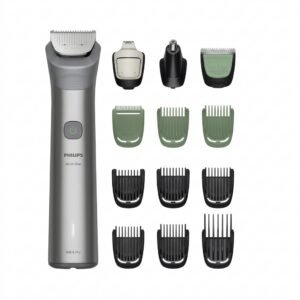 Philips 5000 Series All In One Trimmer 13 In 1 MG5942/15
1 × 19.900 OMR
-
×
 ميلوديكا ميلوديكا النحلة Bm 13k
3 × 5.900 OMR
-
×
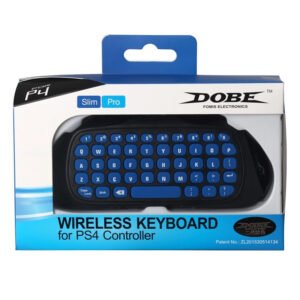 DOBE TP4 822 WIRELESS KEYBOARD
1 × 2.400 OMR
-
×
 Hot Wheels Deutschland Design
8 × 4.900 OMR
-
×
 Belkin F2CU012bt Mixit Cable Usb A to Micro 3mtr
2 × 1.900 OMR
-
×
 SanDisk Smurf USB Flash Drive128GB
1 × 7.900 OMR
-
×
 Google Fitbit Edge Fitness & Health Tracking Smart Band Green
1 × 86.900 OMR
-
×
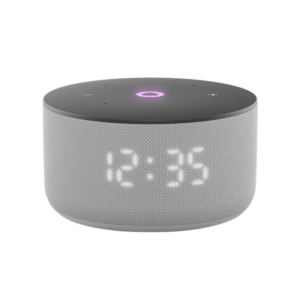 مكبر صوت ياسمين الصغير الذكي المحمول بتقنية بلوتوث، رمادي اللون
1 × 29.900 OMR
-
×
 NEWSTAR 35 505K UNIVERSAL CAR HOME LAPTOP ADAPTER
1 × 5.000 OMR
-
×
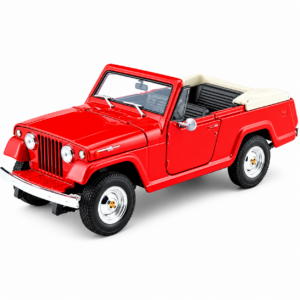 Welly Metal Car Jeep Jeepster Commando Roadster Size 1.24 WL-24117C-W
2 × 12.900 OMR
-
×
 APPLE IPAD Pro 12.9 Inch 4TH GEN SMART KEYBOARD FOLIO
2 × 94.900 OMR
-
×
 CLEO PLASTIC RECORDER
1 × 0.700 OMR
-
×
 APPLE AIRTAG 1 PACK
1 × 10.900 OMR
-
×
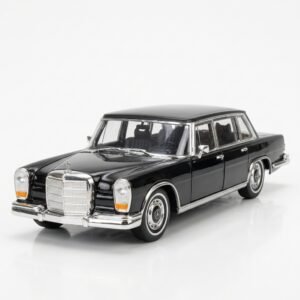 Welly Metal Car Mercedes Benz 600 Size 1.24 WL-24121W
2 × 12.900 OMR
-
×
 حامل الشحن DOBE PS4 TP4 TP4 023B
4 × 6.900 OMR
-
×
 Google Fitbit Edge Fitness & Health Tracking Smart Band Black
2 × 86.900 OMR
-
×
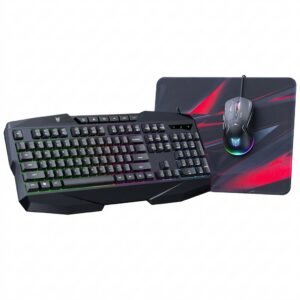 Onikuma 3-in-1 Professional Gaming Combo TZ3006
2 × 8.900 OMR
-
×
 كاميرا إنستا 360 ثنائية العدسات بدقة 8K مع مثبت جيمبال
1 × 242.900 OMR
-
×
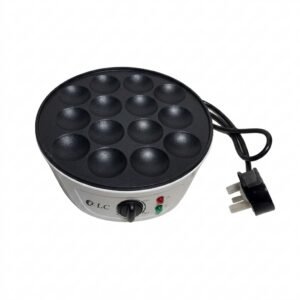 Dlc Pancake Maker 14Pcs 38242
1 × 4.800 OMR
-
×
 Telionix Electric Air Fryer 9L TAF4424
2 × 34.900 OMR
-
×
 PHILIPS HD 1172 Dry Iron
1 × 5.800 OMR
-
×
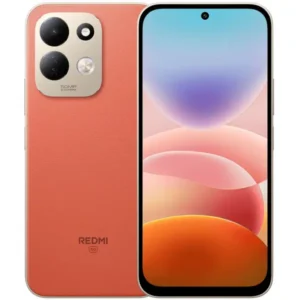 Redmi MI 17 6gb 256gb 5g Gsm
1 × 84.000 OMR
-
×
 فيلم زجاجي لعدسة كاميرا آي فون 11 برو المعدني من USAMS
1 × 1.900 OMR
-
×
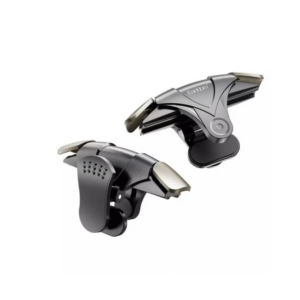 وحدة تحكم إطلاق النار المحمولة Earldom F09 زر إطلاق النار
1 × 1.500 OMR
-
×
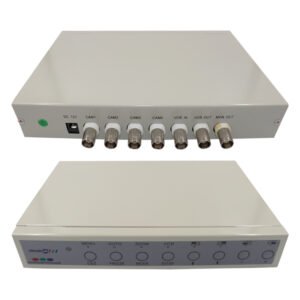 PROLINE PR 704 Digital Quad
1 × 9.000 OMR
-
×
 ANKER NEBULA MARS 2PRO D2323211 PORTABLE PROJECTOR
1 × 199.800 OMR
-
×
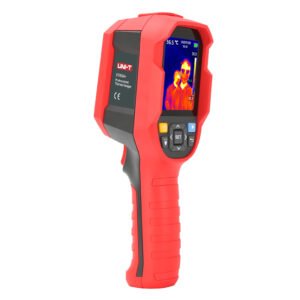 UNI-T UTI65H PROFESSIONAL THERMAL IMAGER
1 × 94.900 OMR
-
×
 BBurago Metal Car Ferrari 296 GTB Size 1.18 18-16018
2 × 42.900 OMR
-
×
 Cleo-EL Solar Security Camera Wifi V380 Pro
1 × 20.900 OMR
-
×
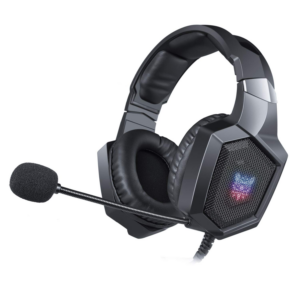 Onikuma Professional Gaming Headset K8
1 × 6.900 OMR
-
×
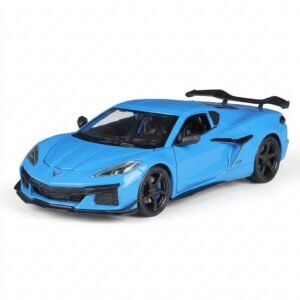 سيارة معدنية من "ويلي" (Welly) طراز "شيفروليه كورفيت Z06" بمقياس 1:24، رقم الموديل WL-24120W
1 × 13.500 OMR
-
×
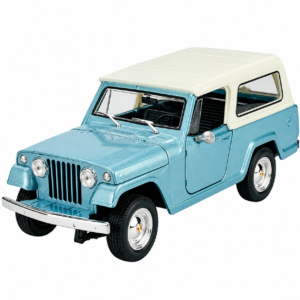 Welly Metal Car Jeep Jeepster Commando Station Wagon Size 1.24 WL-24117H-W
2 × 12.900 OMR
-
×
 4 IN 1 MOBILE GAME COMBO PACK
1 × 8.900 OMR
-
×
 LAVALIER MICROPHONE LJ02
1 × 1.800 OMR
-
×
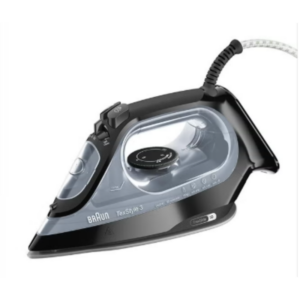 مكواة بخارية براون تيكستايل 3 (Braun TexStyle 3) طراز SI3055BK، بقوة 2400 واط
1 × 22.900 OMR
-
×
 Sony PS4 Minecraft Dungeons Hero Edition Game CD
1 × 13.800 OMR
-
×
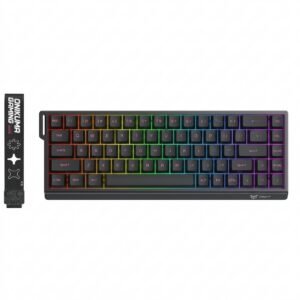 Onikuma Gaming Keyboard MT603
1 × 12.900 OMR
-
×
 Fonecom Wired Mouse Optical
1 × 1.000 OMR
-
×
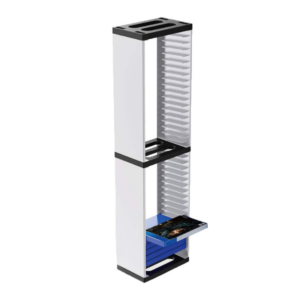 حامل تخزين أقراص ألعاب Dobe طراز P4-163
1 × 7.800 OMR
-
×
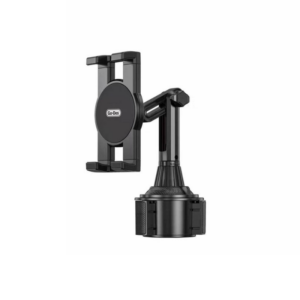 حامل تابلت للسيارة من Go-des GD HD313
1 × 4.500 OMR
-
×
 Cleo-EL Portable Power Station 300W ZHY-CN01
1 × 44.900 OMR
-
×
 400W Disinfection Mini Fogger Machine
1 × 8.900 OMR
-
×
 Cleo-EL Multi Media Speaker MS 1954BT
1 × 8.900 OMR
-
×
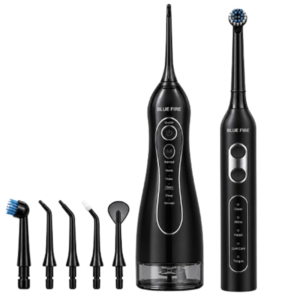 Blue Fire Hydroclean Oral Irrigator And Toothbrush BF-10
1 × 12.900 OMR
-
×
 Sunglass Carrera CFLEX R80QT 145
1 × 65.000 OMR
-
×
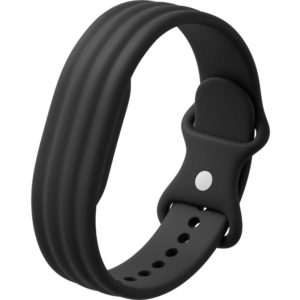 سوار جوجل فيتبيت إير أكتيف باند المصنوع من السيليكون بلون أوبسيديان
1 × 20.900 OMR
-
×
 DELL Latitude 7280 - Used Laptop
1 × 75.000 OMR
المجموع: 2,207.800 OMR
 أقل سعر
 الخدمة والإصلاح


 أحدث


لا توجد مراجعات حتى الآن.