
-
×
 APPLE IPAD Pro 12.9 Inch 4TH GEN SMART KEYBOARD FOLIO
1 × 94.900 OMR
APPLE IPAD Pro 12.9 Inch 4TH GEN SMART KEYBOARD FOLIO
1 × 94.900 OMR
المجموع: 94.900 OMR
SKU: 020205000212
متوفر في المخزون
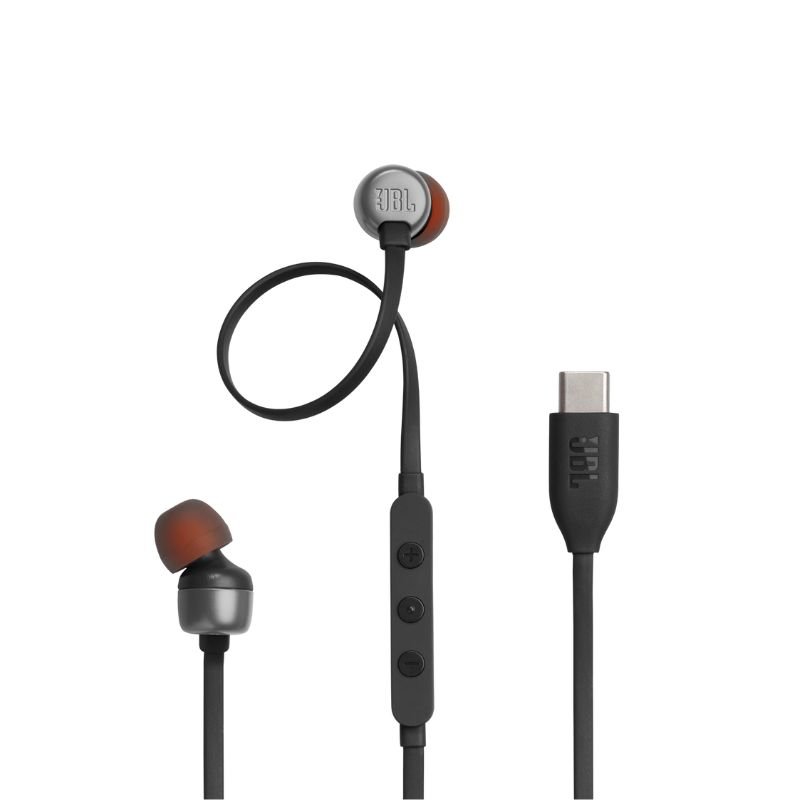
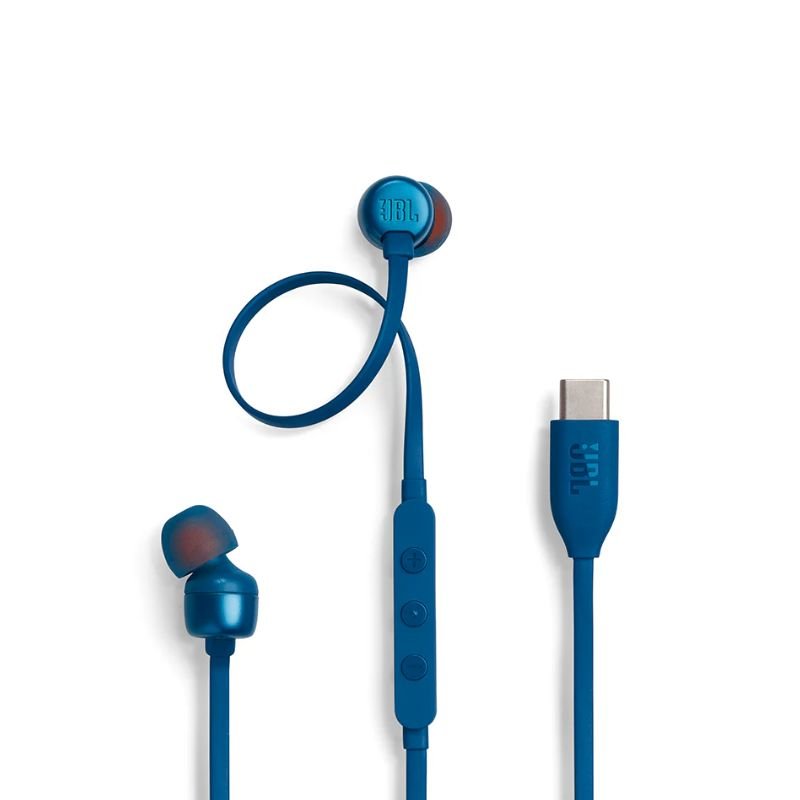
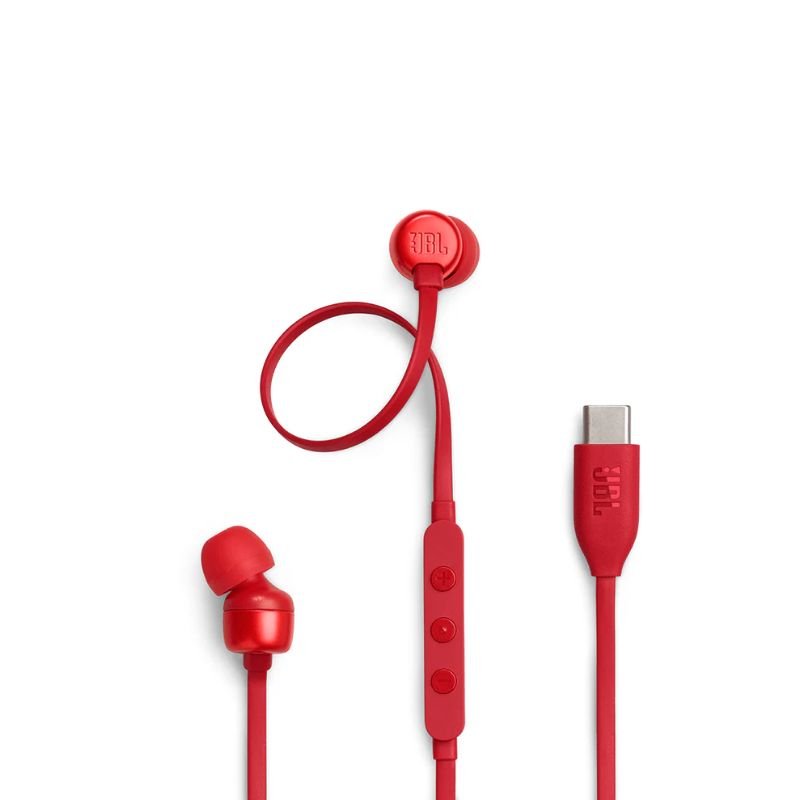
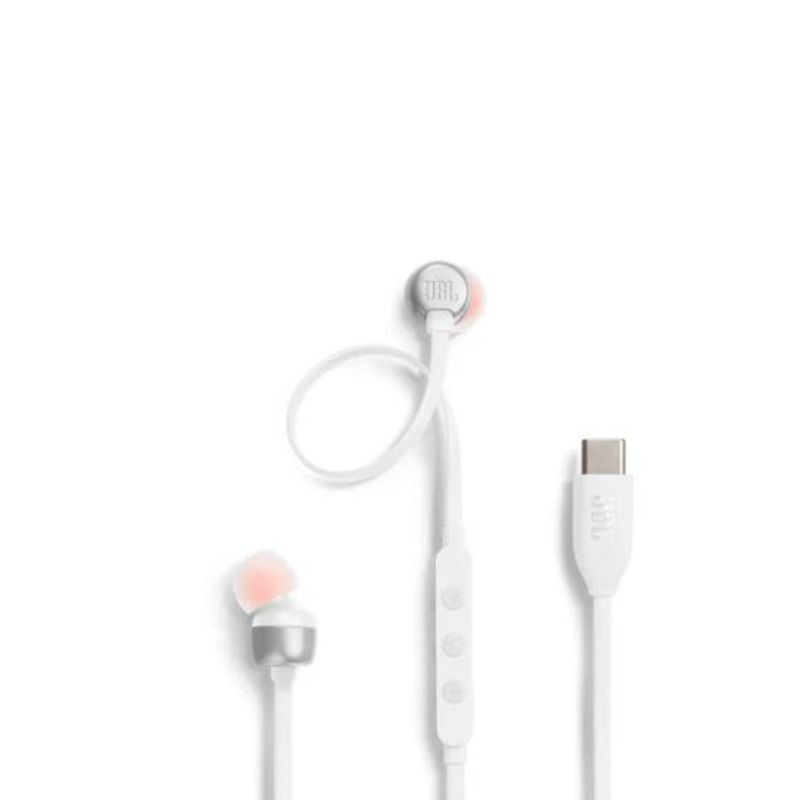
The JBL Tune 310C Type-C Wired Headphones offer premium sound quality and convenience with their Type-C connectivity. Designed for comfort and durability, they provide an immersive listening experience for music, calls, and multimedia on compatible devices.
4.900 OMR
1. Unboxing: Carefully unbox the JBL Tune 310C Type-C Wired Headphones, ensuring to remove any packaging materials and handling the headphones delicately.
2. Device Connection: Plug the Type-C connector of the headphones into the corresponding Type-C port on your compatible device, such as a smartphone, tablet, or laptop.
3. Comfortable Fit: Adjust the earpieces of the headphones for a comfortable and secure fit in your ears. Ensure that the ear tips create a snug seal for optimal sound isolation and comfort during extended listening sessions.
4. Playback Control: Utilize the in-line remote control located on the cable of the headphones to adjust volume, play/pause music, skip tracks, or answer/end calls, providing convenient control at your fingertips.
5. Enjoyment: Once properly connected and adjusted, enjoy immersive audio quality from the JBL Tune 310C Type-C Wired Headphones, whether you’re listening to music, watching videos, or engaging in calls, experiencing rich sound with clarity and depth.
 أقل سعر
 الخدمة والإصلاح

 أحدث
أحدث
لا توجد مراجعات حتى الآن.