
 أقل سعر
 الخدمة والإصلاح

 أحدث
أحدث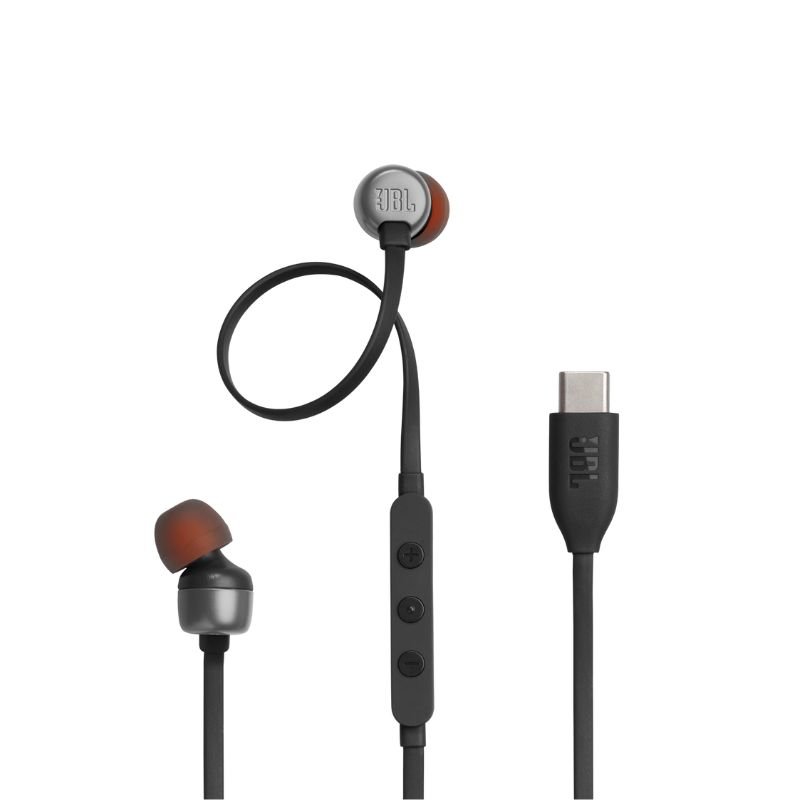
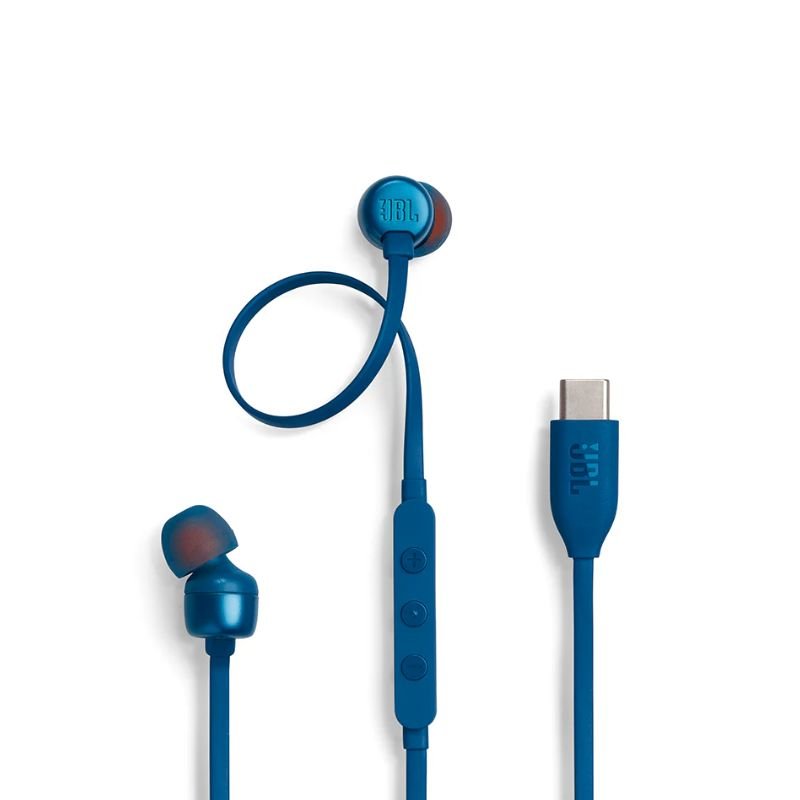
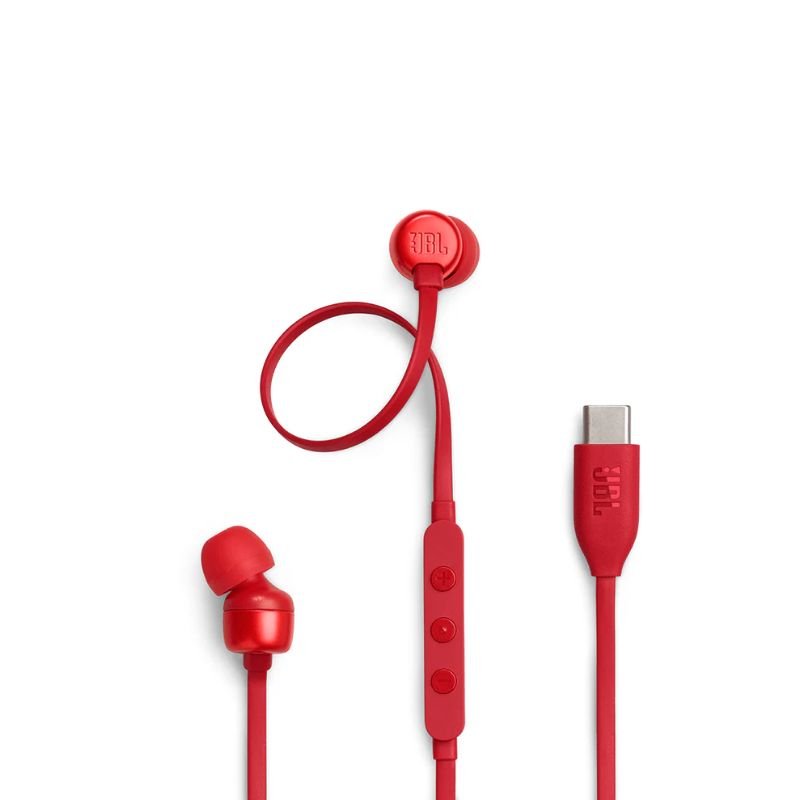
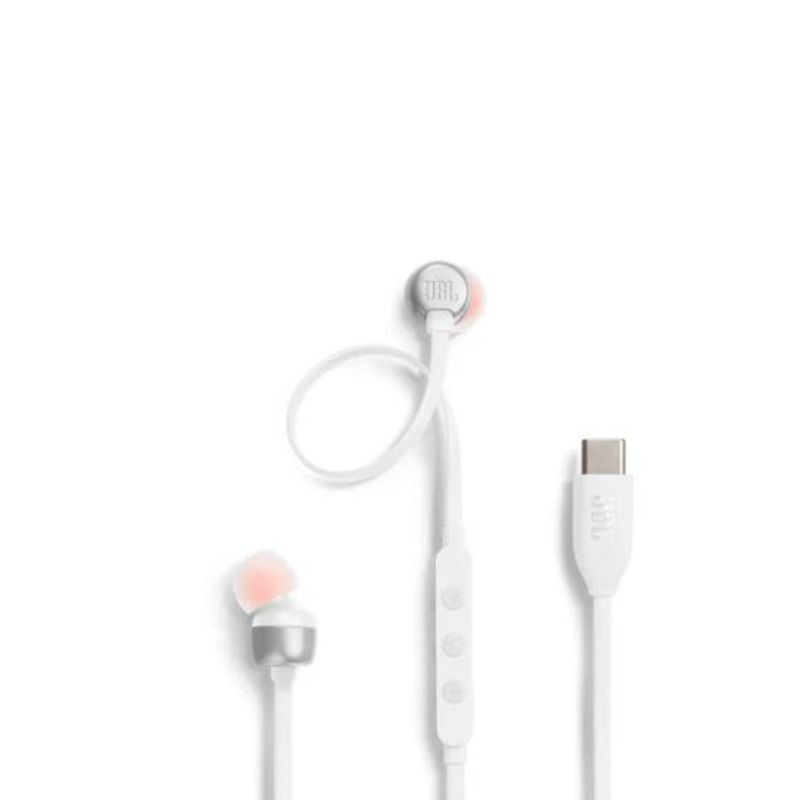
JBL TUNE 310C TYPE-C Wired HEADPHONE
SKU: 020205000212
متوفر في المخزون
The JBL Tune 310C Type-C Wired Headphones offer premium sound quality and convenience with their Type-C connectivity. Designed for comfort and durability, they provide an immersive listening experience for music, calls, and multimedia on compatible devices.
4.900 OMR
1. Unboxing: Carefully unbox the JBL Tune 310C Type-C Wired Headphones, ensuring to remove any packaging materials and handling the headphones delicately.
2. Device Connection: Plug the Type-C connector of the headphones into the corresponding Type-C port on your compatible device, such as a smartphone, tablet, or laptop.
3. Comfortable Fit: Adjust the earpieces of the headphones for a comfortable and secure fit in your ears. Ensure that the ear tips create a snug seal for optimal sound isolation and comfort during extended listening sessions.
4. Playback Control: Utilize the in-line remote control located on the cable of the headphones to adjust volume, play/pause music, skip tracks, or answer/end calls, providing convenient control at your fingertips.
5. Enjoyment: Once properly connected and adjusted, enjoy immersive audio quality from the JBL Tune 310C Type-C Wired Headphones, whether you’re listening to music, watching videos, or engaging in calls, experiencing rich sound with clarity and depth.
لا توجد مراجعات حتى الآن.