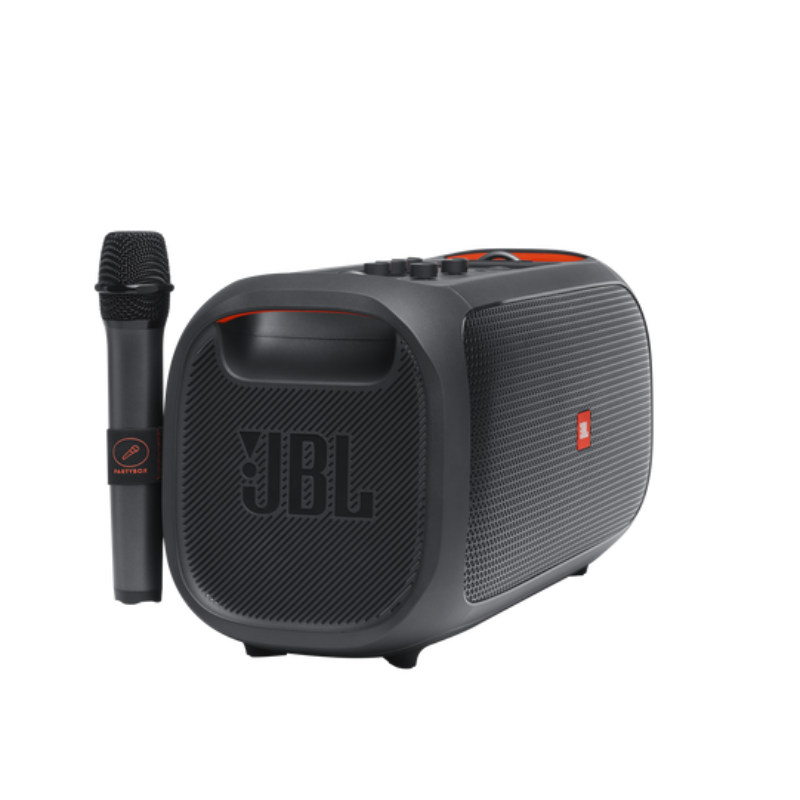
1. **Power On and Pairing**: Press and hold the power button to turn on the PartyBox On The Go. It will automatically enter pairing mode, indicated by flashing Bluetooth lights.
2. **Connect via Bluetooth**: On your Bluetooth-enabled device (phone, tablet, etc.), enable Bluetooth and search for available devices. Select “JBL PartyBox On The Go” from the list to pair.
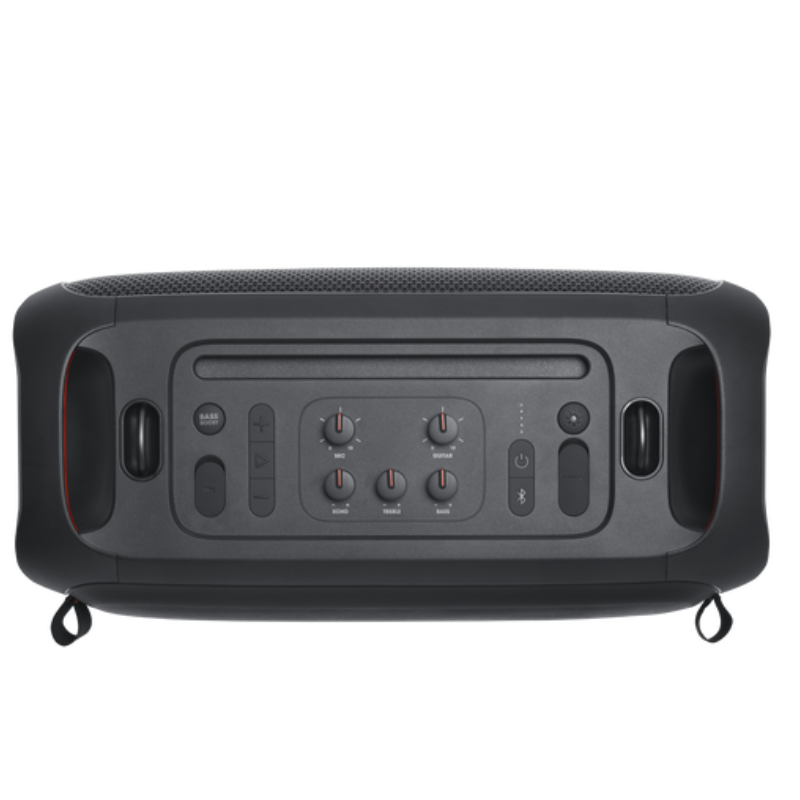
3. **Adjust Settings**: Use the control panel on the speaker to adjust volume, bass, treble, and activate different light show modes. You can also connect a microphone or guitar to the dedicated inputs for karaoke or live performances.
4. **Play Music**: Once connected, play music from your preferred streaming service or local library. The PartyBox On The Go supports Bluetooth streaming and also has a USB port for playing music directly from a USB flash drive.
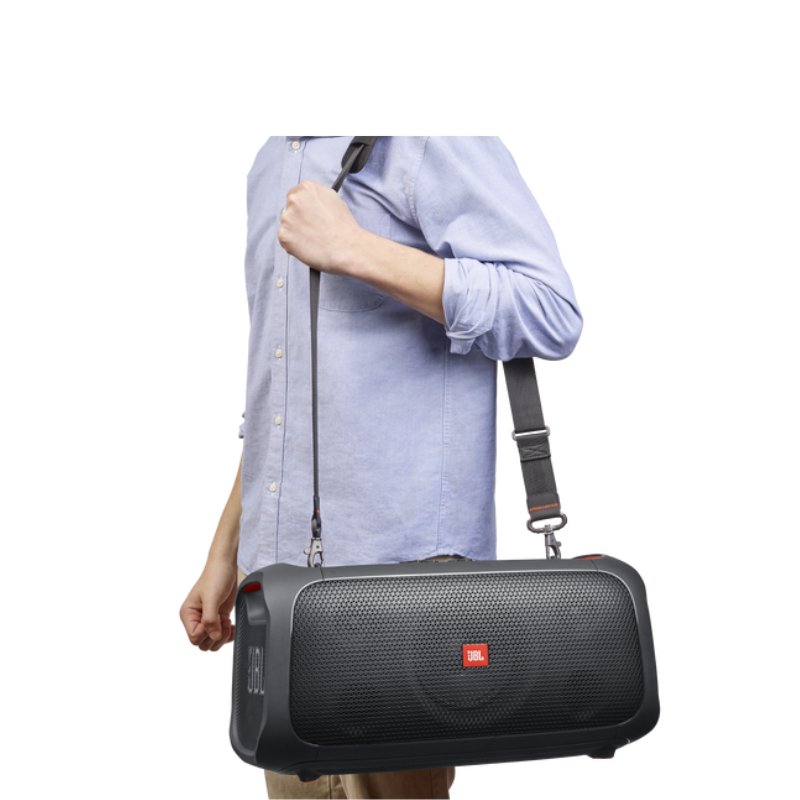
5. **Enjoy the Party**: With its powerful JBL Pro Sound and dynamic LED light show, the PartyBox On The Go creates a lively atmosphere. Move the speaker around easily thanks to its built-in handles and rechargeable battery, ensuring the party can continue anywhere.

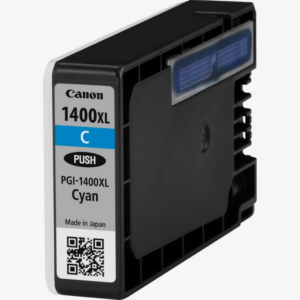 Canon Cartridge Maxify 1400 Cyan
1 × 7.500 OMR
Canon Cartridge Maxify 1400 Cyan
1 × 7.500 OMR 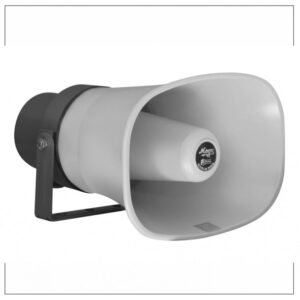 MEGA 1M 80 60W UNIT HORN
1 × 18.000 OMR
MEGA 1M 80 60W UNIT HORN
1 × 18.000 OMR  BOYA BY WM8 PRO K2 UHF DUAL CHANNEL WIRELESS MICROPHONE
1 × 76.800 OMR
BOYA BY WM8 PRO K2 UHF DUAL CHANNEL WIRELESS MICROPHONE
1 × 76.800 OMR  أقل سعر
 الخدمة والإصلاح

 أحدث
أحدث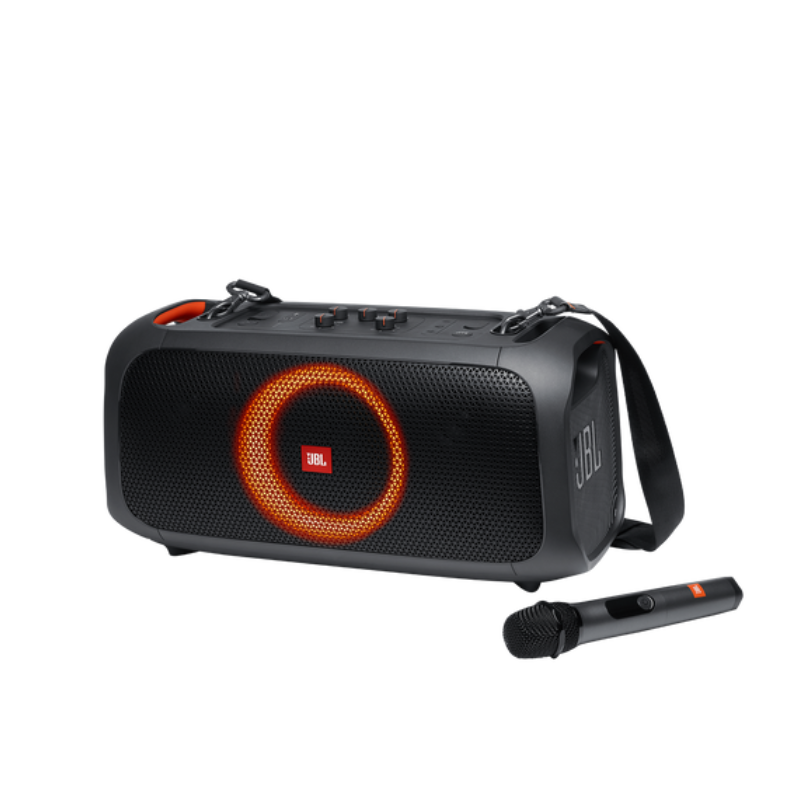


لا توجد مراجعات حتى الآن.