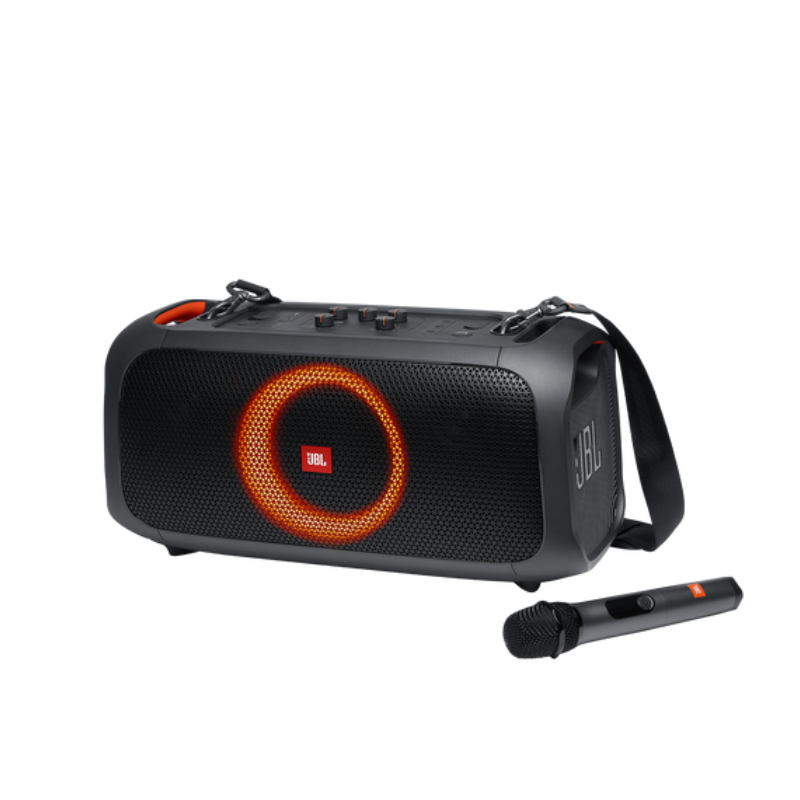
1. **Power On and Pairing**: Press and hold the power button to turn on the PartyBox On The Go. It will automatically enter pairing mode, indicated by flashing Bluetooth lights.
2. **Connect via Bluetooth**: On your Bluetooth-enabled device (phone, tablet, etc.), enable Bluetooth and search for available devices. Select “JBL PartyBox On The Go” from the list to pair.
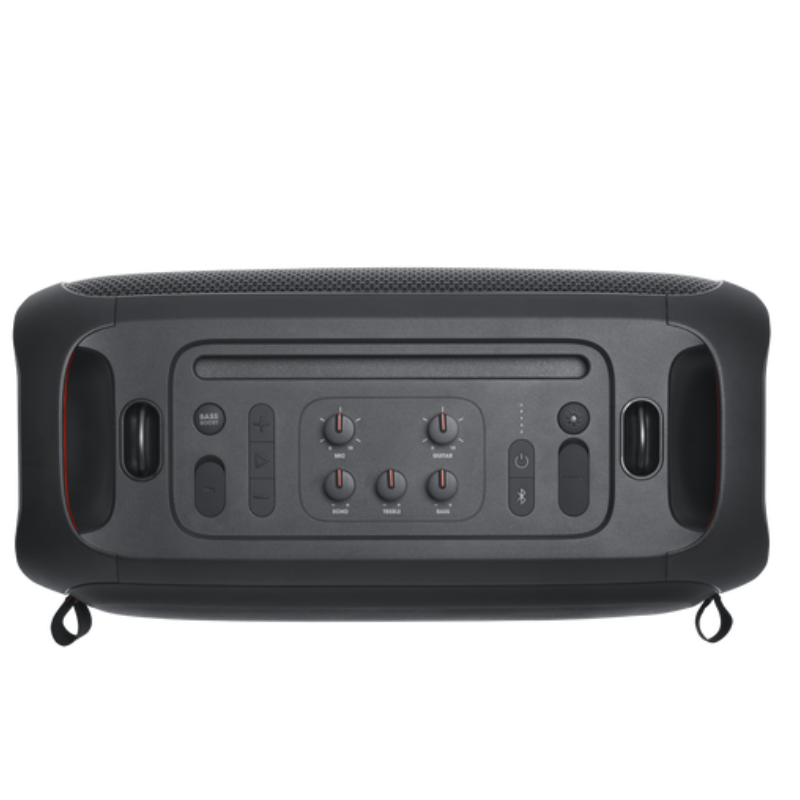
3. **Adjust Settings**: Use the control panel on the speaker to adjust volume, bass, treble, and activate different light show modes. You can also connect a microphone or guitar to the dedicated inputs for karaoke or live performances.
4. **Play Music**: Once connected, play music from your preferred streaming service or local library. The PartyBox On The Go supports Bluetooth streaming and also has a USB port for playing music directly from a USB flash drive.
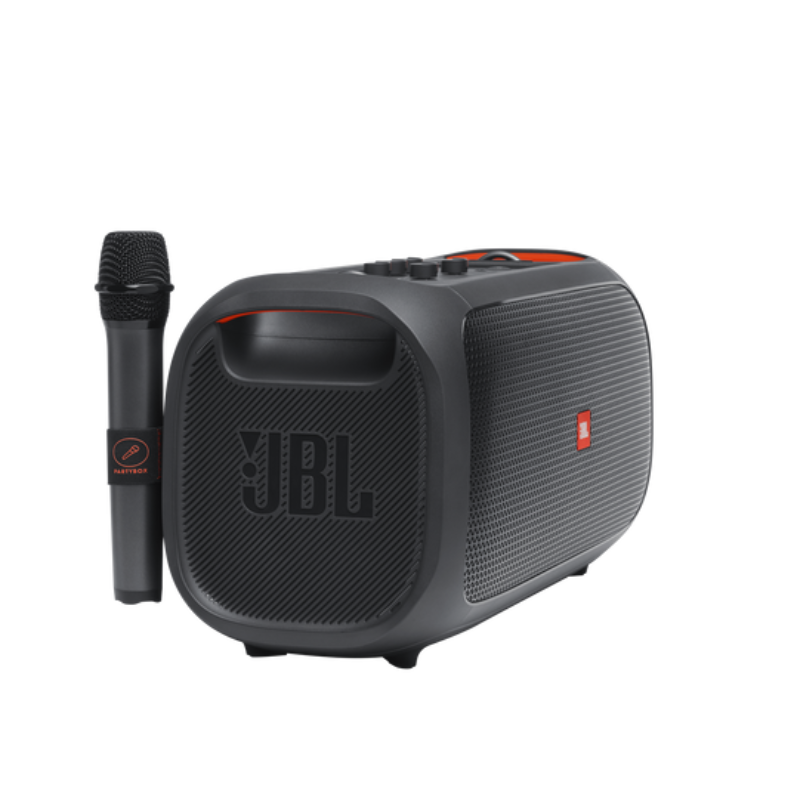
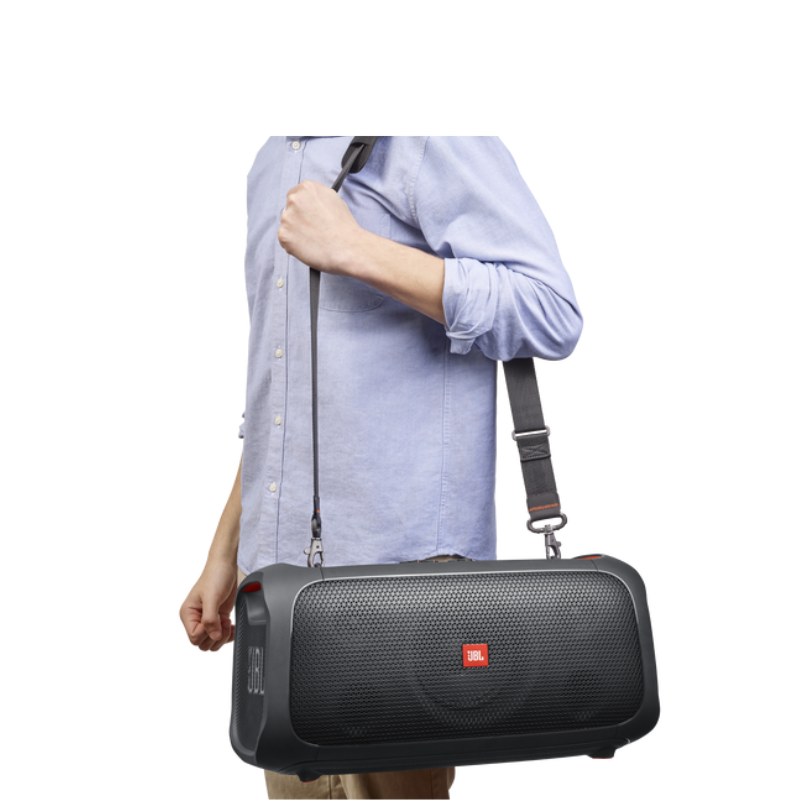
5. **Enjoy the Party**: With its powerful JBL Pro Sound and dynamic LED light show, the PartyBox On The Go creates a lively atmosphere. Move the speaker around easily thanks to its built-in handles and rechargeable battery, ensuring the party can continue anywhere.
Insta 360 Action Camera Ace Pro Black
BOYA WIRELESS MICROPHONE BY WM4 PRO
Go Pro Hero 13 Bundle Action Camera
JACOBS SKAJ 202 XLR BOX
CANON PIXMA 510 BLACK CARTRIDGE
MAX BMS 135 BOOM MIC STAND
أقل سعر
الخدمة والإصلاح
أحدث


لا توجد مراجعات حتى الآن.