
-
×
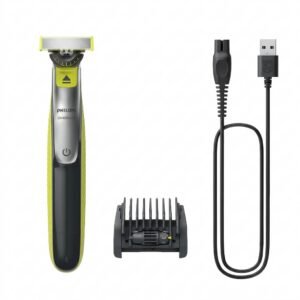 Philips OneBlade 360 Shaver QP2734/23
1 × 22.900 OMR
-
×
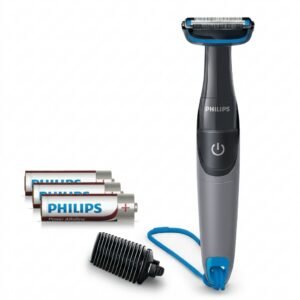 Philips 1000 Series Body Groomer BG1025/15
1 × 10.900 OMR
-
×
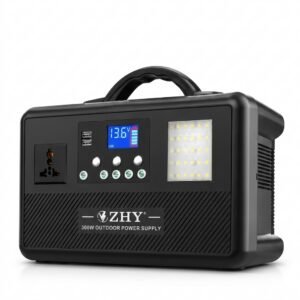 Cleo-EL Portable Power Station 300W ZHY-CN01
1 × 44.900 OMR
-
×
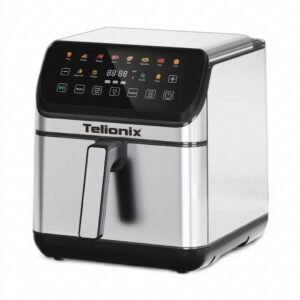 Telionix Electric Air Fryer 9L TAF4424
1 × 34.900 OMR
-
×
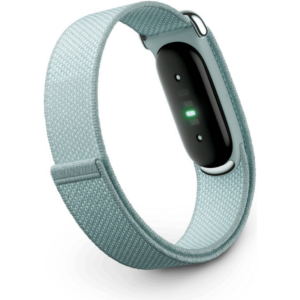 سوار جوجل فيتبيت إير لتتبع اللياقة البدنية والصحة بدون شاشة، مقاوم للضباب
1 × 51.900 OMR
-
×
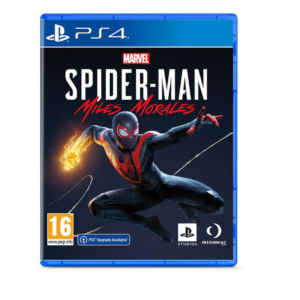 Sony PS4 Spider Man Game CD
1 × 12.900 OMR
-
×
 OCULUS QUEST2 ELITE STRAP with BATTERY and CARRYING CASE
1 × 36.400 OMR
-
×
 2.4G Wireless Controller Game Pad
1 × 7.500 OMR
-
×
 Sony PS4 Village Resident Evil Game CD
1 × 18.700 OMR
-
×
 BOYA BY WM8 PRO K2 UHF DUAL CHANNEL WIRELESS MICROPHONE
1 × 76.800 OMR
-
×
 MAX BMS 135 BOOM MIC STAND
1 × 9.500 OMR
-
×
 BOYA WIRELESS MICROPHONE BY WM4 PRO
1 × 47.900 OMR
-
×
 samsung galaxy s26 ultra 12gb 256gb 5g
1 × 369.600 OMR
-
×
 AHUJA UTP30 WIRED TIE CLIP MIC
1 × 10.000 OMR
المجموع: 754.800 OMR
 أقل سعر
 الخدمة والإصلاح


 أحدث

لا توجد مراجعات حتى الآن.