
 أقل سعر
 الخدمة والإصلاح

 أحدث
أحدث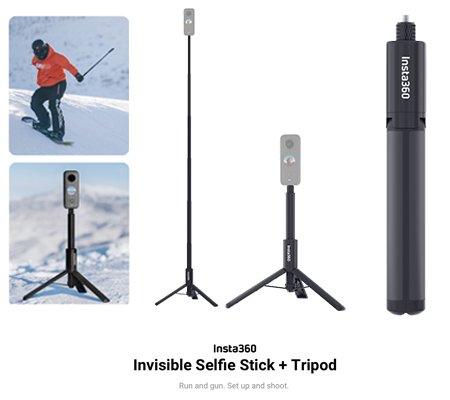
INSTA 360 Invisible Selfie Stick + Tripod
SKU: 414000017
غير متوفر في المخزون
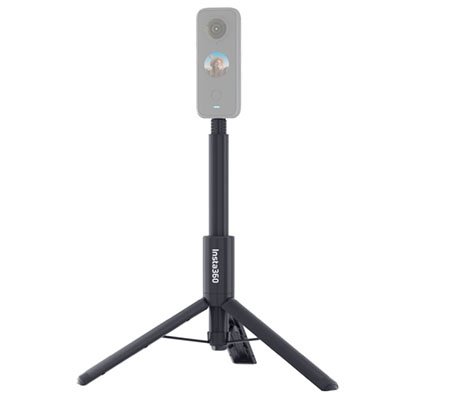
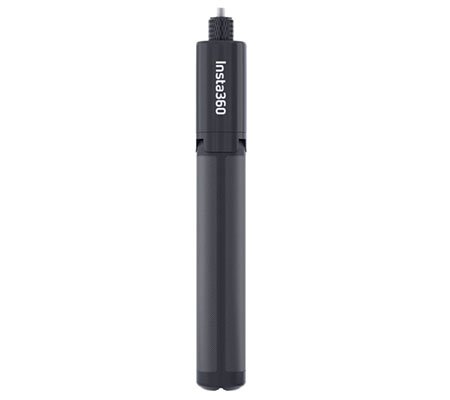
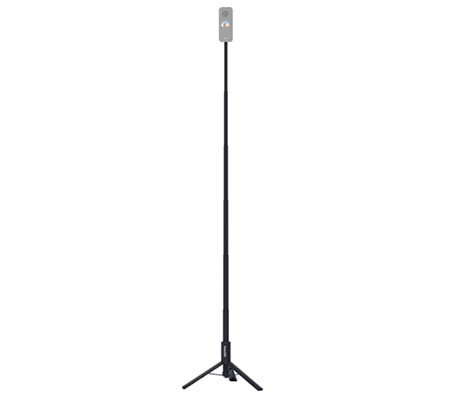
The INSTA360 Invisible Selfie Stick + Tripod combines versatility and stability for capturing stunning photos and videos. This innovative accessory features an invisible selfie stick that extends to various lengths, providing the perfect angle for your shots. Additionally, it includes a tripod base for stable and hands-free shooting. With its compact design and easy assembly, the INSTA360 Invisible Selfie Stick + Tripod is an essential tool for capturing dynamic content on the go.
غير متوفر في المخزون
Here’s a step-by-step guide on how to use the INSTA360 Invisible Selfie Stick + Tripod:
1. **Unboxing**: Open the package containing the INSTA360 Invisible Selfie Stick + Tripod and ensure that all components are present. This typically includes the invisible selfie stick, tripod base, and any additional accessories
. 2. **Assembling the Tripod**: If necessary, assemble the tripod base by extending the legs and securing them into place. Ensure that the tripod is stable and level on the surface where you intend to use it.
3. **Attaching the Selfie Stick**: Attach the invisible selfie stick to the tripod base by screwing it into the tripod mount located at the center of the base. Ensure that the stick is securely fastened to the tripod base.
4. **Extending the Selfie Stick**: Extend the invisible selfie stick to your desired length by pulling the sections of the stick apart. Most selfie sticks have twist-lock mechanisms that allow you to adjust the length. Tighten the twist-lock mechanism to secure the stick at the desired length.
5. **Mounting Your Camera**: Attach your compatible camera or smartphone to the invisible selfie stick using the appropriate mounting mechanism. Make sure it is securely fastened to prevent any accidental falls or damage.
6. **Adjusting the Angle**: Adjust the angle and orientation of your camera or smartphone to frame your shot properly. Most selfie sticks allow you to tilt and rotate the camera to achieve the desired composition.
7. **Capturing Shots**: Once you’re ready, start capturing shots using your camera or smartphone. Use the trigger or shutter button on your device to take photos or start recording videos.
8. **Using the Tripod**: If you want to use the tripod base separately from the selfie stick, simply detach the stick from the tripod mount and place your camera or smartphone directly onto the tripod base. Adjust the legs of the tripod to achieve the desired height and stability.
9. **Reviewing and Sharing**: After capturing your shots, review them on your camera or smartphone to ensure they meet your expectations. Share your photos and videos with friends and followers on social media or save them for future use.
10. **Cleanup and Storage**: After use, collapse the selfie stick and fold the tripod legs for compact storage. Wipe down the stick and tripod base with a clean, dry cloth to remove any dirt or debris. Store them in a safe and dry place until your next use.
By following these steps, you can effectively use the INSTA360 Invisible Selfie Stick + Tripod to capture stunning photos and videos with ease and versatility.

لا توجد مراجعات حتى الآن.