1. Unboxing: Carefully unpack the HP CF402A Yellow Toner from its packaging, ensuring gentle handling to avoid any damage to the cartridge.
2. Printer Preparation: Power on your HP LaserJet printer and open the front cover or toner access panel to access the toner cartridge compartment.
3. Cartridge Installation: Remove the old toner cartridge by gently pulling it out of the printer. Then, take the HP CF402A Yellow Toner out of its packaging and shake it gently from side to side to evenly distribute the toner. Insert the new cartridge into the printer, ensuring it is securely seated in the correct slot.
4. Locking: Close the front cover or toner access panel of the printer, ensuring it clicks securely into place to lock the cartridge in position.
5. Test Print: Print a test page to verify that the HP CF402A Yellow Toner is installed correctly and that the printer is functioning properly. If the test page prints successfully, you’re ready to produce vibrant yellow prints with your HP LaserJet printer.

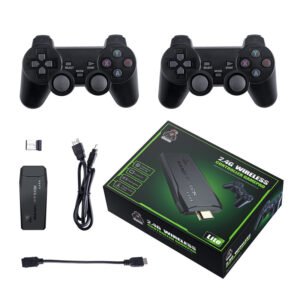 2.4G Wireless Controller Game Pad
1 × 7.500 OMR
2.4G Wireless Controller Game Pad
1 × 7.500 OMR  حامل الشحن DOBE PS4 TP4 TP4 023B
1 × 6.900 OMR
حامل الشحن DOBE PS4 TP4 TP4 023B
1 × 6.900 OMR 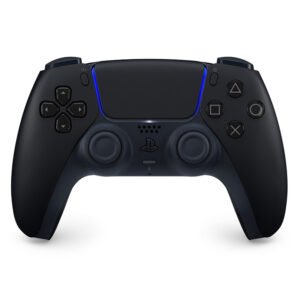 Sony PS5 Dual Sense Wireless Controller - Black
1 × 25.900 OMR
Sony PS5 Dual Sense Wireless Controller - Black
1 × 25.900 OMR  موصل كابل DUDAO AUX مقاس 3.5 مم
1 × 3.900 OMR
موصل كابل DUDAO AUX مقاس 3.5 مم
1 × 3.900 OMR  أقل سعر
 الخدمة والإصلاح

 أحدث
أحدث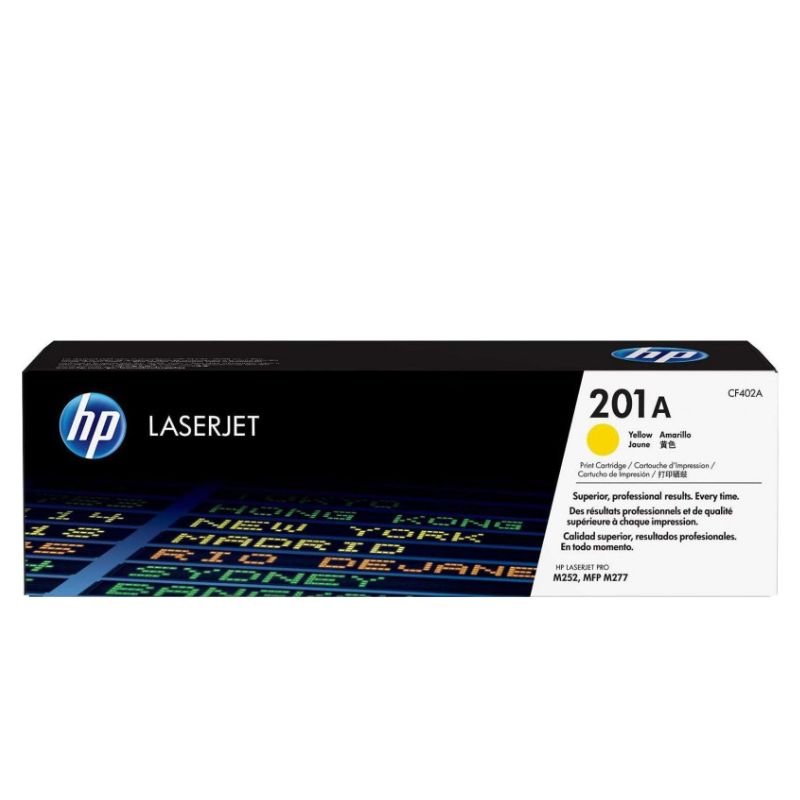
لا توجد مراجعات حتى الآن.