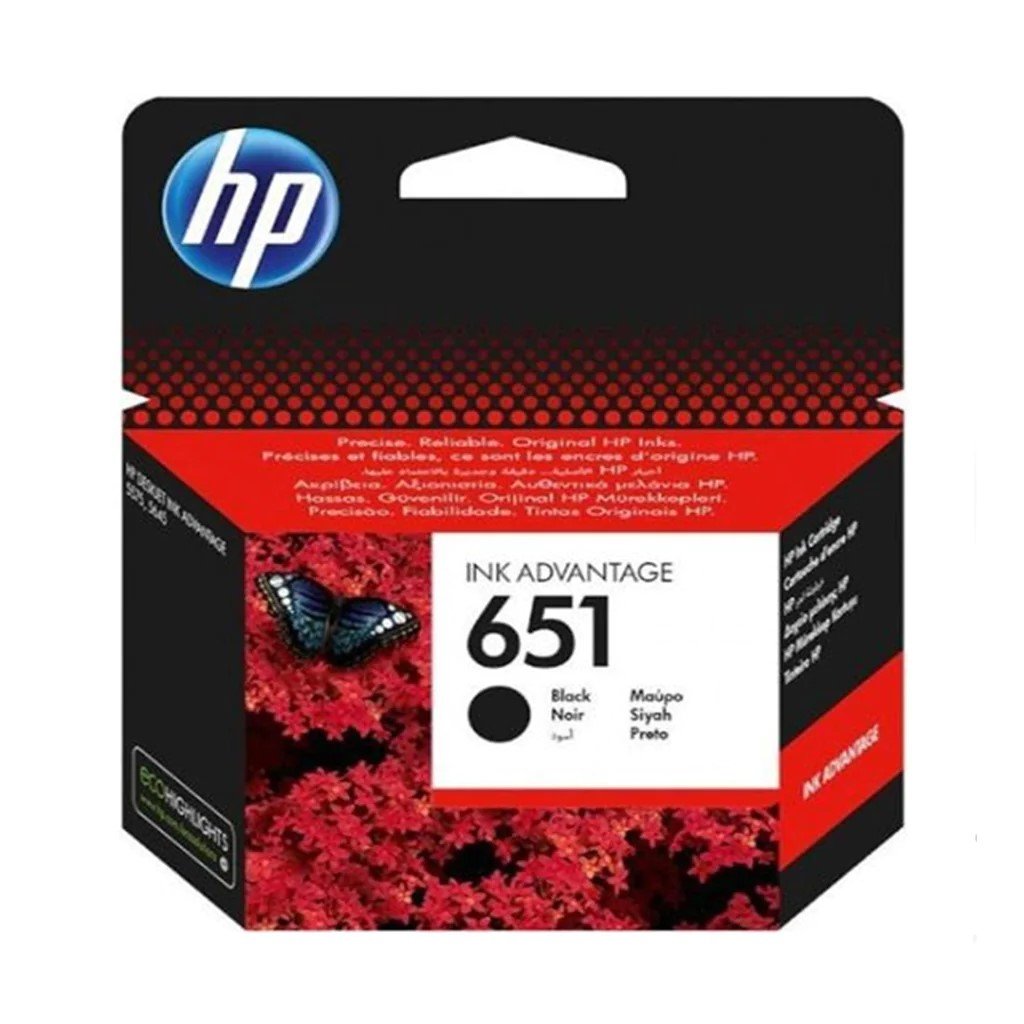
1. Unboxing: Carefully unpack the HP Cartridge 651 Black Ink from its packaging, ensuring gentle handling to avoid any damage to the cartridge.
2. Printer Preparation: Ensure your HP printer is turned off and that you have access to the cartridge installation area.
3. Cartridge Installation: Remove any old cartridges from the printer by gently pushing down on them and pulling them out. Take the HP Cartridge 651 Black Ink out of its packaging and remove any protective tapes or covers. Insert the cartridge into the designated slot in the cartridge compartment, ensuring it clicks securely into place.
4. Alignment: Follow the instructions on your printer’s display or control panel to initiate the cartridge alignment process. This ensures optimal print quality by aligning the printheads for precise ink delivery.
5. Test Print: Once the alignment process is complete, print a test page to confirm that the HP Cartridge 651 Black Ink is installed correctly and that the printer is functioning properly. If the test page prints successfully, you’re ready to produce sharp and crisp black prints with your HP printer.
سي دي لعبة روك أوف ايدجز 3 بلايستيشن 4
سي دي لعبة ام اكس في اس ايه تي في اول اوت لبلاستيشن 4
BOYA BY WM8 PRO K2 UHF DUAL CHANNEL WIRELESS MICROPHONE
3713 ج موسيقى جيتار 3713 ج
Hot Wheels Deutschland Design
Welly Metal Car Jeep Jeepster Commando Roadster Size 1.24 WL-24117C-W
Google Fitbit Edge Fitness & Health Tracking Smart Band Green
BBurago Metal Car Ferrari F80 Size 1.18 18-16022
TIAN DU TRANSVERSE STUNT CAR TOYS
ONTEN USB to HDMI Adapter
أقل سعر
الخدمة والإصلاح
أحدث
لا توجد مراجعات حتى الآن.