
 أقل سعر
 الخدمة والإصلاح

 أحدث
أحدث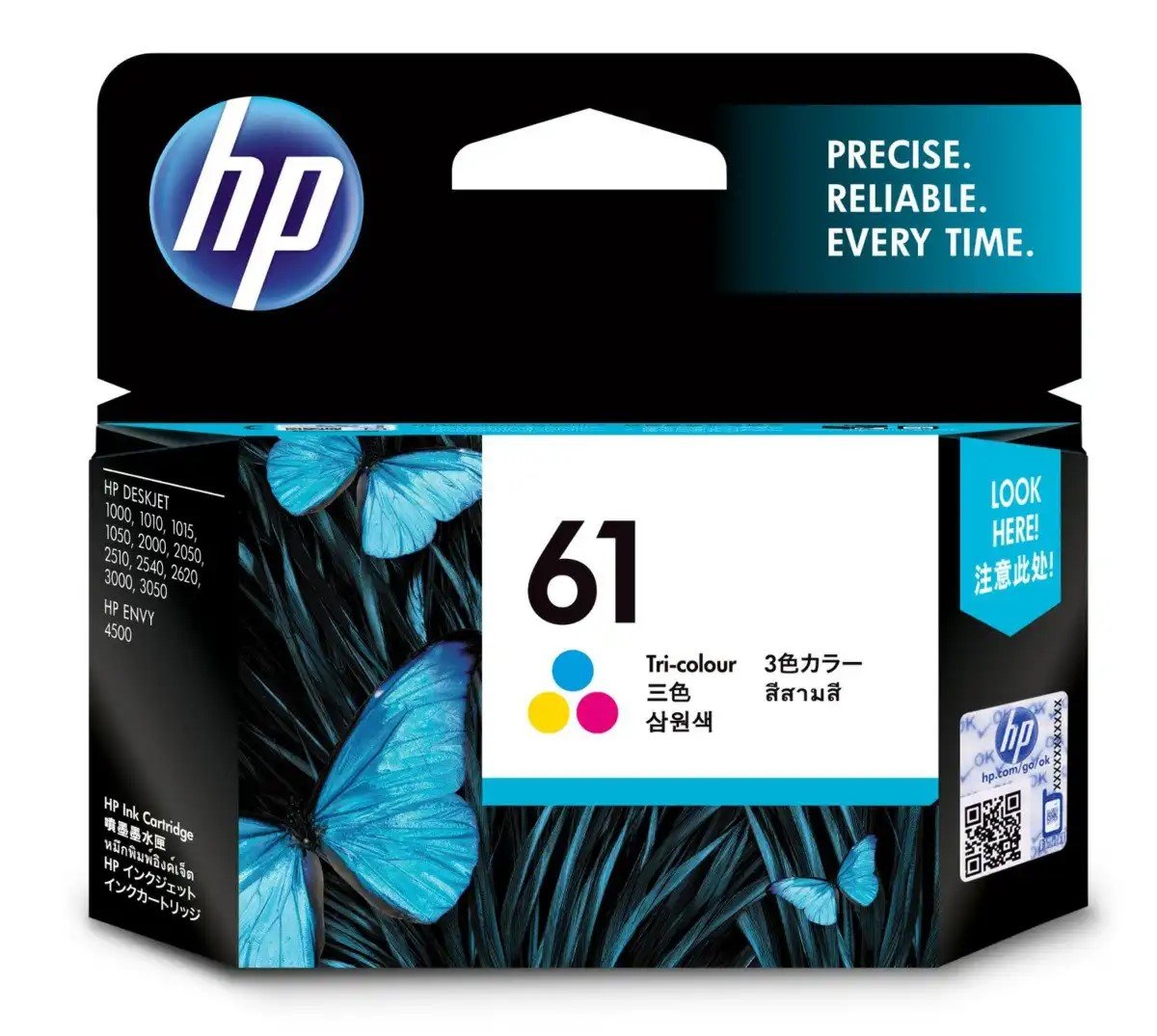
HP 61 CARTRIDGE color
SKU: 03070204000046
غير متوفر في المخزون
The HP 61 Color Cartridge is a high-quality ink cartridge designed for HP printers. Delivering vibrant and vivid color prints, it ensures consistent and reliable performance for a variety of printing needs, including documents, photos, and graphics.
غير متوفر في المخزون
1. Unpackaging: Carefully remove the HP 61 Color Cartridge from its packaging, ensuring gentle handling to prevent any damage to the cartridge.
2. Printer Preparation: Power on your HP printer and open the cartridge access door or lid to access the cartridge compartment.
3. Cartridge Installation: Remove any old cartridges from the printer by gently pushing down on them and pulling them out. Take the HP 61 Color Cartridge out of its packaging and remove any protective tape or covers. Insert the color cartridge into the designated slot in the cartridge compartment, ensuring it clicks securely into place.
4. Alignment: Follow the instructions on your printer’s display or control panel to initiate the cartridge alignment process. This ensures optimal print quality by aligning the printheads for precise ink delivery.
5. Test Print: Once the alignment process is complete, print a test page to confirm that the HP 61 Color Cartridge is installed correctly and that the printer is functioning properly. If the test page prints successfully, you’re ready to produce vibrant and colorful prints with your HP printer.
لا توجد مراجعات حتى الآن.