
-
×
 حامل الشحن DOBE PS4 TP4 TP4 023B
1 × 6.900 OMR
حامل الشحن DOBE PS4 TP4 TP4 023B
1 × 6.900 OMR
المجموع: 6.900 OMR
SKU: 020309000012
متوفر في المخزون
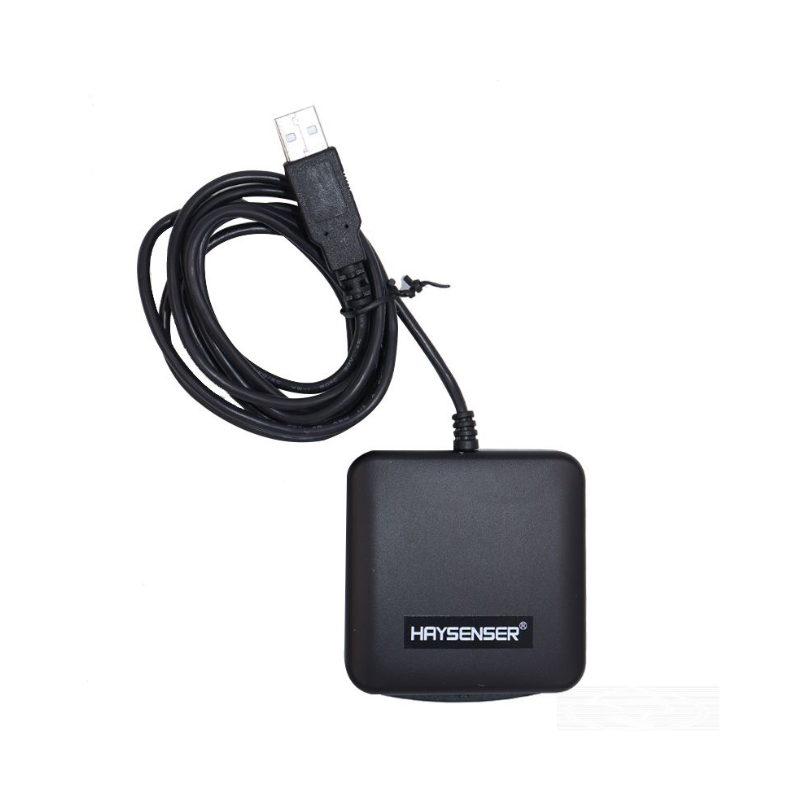
The Haysenser HY-C09U1 Smart Card Reader offers a reliable and efficient solution for accessing secure systems and performing transactions. Designed with a compact and user-friendly interface, it supports various smart card types and integrates seamlessly with most computers via USB. Its high-performance capabilities ensure quick and accurate card reading, making it ideal for secure authentication, financial transactions, and access control applications.
10.900 OMR
متوفر في المخزون
1. **Connect to Computer**: Plug the Haysenser HY-C09U1 Smart Card Reader into an available USB port on your computer.
2. **Install Drivers**: If necessary, install any drivers or software provided with the card reader, following the on-screen instructions for a seamless setup.
3. **Insert Smart Card**: Gently insert your smart card into the reader, ensuring it is properly aligned with the card slot for accurate reading.
4. **Authenticate or Access**: Use the card reader to perform secure authentication, financial transactions, or access control, depending on your application.
5. **Eject and Disconnect**: Once you’ve completed your task, carefully remove the smart card from the reader and unplug the device from the USB port if not in use.
 أقل سعر
 الخدمة والإصلاح

 أحدث
أحدث
لا توجد مراجعات حتى الآن.