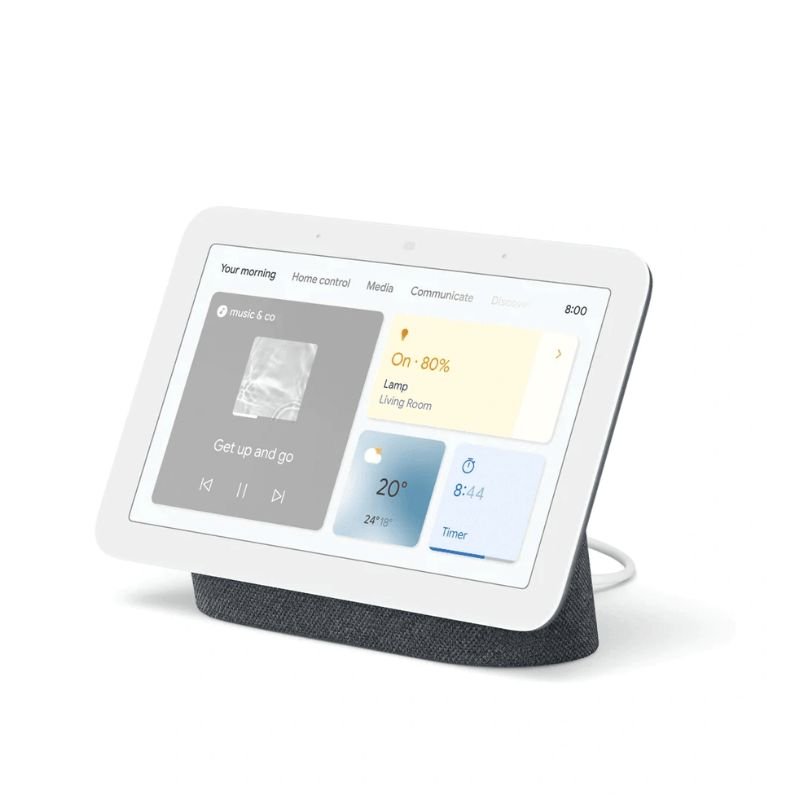
1. **Unboxing and Powering On**:
– Unbox the Google Nest Hub 2nd Gen and plug it into a power outlet using the included power adapter.
– The device will boot up and guide you through the initial setup process on its touchscreen.
2. **Connecting to Wi-Fi**:
– Follow the on-screen instructions to connect the Nest Hub to your Wi-Fi network.
– You’ll need to select your network and enter the password if required.
3. **Sign in to Your Google Account**:
– Sign in to your Google Account to access personalized features like calendar events, reminders, and recommendations.
– If you don’t have a Google Account, you can create one during the setup process.
4. **Customize Settings**:
– Once connected to Wi-Fi and signed in, customize your Nest Hub’s settings according to your preferences.
– Adjust settings such as language, display brightness, ambient EQ, and more.
5. **Explore Features**:
– Start exploring the various features of the Google Nest Hub 2nd Gen.
– Use voice commands to interact with Google Assistant, play music, check the weather, set timers, control smart home devices, and more.
– Swipe left or right on the touchscreen to access different cards, including your calendar, news, and recommendations.
– Enjoy personalized recommendations and responses tailored to your usage patterns and preferences.
BBurago Metal Car Ferrari 296 GTB Size 1.18 18-16018
Hot Wheels Deutschland Design
YH 25 PS4 Multifunctional Heat Dissipation Charging Bracket
قارئ بطاقات أومنيكي 3121
سماعة الألعاب اللاسلكية JBL Quantum 650 باللون الأسود
PROFESSIONAL STREAMING PLAYER STAND L1
3713 ج موسيقى جيتار 3713 ج
فيلم زجاجي لعدسة كاميرا آي فون 11 برو المعدني من USAMS
WIND EJ 31255 WATER HAND FAN
ONTEN USB C to HDMI CABLE
BOYA BY WM8 PRO K2 UHF DUAL CHANNEL WIRELESS MICROPHONE
ميكروفون كاندك DC C9 كارديويد ميكروفون
أقل سعر
الخدمة والإصلاح
أحدث

لا توجد مراجعات حتى الآن.