
-
×
 DELONGHI MC INTARUSKAESTTR DL ECO311.BK
1 × 61.700 OMR
DELONGHI MC INTARUSKAESTTR DL ECO311.BK
1 × 61.700 OMR
المجموع: 61.700 OMR
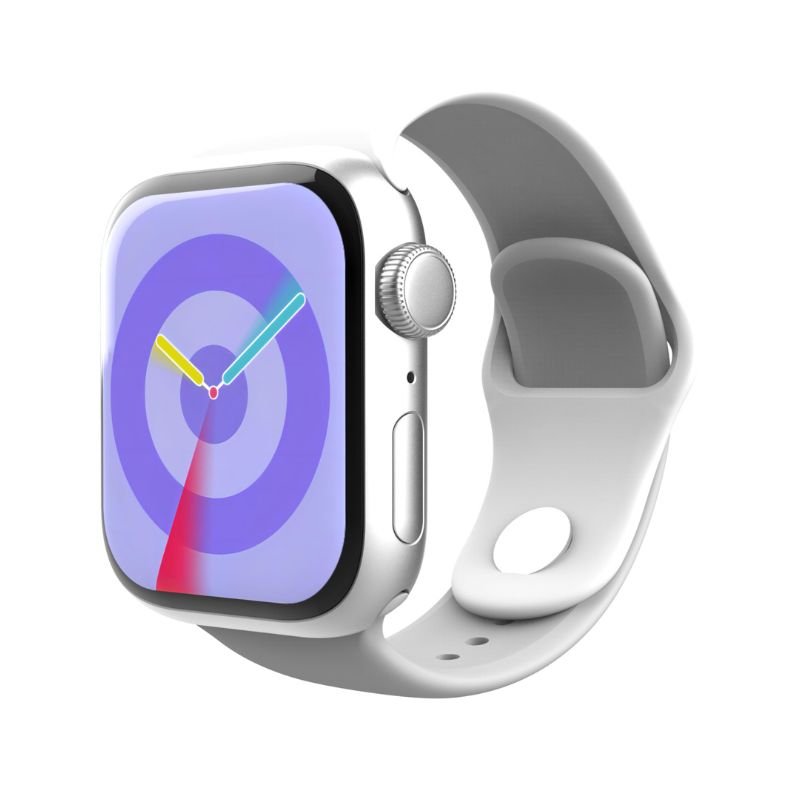
SKU: G-TAB GS9 Mini 42mm AMOLED SMART WATCH - SILVER / BLACK
متوفر في المخزون
The G-TAB GS9 Mini 42mm AMOLED Smart Watch in Silver/Black combines sleek design with smart functionality. Its vibrant AMOLED display offers crisp visuals, while its compact 42mm size ensures comfort on the wrist. This smartwatch boasts a range of features including activity tracking, heart rate monitoring, and notifications for calls and messages. With its stylish silver and black finish, the GS9 Mini is a versatile accessory for any occasion.
12.900 OMR
متوفر في المخزون
1. **Power On**: Press and hold the power button on the side of the G-TAB GS9 Mini 42mm AMOLED Smart Watch until the screen lights up.
2. **Initial Setup**: Follow the on-screen instructions to select your language, set the time and date, and configure other basic settings.
3. **Pairing with Phone**: Install the G-TAB app on your smartphone and open it. Turn on Bluetooth on both devices. In the app, select “Pair New Device” and follow the prompts to connect your phone to the smartwatch.
4. **Customization**: Explore the settings menu on the watch to customize features like watch faces, display brightness, and notification preferences.
5. **Exploring Features**: Familiarize yourself with the features of the watch, such as activity tracking, heart rate monitoring, music control, and notifications. Experiment with gestures to navigate through menus efficiently.
 أقل سعر
 الخدمة والإصلاح

لا توجد مراجعات حتى الآن.