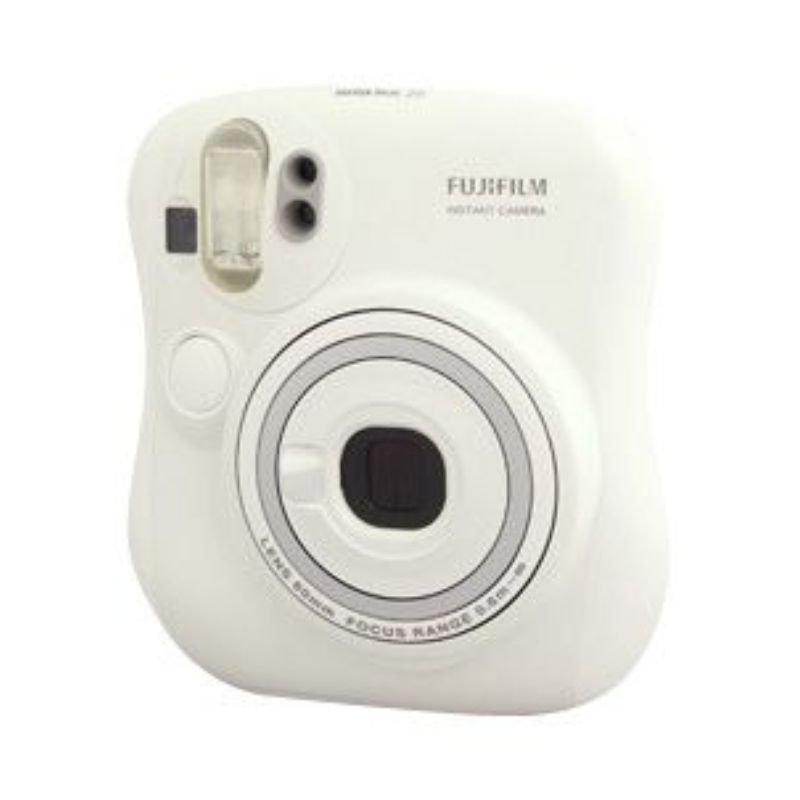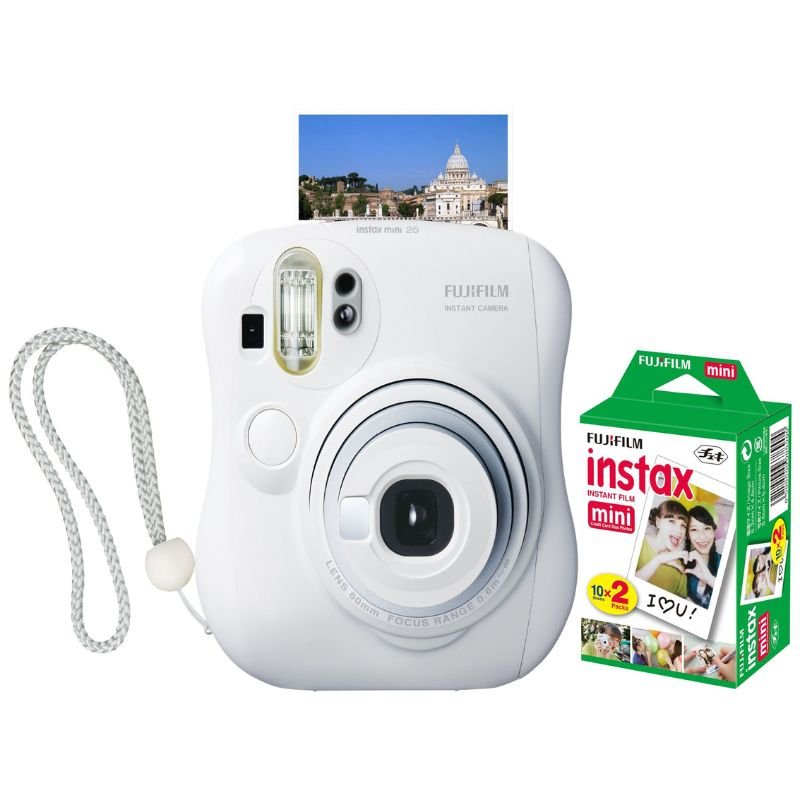
1. **Load Film**: Open the back cover of the Instax Mini 25 by pulling up on the film cover latch. Insert a pack of Instax Mini film into the film compartment, ensuring that the yellow markers on the film pack and camera align properly.
2. **Close the Cover**: Gently close the back cover until it clicks into place. Make sure it’s securely closed to prevent light leaks.
3. **Turn On**: Locate the power button on the top of the camera. Slide it to the “On” position to turn the camera on. The lens will extend, and the camera will be ready to use.
4. **Adjust Settings**: The Instax Mini 25 allows you to adjust various settings for different shooting conditions. Use the mode button and the corresponding buttons on the back of the camera to select the desired mode, such as normal, macro, or landscape.
5. **Compose Your Shot**: Look through the viewfinder and compose your shot. The viewfinder provides an accurate representation of what the final photo will look like.
6. **Focus**: The Instax Mini 25 has a close-up lens attachment for macro photography. If you’re shooting close-up subjects, attach the close-up lens to the camera and select the macro mode. Otherwise, ensure your subject is within the recommended shooting distance, usually around 0.5 meters (1.6 feet) to infinity.
7. **Flash Settings**: Depending on your lighting conditions, you may want to adjust the flash settings. Press the flash button to cycle through the flash modes, including auto, forced on, forced off, and red-eye reduction.
8. **Take the Photo**: Once you’re ready, press the shutter button located on the front of the camera. The camera will emit a mechanical sound, indicating that the photo has been taken.
9. **Wait for Development**: After taking the photo, wait for it to develop. The image will gradually appear on the film, starting to form within a few seconds and fully developing in about 5-10 minutes.
10. **Avoid Light Exposure**: While the photo is developing, avoid exposing it to direct sunlight or bright light sources. Keep it shielded in your hand or place it face down to protect it from light.
11. **Enjoy Your Photo**: Once the photo has fully developed, remove it from the camera and admire your instant print! Share it with friends or keep it as a cherished memento.
12. **Turn Off**: After you’re done shooting, remember to turn off the camera by sliding the power button to the “Off” position. This helps conserve battery life for your next photo adventure.
By following these steps, you can easily capture memories and create instant prints with the Fujifilm Instax Mini 25 Instant Film Camera.
جهاز إزالة الشعر والحلاقة براون SE5230
Dell 22 Inch Screen Se2222H
Elgato Game Capture HD60 Pro Capture Card
BELKIN TYPE-C CONNECTOR HEADPHONE
APPLE IPAD Pro 12.9 Inch 4TH GEN SMART KEYBOARD FOLIO
YH 31 PS4 2 in 1 Charging Heat Sink
MR. LIGHT WASHING MACHINE MR 2103
Dell Laptop Charger 65W Type C Latitude Model Original
نوكيا 7370
JEC AB-2817R Remote Controlled TV Antenna
MR. LIGHT PORTABLE EMERGENCY LIGHT MR 365
AL-HARAMEEN AZAN CLOCK HA-4005 (Copy) (Copy)
V8 RGB 2 X 8GB DDR4 3200MHz U-DIMM Memory RAM
أقل سعر
الخدمة والإصلاح
أحدث


لا توجد مراجعات حتى الآن.