
-
×
 Sandisk Flash Drive i-xpand Dual Luxe 64GB Type-C to Lightning
1 × 11.500 OMR
-
×
 Belkin F2CU012bt Mixit Cable Usb A to Micro 3mtr
1 × 1.900 OMR
-
×
 Google Fitbit Edge Fitness & Health Tracking Smart Band Black
2 × 86.900 OMR
-
×
 Google Fitbit Edge Fitness & Health Tracking Smart Band Green
1 × 86.900 OMR
-
×
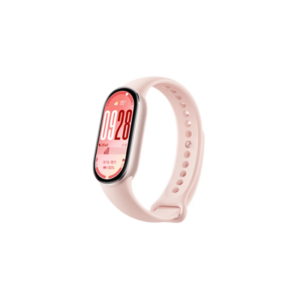 سوار شاومي الذكي M2459B1، لون وردي غامض، إصدار 10
1 × 14.900 OMR
-
×
 سي دي لعبة توني هوك برو سكيتر 2+1 لبلاستيشن 4
1 × 13.900 OMR
-
×
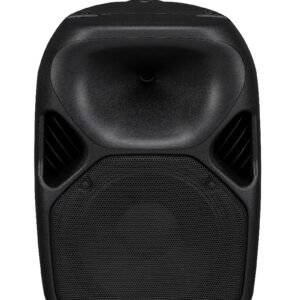 WHARFEDAL TITAN X12 SPEAKER
1 × 99.000 OMR
-
×
 سوني إريكسون T39 مستعمل
1 × 31.500 OMR
-
×
 كبل بيانات OTVO P4 USB (لمضيف ومقبض P4)
1 × 1.900 OMR
-
×
 CPT 79342 1-24 Volks Metal Van Bla/Red
1 × 7.800 OMR
-
×
 AHUJA GM615 GOOSENECK MIC
1 × 30.000 OMR
-
×
 ميلي اي داتا اير فلاش درايف بسعة 64 جيجا بايت
1 × 10.950 OMR
-
×
 Cleo-EL Round Panel Heater AYK-066
1 × 12.900 OMR
-
×
 APPLE IPAD Pro 12.9 Inch 4TH GEN SMART KEYBOARD FOLIO
1 × 94.900 OMR
المجموع: 591.850 OMR
 أقل سعر
 الخدمة والإصلاح


 أحدث


لا توجد مراجعات حتى الآن.