1. **Plug into Power Source**: Connect the charger to a power outlet using the appropriate power cable. Ensure that the outlet is compatible with the charger’s input voltage.
2. **Identify Devices**: Determine which devices you want to charge and which ports on the charger you’ll use for each device. The DP-PD031 features dual Type-C ports and one USB-A port, providing flexibility for charging various devices simultaneously.
3. **Connect Devices**: Plug the USB-C or USB-A charging cables into the corresponding ports on the DP-PD031 charger. Ensure a secure connection between the cables and the charger to initiate charging.
4. **Monitor Charging**: Once the devices are connected, monitor the charging status to ensure they are receiving power. Many devices display a charging indicator when connected to a power source.
5. **Optimize Charging**: To optimize charging efficiency, prioritize higher-power devices like laptops or tablets by connecting them to the Type-C ports, as they support higher power output. You can simultaneously charge multiple devices, taking advantage of the charger’s dual-port design for added convenience.

 Sony PS5 Dual Sense Wireless Controller - Purple
1 × 25.900 OMR
Sony PS5 Dual Sense Wireless Controller - Purple
1 × 25.900 OMR 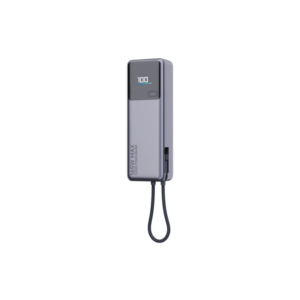 شاحن متنقل (Power Bank) من شاومي، طراز PB1165، بقدرة 165 واط وسعة 10000 مللي أمبير، مزود بشاشة عرض
1 × 16.900 OMR
شاحن متنقل (Power Bank) من شاومي، طراز PB1165، بقدرة 165 واط وسعة 10000 مللي أمبير، مزود بشاشة عرض
1 × 16.900 OMR  BOYA BY WM4 PRO K3 2.4GHz WIRELESS MICROPHONE SYSTEM
1 × 49.900 OMR
BOYA BY WM4 PRO K3 2.4GHz WIRELESS MICROPHONE SYSTEM
1 × 49.900 OMR  فيلم زجاجي لعدسة كاميرا آي فون 11 برو المعدني من USAMS
1 × 1.900 OMR
فيلم زجاجي لعدسة كاميرا آي فون 11 برو المعدني من USAMS
1 × 1.900 OMR  أقل سعر
 الخدمة والإصلاح

 أحدث
أحدث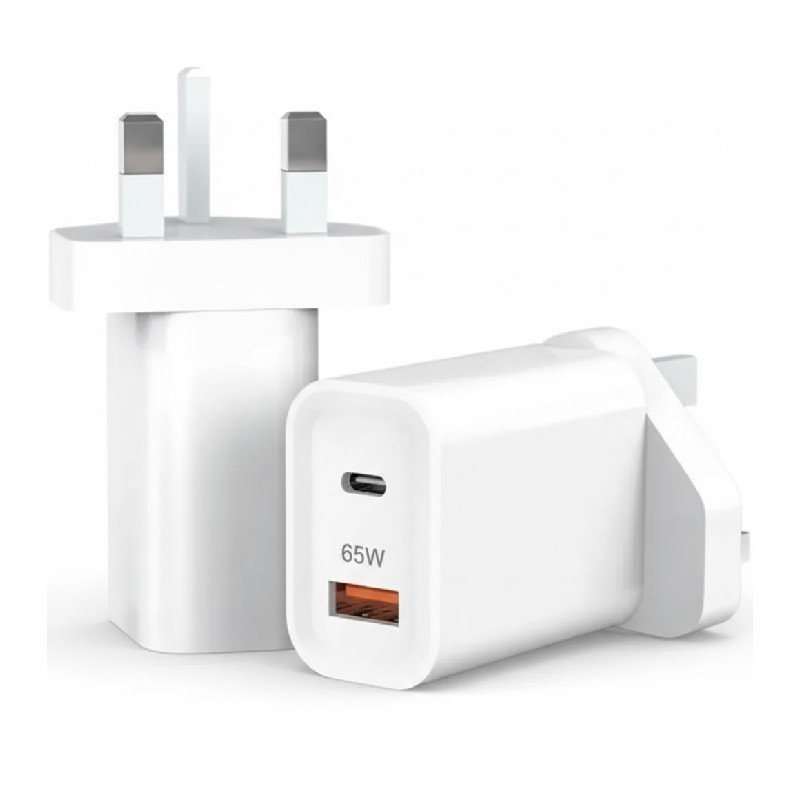
لا توجد مراجعات حتى الآن.