
-
×
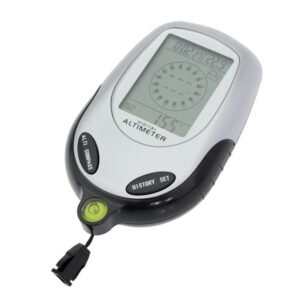 Multifunctional Digital Altimeter
1 × 6.400 OMR
Multifunctional Digital Altimeter
1 × 6.400 OMR -
×
 APPLE IPAD Pro 12.9 Inch 4TH GEN SMART KEYBOARD FOLIO
1 × 94.900 OMR
APPLE IPAD Pro 12.9 Inch 4TH GEN SMART KEYBOARD FOLIO
1 × 94.900 OMR
المجموع: 101.300 OMR
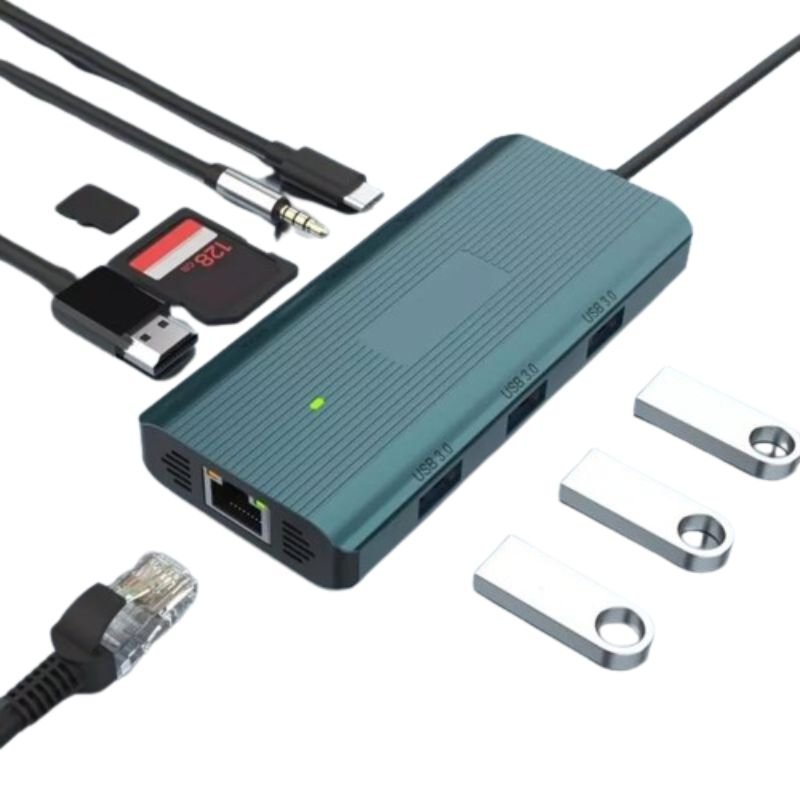
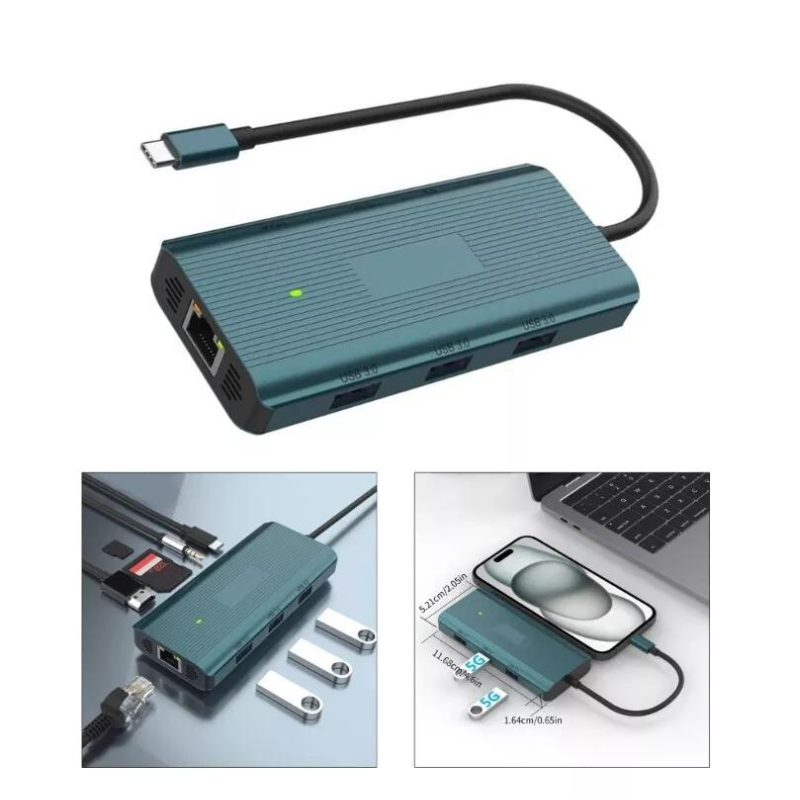
SKU: DigitPlus DP-K009 9in1 USB-C Multifunction HUB
متوفر في المخزون
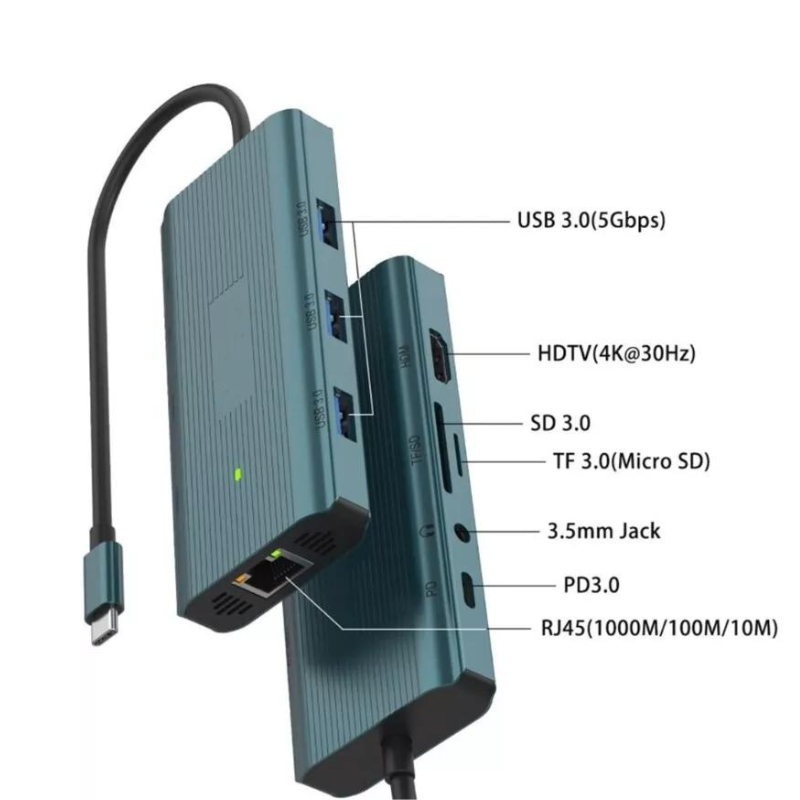
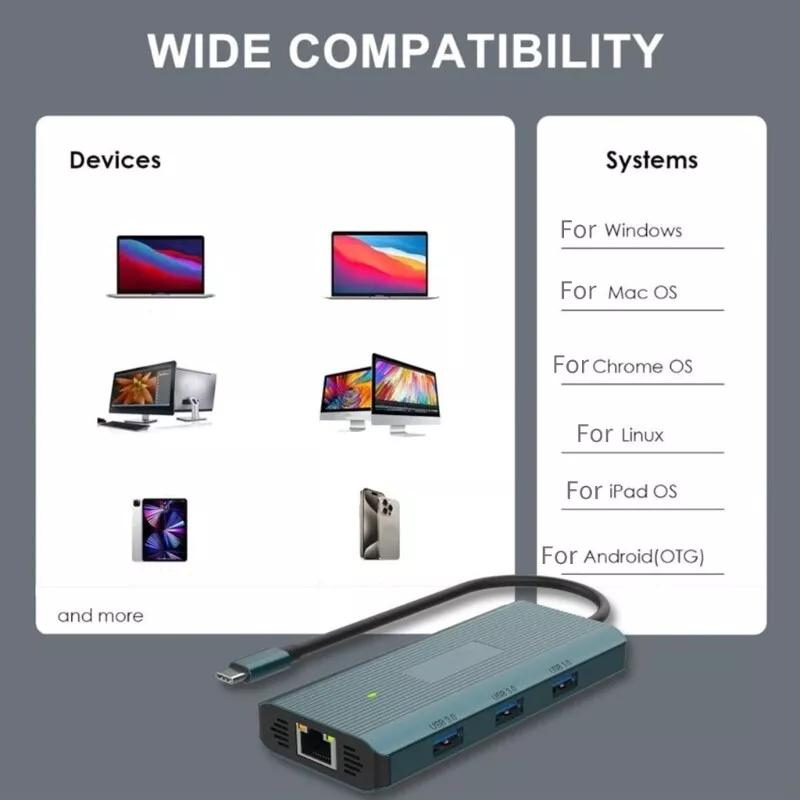
The DigitPlus DP-K009 is a versatile 9-in-1 USB-C Multifunction HUB designed to enhance connectivity and productivity for modern devices. With its compact and sleek design, this hub offers a comprehensive array of ports, including USB-C PD charging, USB 3.0 ports, HDMI, VGA, SD and microSD card slots, Ethernet, and a 3.5mm audio jack. Whether you need to expand your laptop’s connectivity options, connect to external displays, transfer data quickly, or charge your devices efficiently, the DP-K009 provides a seamless solution for all your needs. Ideal for professionals, students, and anyone seeking convenience and flexibility in their digital workspace.
13.900 OMR
متوفر في المخزون
1. **Connect the USB-C Cable**: Plug the USB-C connector of the DP-K009 HUB into the USB-C port of your laptop or other compatible device. This establishes the connection between your device and the HUB, allowing it to extend the connectivity options.
2. **Choose Your Ports**: Identify the ports you need to use based on your requirements. The DP-K009 features a variety of ports including USB 3.0, HDMI, VGA, SD and microSD card slots, Ethernet, 3.5mm audio jack, and USB-C PD charging port.
3. **Connect External Devices**: Once you’ve identified the ports you need, connect your external devices to the corresponding ports on the DP-K009. For example, connect your USB flash drives, external hard drives, monitors, headphones, microphones, Ethernet cable, or SD cards to the appropriate ports on the HUB.
4. **Power Up (Optional)**: If you need to charge your device while using the HUB, connect your device’s charger to the USB-C PD charging port on the DP-K009. This allows you to charge your device simultaneously while using other peripherals.
5. **Enjoy Expanded Connectivity**: Once everything is connected, you’re ready to enjoy the expanded connectivity offered by the DP-K009 HUB. Transfer data quickly between devices, connect to external displays for presentations or multitasking, access network resources via Ethernet, or listen to audio through connected headphones – all with the convenience of a single HUB.
 أقل سعر
 الخدمة والإصلاح

 أحدث
أحدث
لا توجد مراجعات حتى الآن.