
 أقل سعر
 الخدمة والإصلاح

 أحدث
أحدث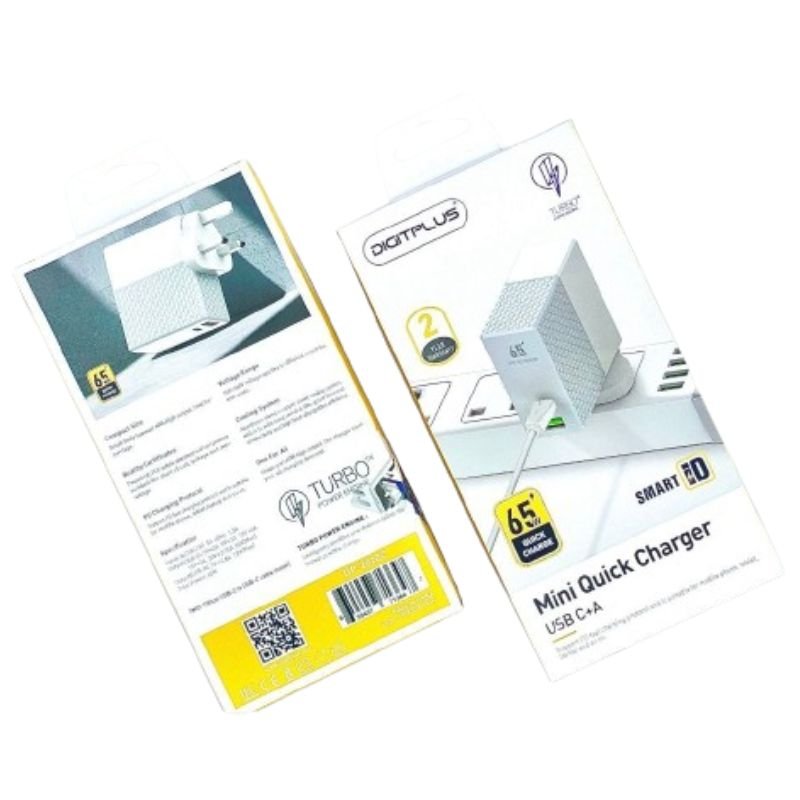
DigitPlus DP-2620C 65W USB-C+USB-A Mini QuicK Charger
SKU: DigitPlus DP-2620C 65W USB-C+USB-A Mini QuicK Charger
غير متوفر في المخزون
The DigitPlus DP-2620C 65W USB-C+USB-A Mini Quick Charger is a compact and versatile charging solution designed to power up your devices quickly and efficiently. With its combination of USB-C and USB-A ports, it offers flexibility to charge a wide range of devices simultaneously. Delivering up to 65 watts of power, it supports fast charging for smartphones, tablets, laptops, and other compatible devices. Its compact design makes it ideal for travel, while its advanced safety features ensure reliable and secure charging. The DP-2620C is your go-to charger for fast and convenient power whenever you need it.
غير متوفر في المخزون
1. **Plug into Power Source**: Connect the DP-2620C charger to a power source. This could be a wall outlet, power strip, or any compatible power socket. Ensure a stable power supply for optimal charging performance.
2. **Identify Charging Ports**: The DP-2620C typically features one or more USB-C ports and one or more USB-A ports for charging devices. Locate these ports on the charger. The USB-C ports may be labeled or identified with a charging symbol.
3. **Connect Devices**: Take the charging cables for your devices and plug them into the USB-C and USB-A ports on the DP-2620C charger. Ensure a secure connection to avoid interruptions during charging.
4. **Plug into Device**: Connect the other end of the charging cables to your devices that require charging. This could be smartphones, tablets, laptops, or any other compatible device with USB-C or USB-A charging capability.
5. **Monitor Charging**: Once the devices are connected, monitor the charging progress. You may see a charging indicator on your device’s screen or LED indicators on the charger itself. The DP-2620C charger supports quick charging, so your devices should start charging rapidly.
لا توجد مراجعات حتى الآن.