
-
×
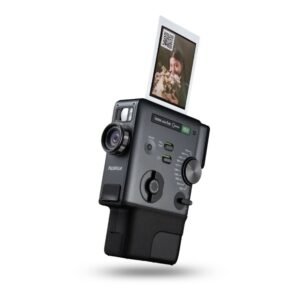 Fujifilm Instax Mini Evo Cinema Hybrid Instant Camera
1 × 141.900 OMR
-
×
 Google Fitbit Edge Fitness & Health Tracking Smart Band Green
1 × 86.900 OMR
-
×
 سي دي لعبة توكيدن 2 بلاستيشن 4
1 × 7.700 OMR
-
×
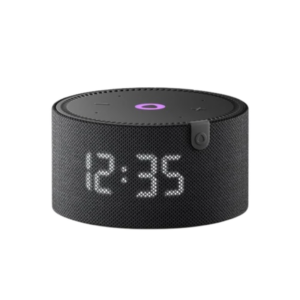 مكبر صوت ياسمين الصغير الذكي المحمول بتقنية بلوتوث، أسود
1 × 29.900 OMR
-
×
 PROFESSIONAL STREAMING PLAYER STAND L1
1 × 13.900 OMR
-
×
 Hot Wheels Deutschland Design
1 × 4.900 OMR
-
×
 PROLINE VLA-2812 LENS
1 × 6.900 OMR
-
×
 Telionix Electric Air Fryer 9L TAF4424
1 × 34.900 OMR
-
×
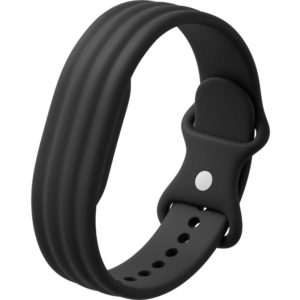 سوار جوجل فيتبيت إير أكتيف باند المصنوع من السيليكون بلون أوبسيديان
1 × 20.900 OMR
-
×
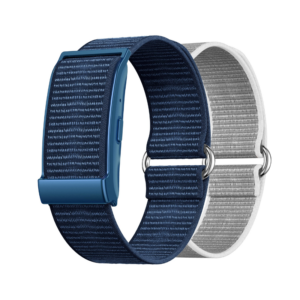 سوار Cleo-MA الذكي X6 NGB
1 × 5.900 OMR
-
×
 TOLAYE MOL 15 XLR T0 XLR CABLE
1 × 9.000 OMR
-
×
 فيلم زجاجي لعدسة كاميرا آي فون 11 برو المعدني من USAMS
1 × 1.900 OMR
المجموع: 364.700 OMR
 أقل سعر
 الخدمة والإصلاح


 أحدث
لا توجد مراجعات حتى الآن.