1. **Insert USB Receiver**: Plug the included 2.4 GHz USB receiver into an available USB port on your computer.
2. **Power On Mouse**: Turn on the wireless mouse using the power switch, typically located on the bottom.
3. **Establish Connection**: The mouse will automatically pair with the USB receiver, establishing a wireless connection without needing additional drivers.
4. **Adjust Settings**: Customize mouse settings such as sensitivity or button functions through your computer’s control panel or settings menu if desired.
5. **Start Using**: Begin using the mouse for navigation, clicking, and scrolling with smooth and responsive performance.

 Sony PS4 Crash (includes 3 Games) Cd
1 × 12.900 OMR
Sony PS4 Crash (includes 3 Games) Cd
1 × 12.900 OMR  Townew Smart Trashbin
1 × 27.800 OMR
Townew Smart Trashbin
1 × 27.800 OMR  ONTEN USB C to HDMI CABLE
1 × 8.900 OMR
ONTEN USB C to HDMI CABLE
1 × 8.900 OMR  أقل سعر
 الخدمة والإصلاح

 أحدث
أحدث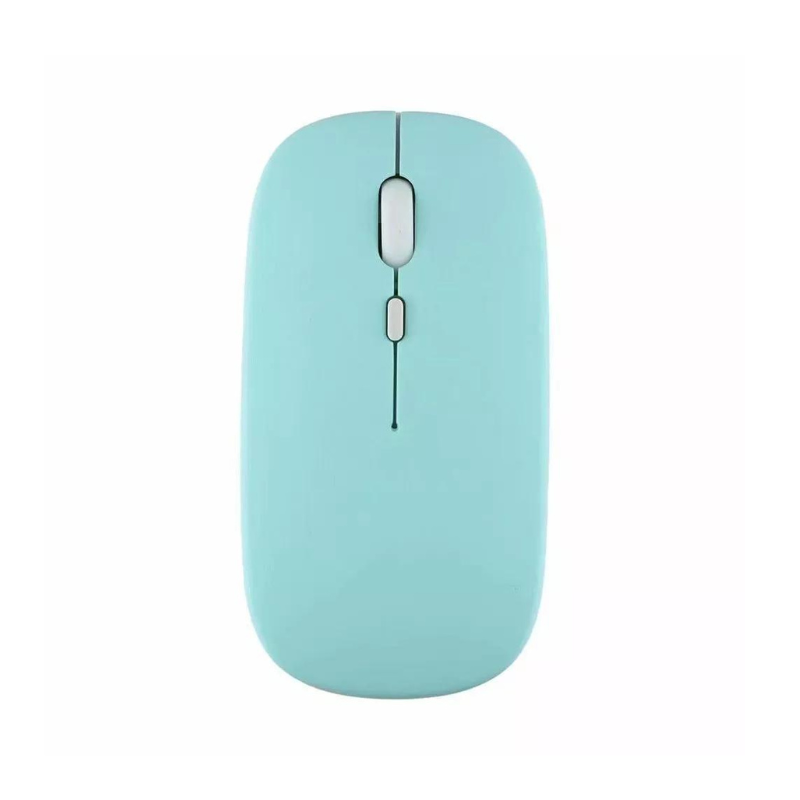

لا توجد مراجعات حتى الآن.