
-
×
 BOYA WIRELESS MICROPHONE BY WM4 PRO
1 × 47.900 OMR
BOYA WIRELESS MICROPHONE BY WM4 PRO
1 × 47.900 OMR -
×
 ONTEN USB to HDMI Adapter
1 × 8.900 OMR
ONTEN USB to HDMI Adapter
1 × 8.900 OMR
المجموع: 56.800 OMR
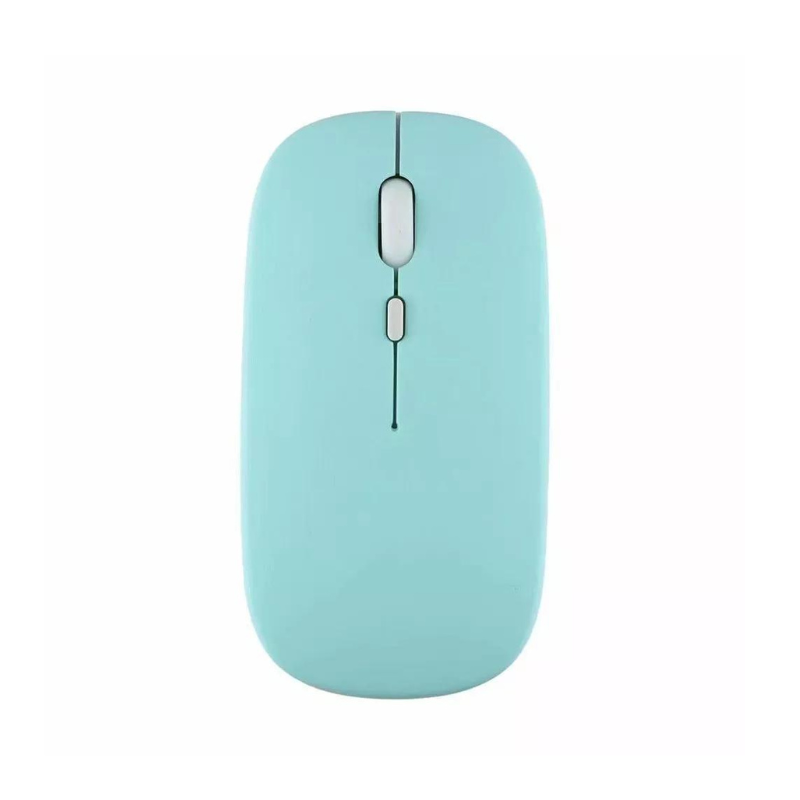
SKU: CPT WIRELESS MOUSE 2.4 GHZ
متوفر في المخزون
The CPT Wireless Mouse operates on a 2.4 GHz frequency, offering reliable, interference-free connectivity for smooth and responsive cursor control. Its ergonomic design ensures comfort during extended use, while the wireless feature provides freedom from tangled cables. Ideal for both work and casual use, this mouse features easy plug-and-play setup with its compact USB receiver and efficient battery life.
1.500 OMR
متوفر في المخزون
1. **Insert USB Receiver**: Plug the included 2.4 GHz USB receiver into an available USB port on your computer.
2. **Power On Mouse**: Turn on the wireless mouse using the power switch, typically located on the bottom.
3. **Establish Connection**: The mouse will automatically pair with the USB receiver, establishing a wireless connection without needing additional drivers.
4. **Adjust Settings**: Customize mouse settings such as sensitivity or button functions through your computer’s control panel or settings menu if desired.
5. **Start Using**: Begin using the mouse for navigation, clicking, and scrolling with smooth and responsive performance.
 أقل سعر
 الخدمة والإصلاح

 أحدث
أحدث
لا توجد مراجعات حتى الآن.